Slide 1 of 6 from 3D Loop Diagrams for PowerPoint
Four Chained Loops 3D Perspective for PowerPoint
3D Loop Diagram for PowerPoint
- Diagram
- Other
- Context Slide
- 16:9
- 100% Editable
The 3D Loop Diagram slide from the 3D Loop Diagrams for PowerPoint template provides a clear visual framework for introducing cyclical processes and workflows. This slide layout is ideal for corporate presentations and pitch deck templates that require editable slides with vector icons to enhance understanding of complex process flows. Its balanced design supports effective communication in business presentations using PowerPoint templates or Google Slides templates.
What’s on This Slide
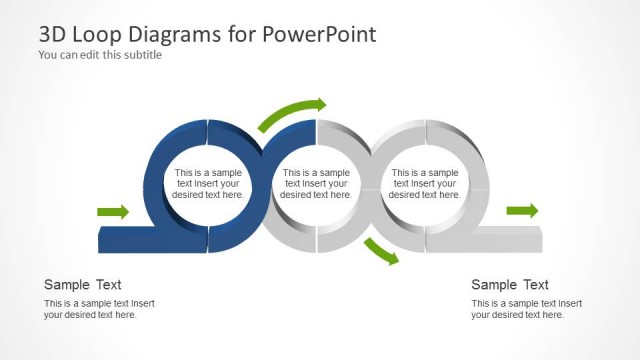
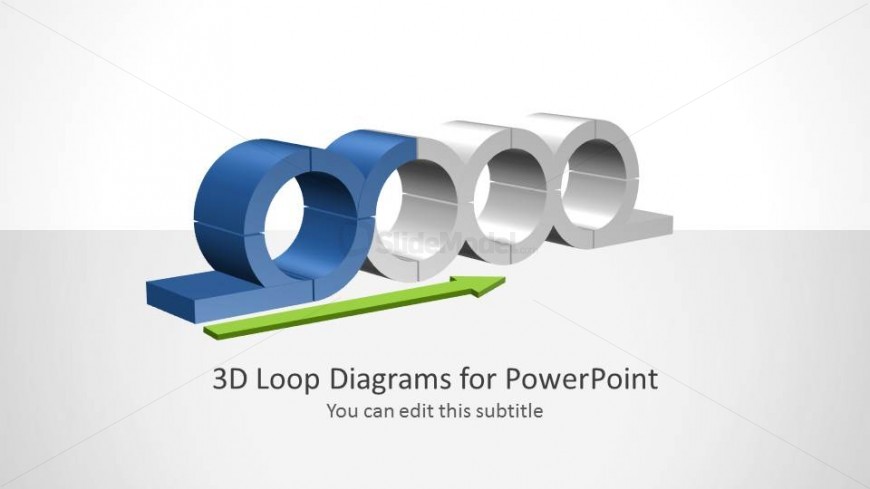
The slide features a 3D loop diagram positioned centrally, with three circular shapes in white and one in blue. The blue shape is on the left, while the others are arranged in a row to the right. An arrow in green extends horizontally beneath the shapes, indicating flow direction. Text placeholders are located below the diagram, with the title centered and a subtitle beneath it. The background is light gray, enhancing the visibility of the diagram. The overall composition is balanced, with a clear visual hierarchy emphasizing the diagram.
How to Use It
This layout serves as an introductory slide for a presentation, effectively showcasing a 3D loop diagram. It fits well at the beginning of a sequence, establishing the topic of process flows or cyclical concepts. Suitable for business presentations, it can illustrate processes, workflows, or systems. Use this layout when introducing complex ideas that benefit from visual representation, ensuring clarity and engagement for the audience.
Text Placeholders & Capacity
Keep your copy within these limits so it fits without resizing. Title slot is spacious, allowing for a longer title.
| Placeholder | Count | Max characters (approx.) |
|---|---|---|
| Slide title | 1 | 30 |
| Subtitle | 1 | 50 |
Slide Keywords
Download unlimited PowerPoint templates, charts and graphics for your presentations with our annual plan.
DOWNLOADReturn to 3D Loop Diagrams for PowerPoint.