Slide 3 of 4 from 3D Core Diagram for PowerPoint
Complex Structure Slide Design for DNA and Genetics Presentations
3D Core Diagram for Presentations
- Diagram
- Other
- Concept Explanation Slide
- 16:9
- 100% Editable
The 3D Core Diagram slide from the 3D Core Diagram for PowerPoint template offers a clear way to illustrate relationships and processes using editable shapes and vector icons. This slide layout suits business presentations and educational contexts, providing a balanced 3D structure to explain interconnected concepts effectively within a corporate presentation or pitch deck template.
What’s on This Slide
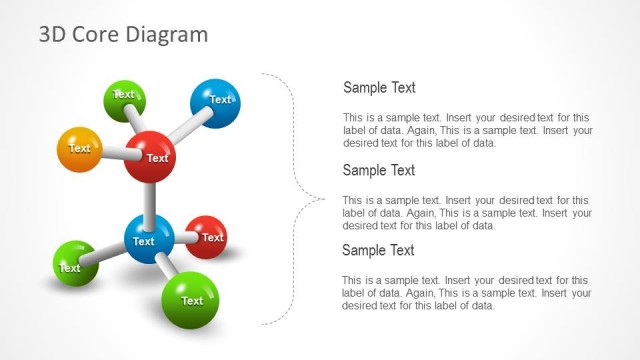
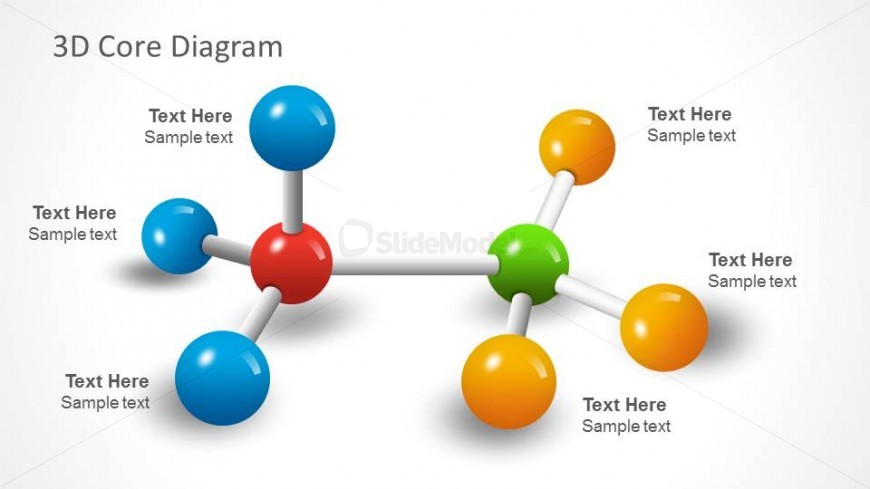
The layout features a central green sphere connected to multiple colored spheres through white lines. The spheres are arranged in a 3D structure, with red, blue, orange, and green colors. Text placeholders are positioned around the spheres, allowing for labeling or descriptions. The spheres vary slightly in size, with the central green sphere being the largest. The background is light, enhancing the visibility of the colorful elements. The visual hierarchy emphasizes the central node, while the surrounding spheres are equally spaced, creating a balanced composition.
How to Use It
This layout serves as a molecular structure diagram, ideal for illustrating relationships between concepts or components. It fits well in presentations discussing scientific topics, business models, or interconnected systems. This slide can be used to depict processes, frameworks, or organizational structures. It is particularly effective in educational settings where complex ideas need simplification. The layout can also be adapted for brainstorming sessions or strategic planning discussions.
Text Placeholders & Capacity
Keep your copy within these limits so it fits without resizing. Node labels can hold about 20 characters each.
| Placeholder | Count | Max characters (approx.) |
|---|---|---|
| Item heading | 6 | 20 |
| Slide title | 1 | 30 |
Slide Keywords
Download unlimited PowerPoint templates, charts and graphics for your presentations with our annual plan.
DOWNLOADReturn to 3D Core Diagram for PowerPoint.