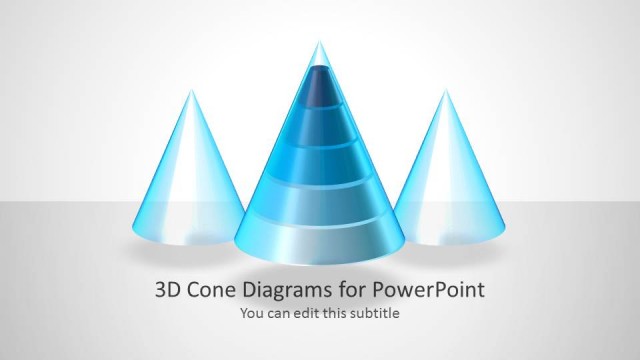
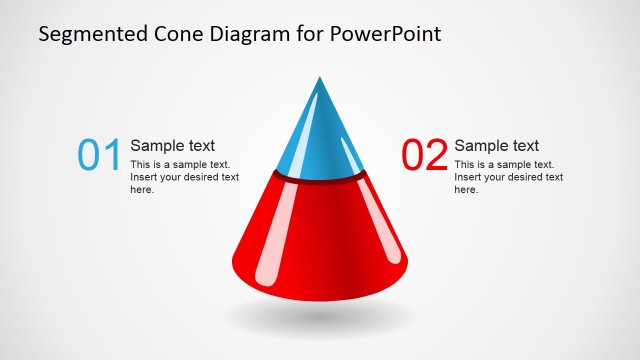
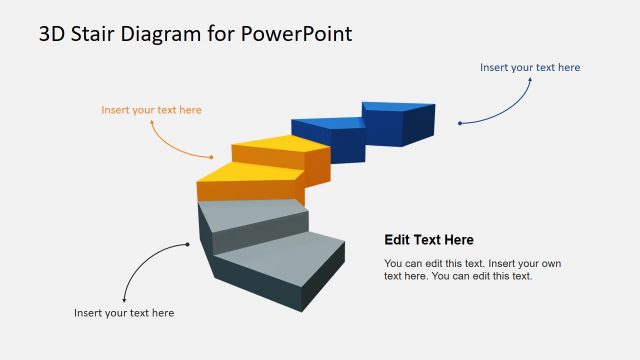
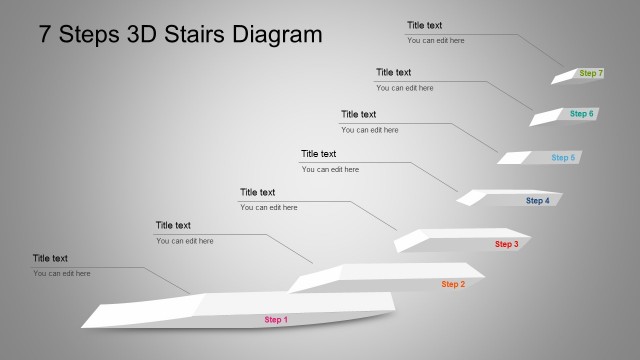
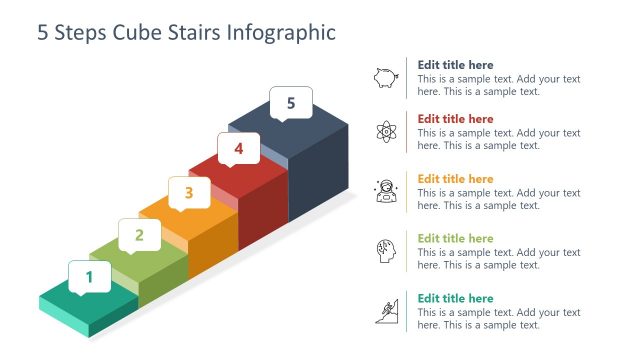
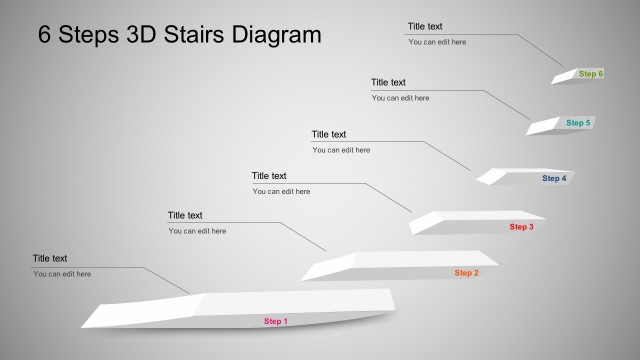
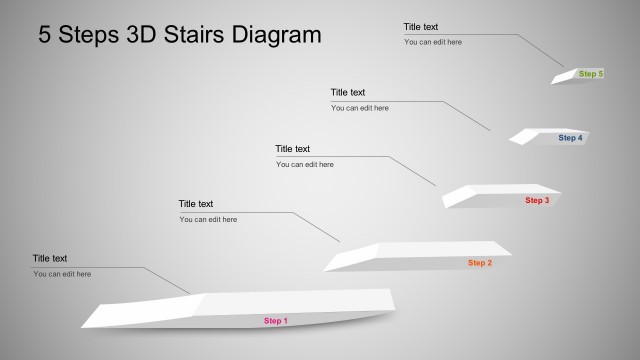
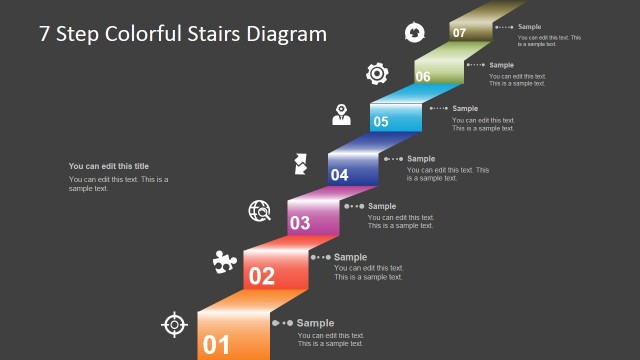
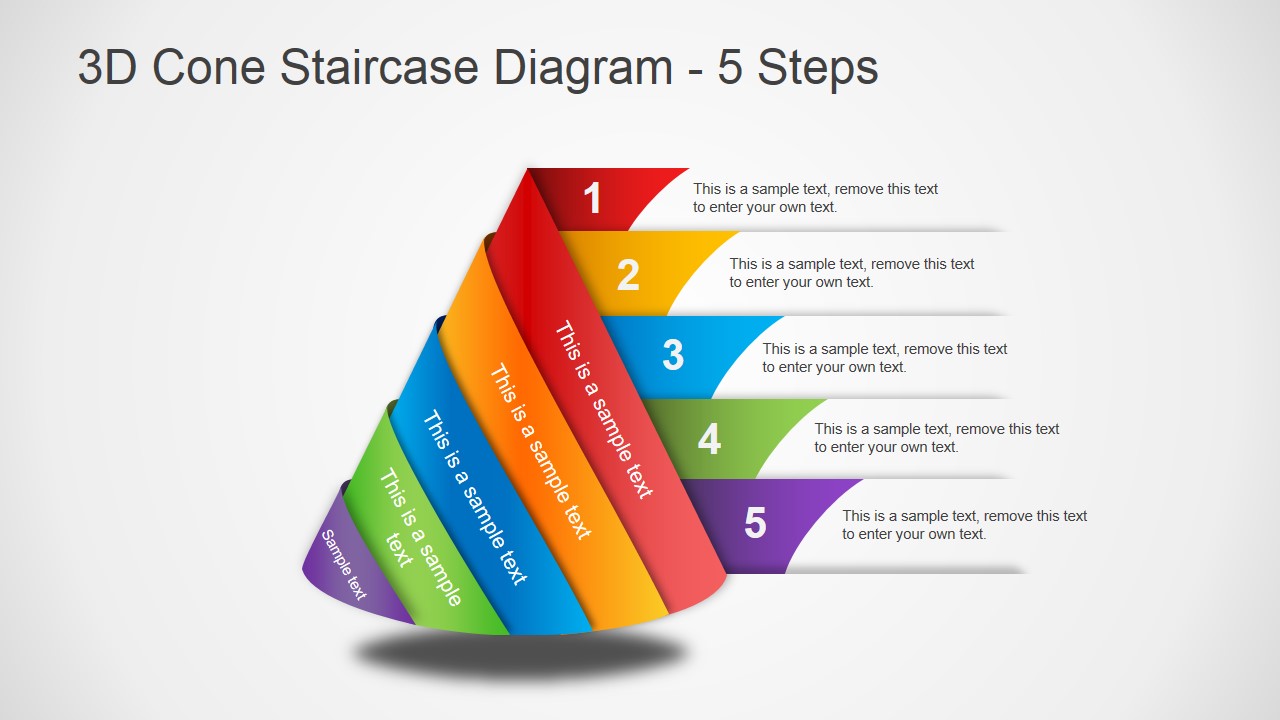
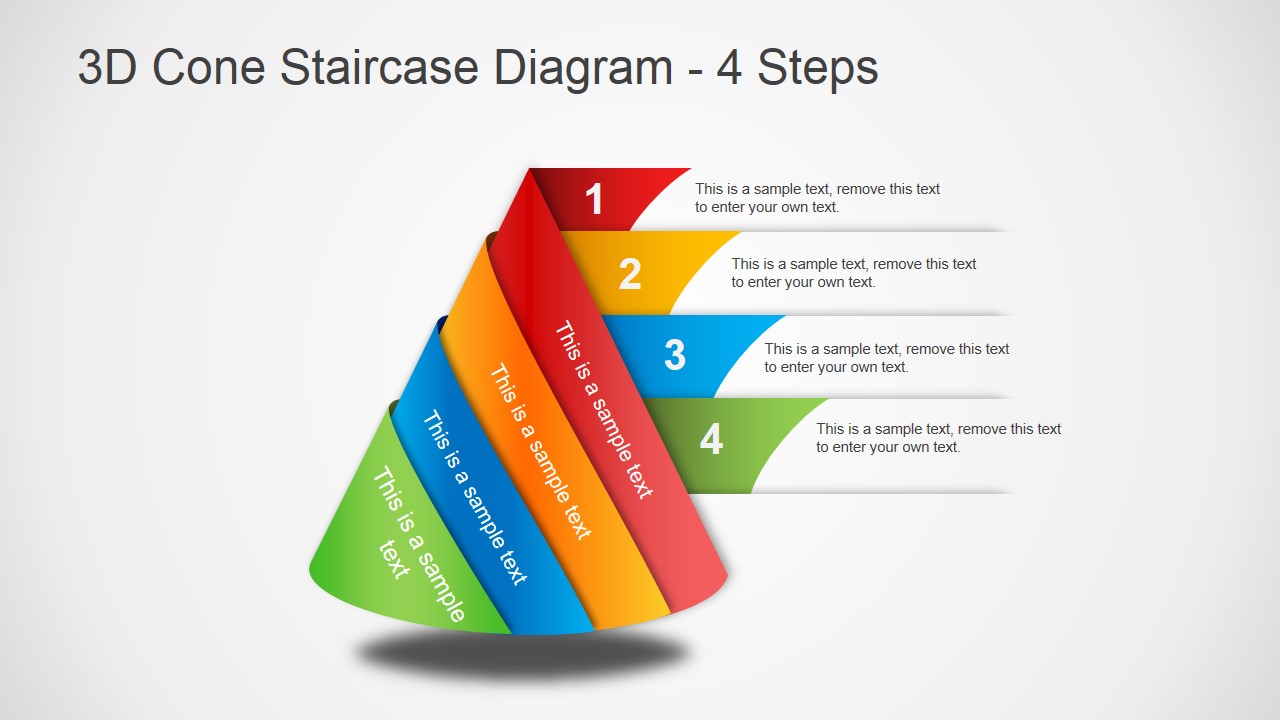
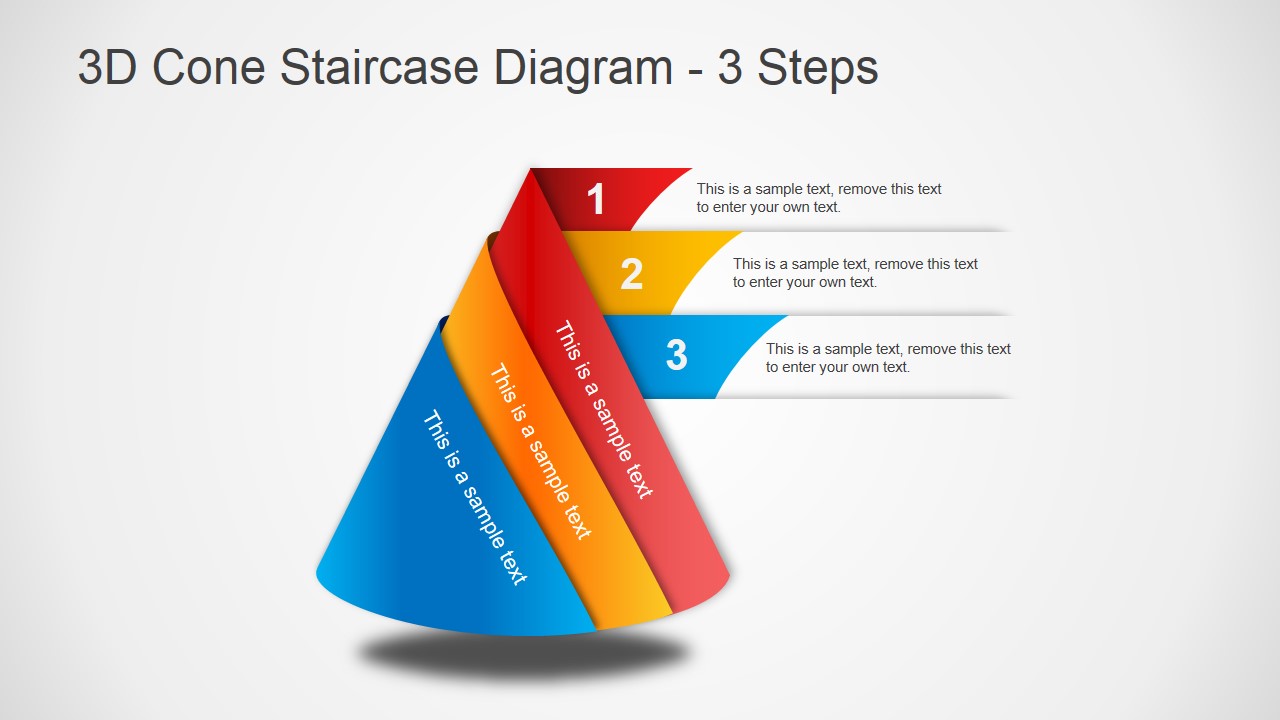
3D Cone Staircase Diagram for PowerPoint is a presentation design for PowerPoint containing a creative cone diagram design. This PowerPoint presentation template has three slides with different number of steps in the diagram, including 3 steps, 4 steps and 5 steps variants.
What’s inside this template
Example presentation scenarios
- A project manager can present an implementation roadmap by assigning each phase to the 5-step cone staircase and adding the main task beside each numbered tier.
- A consultant can explain a maturity model to executives by using the 4-step cone diagram to show movement from foundational practices to an advanced state.
- A training facilitator can introduce a three-part learning path with the 3-step staircase layout, placing each module label on a colored side band and the takeaway in the callout.
- A strategy lead can compare priority levels by using the numbered ribbons as a visual stack from core requirement to top objective.
Features
- 100% editable presentation template
- Compatible with Microsoft PowerPoint and Google Slides
- 16:9 aspect ratio slides
- Scalable vector shapes, icons and illustrations
- AI-Ready for Microsoft Copilot and Claude
- Instant access and download
Frequently asked questions
Q: How should a presenter structure the message with the cone staircase diagram?
A: Start with the base or first ribbon as the foundation, then move upward through each numbered step. Keep each callout to one main idea so the audience can follow the progression. Use the 3-step slide for simple frameworks, the 4-step slide for method explanations, and the 5-step slide when the process needs more granularity.
Q: Who is this template best suited for in a business presentation?
A: It fits consultants, project managers, operations leaders, and trainers who need to explain ordered stages rather than detailed schedules. The visible 3-step, 4-step, and 5-step variants work well for maturity levels, onboarding paths, implementation phases, or priority ladders where the presenter wants a single visual to anchor the discussion.
Q: Why use a 3D cone staircase instead of a flat list of steps?
A: The cone staircase turns sequence into a spatial metaphor: each colored band appears to wrap around a central form, making the progression feel connected rather than isolated. The numbered ribbons guide reading order, while the side labels and callouts separate step names from supporting explanation, reducing clutter on each tier.

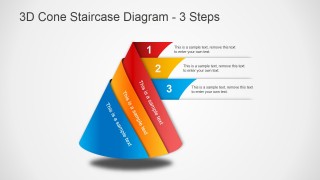
3D Cone Staircase Diagram for PowerPoint
3-slide 16:9 diagram presentation template with 3D cone staircase process steps for phased plans
This 3-slide 16:9 diagram template presents a cone staircase metaphor for staged progressions, priorities, or levels. It includes 5-step, 4-step, and 3-step 3D cone variants with numbered ribbons, side labels, and short text callouts. It is for presenters explaining process stages, maturity paths, funnels, or phased plans in Microsoft PowerPoint and Google Slides.
- Category
- Diagrams
- Rating


 Loading...
- Aspect ratio
- 16:9
- Item ID
- 2006-01
- Colors
 Microsoft PowerPoint
  Microsoft Copilot
  Claude for PowerPoint
 Other formats supported
Subscribe today and get immediate
access to download our PowerPoint templates.