Slide 1 of 7 from 3D Circular Process Diagram 5 Steps for PowerPoint
6015-05-3d-circular-diagram-wide-1
3D Circular Process Diagram with 5 Steps
- Diagram
- Circular Cycle
- Process Slide
- 16:9
- 100% Editable
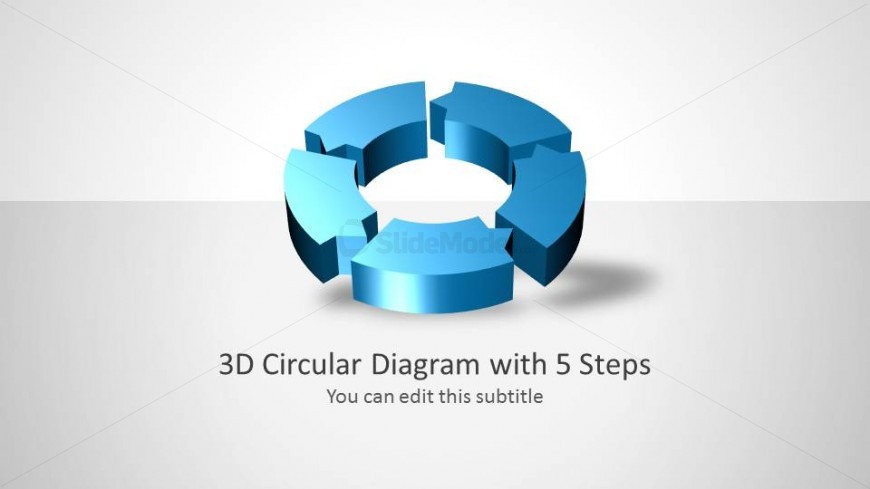
The 3D Circular Diagram with 5 Steps slide from the 3D Circular Process Diagram 5 Steps for PowerPoint template offers a clear visual for illustrating cyclical workflows and strategic planning. This slide layout uses editable shapes in a circular format to represent a five-stage process, making it a practical choice for business presentations or project management slide decks. Its design supports customization while maintaining focus on process continuity, suitable for both PowerPoint templates and Google Slides templates.
What’s on This Slide
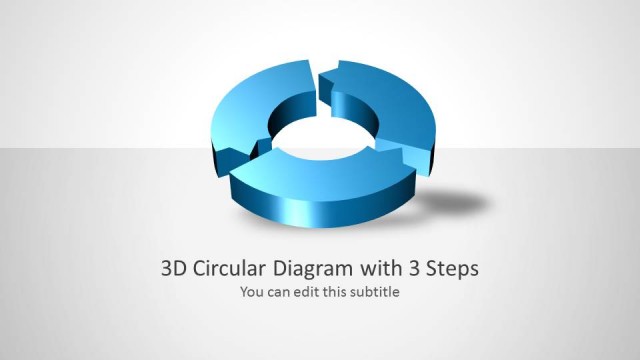
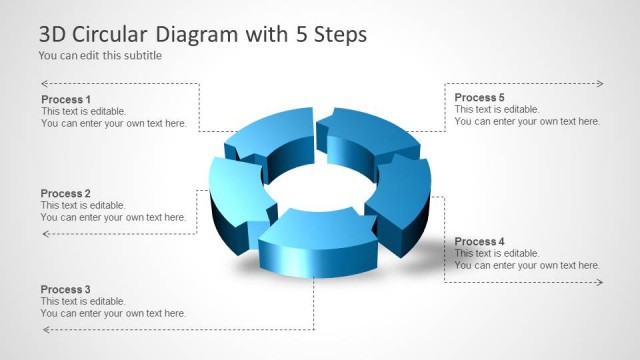
The slide features a 3D circular diagram composed of five segments arranged in a circular layout. Each segment is a distinct shade of blue, creating a cohesive look. The central area is empty, allowing for customization. The title is positioned at the bottom center, with a subtitle placeholder directly beneath it. The visual hierarchy emphasizes the diagram, supported by a light gradient background. There are no images or additional media placeholders present, and the overall composition is balanced, with clear separation between the title and diagram elements.
How to Use It
This layout serves as a circular process diagram, ideal for illustrating a five-step process. It fits well at the beginning of a presentation to outline key phases or stages. Common scenarios include project management, workflow presentations, or strategic planning discussions. The circular format emphasizes continuity and flow, making it suitable for topics that require a cyclical approach. This slide can be used individually or as part of a sequence to depict a comprehensive process.
Text Placeholders & Capacity
Keep your copy within these limits so it fits without resizing. Title and subtitle slots can accommodate concise text entries.
| Placeholder | Count | Max characters (approx.) |
|---|---|---|
| Slide title | 1 | 30 |
| Subtitle | 1 | 50 |
Slide Keywords
Download unlimited PowerPoint templates, charts and graphics for your presentations with our annual plan.
DOWNLOADReturn to 3D Circular Process Diagram 5 Steps for PowerPoint.