Slide 1 of 4 from 3D Circular Process Diagram 2 Steps for PowerPoint
3D Diagram Circular Process Template
3D Circular Process Diagram for Presentations
- Diagram
- Circular Cycle
- Process Slide
- 16:9
- 100% Editable
What’s on This Slide
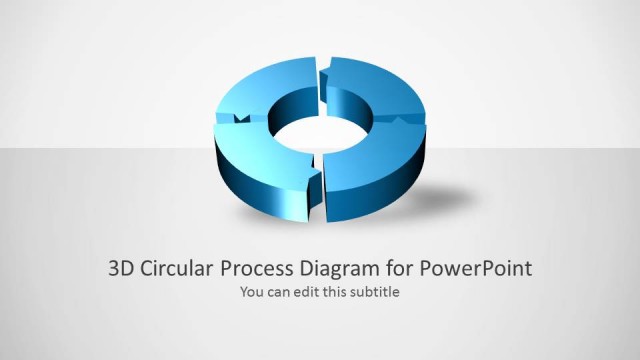
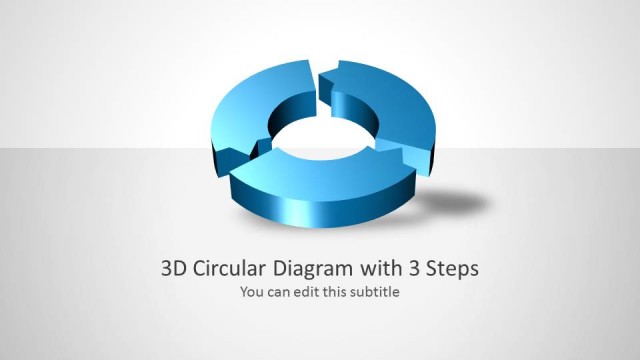
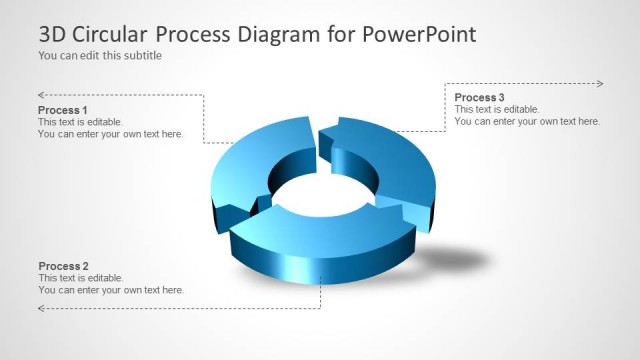
The slide features a 3D circular diagram prominently centered. The circular shape is divided into two segments, each with a distinct blue gradient. The top segment is lighter, while the bottom segment is darker, creating a visual depth effect. Below the diagram, there is a title placeholder aligned to the center, stating '3D Circular Process Diagram 2 Steps for PowerPoint.' A subtitle placeholder is also present, indicating editable text. The background is a light gradient, enhancing the circular element's visibility and focus.
How to Use It
This layout serves as a two-step process diagram, ideal for illustrating sequential actions or phases. It fits well in presentations that require a clear visual representation of processes, such as project management, product development, or strategic planning. The diagram can be used to highlight key steps in a workflow or to outline stages in a business process. It is effective in both formal and informal contexts, making it versatile for various presentation scenarios.
Text Placeholders & Capacity
Keep your copy within these limits so it fits without resizing. Title slot can hold about 8-10 words, subtitle is tighter.
| Placeholder | Count | Max characters (approx.) |
|---|---|---|
| Slide title | 1 | 45 |
| Subtitle | 1 | 30 |
Slide Keywords
Download unlimited PowerPoint templates, charts and graphics for your presentations with our annual plan.
DOWNLOADReturn to 3D Circular Process Diagram 2 Steps for PowerPoint.