The 3D Circular Platforms for PowerPoint is a presentation template featuring different versions of connected circular 3D platform clipart. The presenter can apply the design to highlight products or concepts to empower the presentation message. A platform implies that the featured element is notable and deserves recognition. In a business context, a platform design can be used within marketing brochures and banners to highlight certain products. The raised perspective enhances the view of the product from all angles, showing its features.
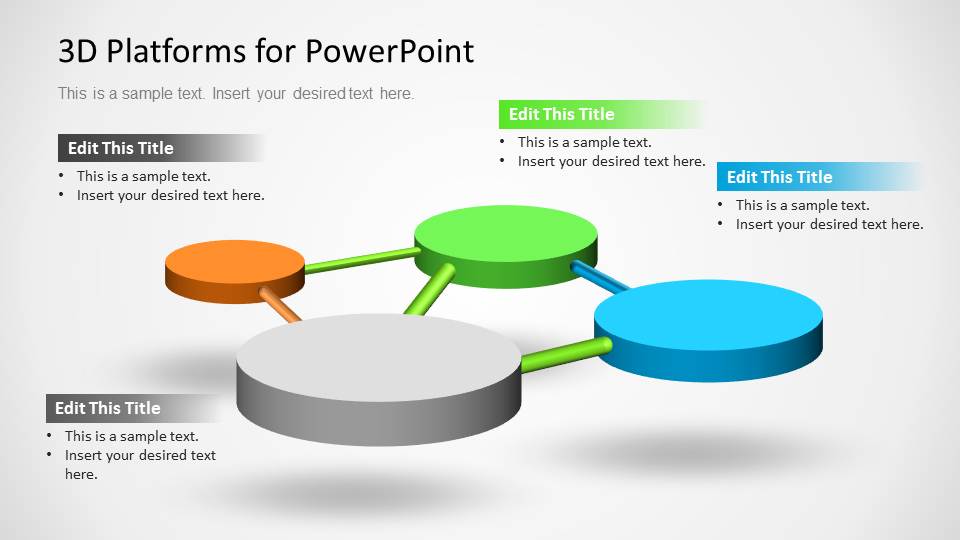
Metaphorically, the circular platform shapes can represent specific components of a generic process. The colors of the platforms can be mapped to a specific type of task and the order can indicate the sequence in the process. The pipes that connect the platforms represent their relationship, and the depth in the angle, its importance.
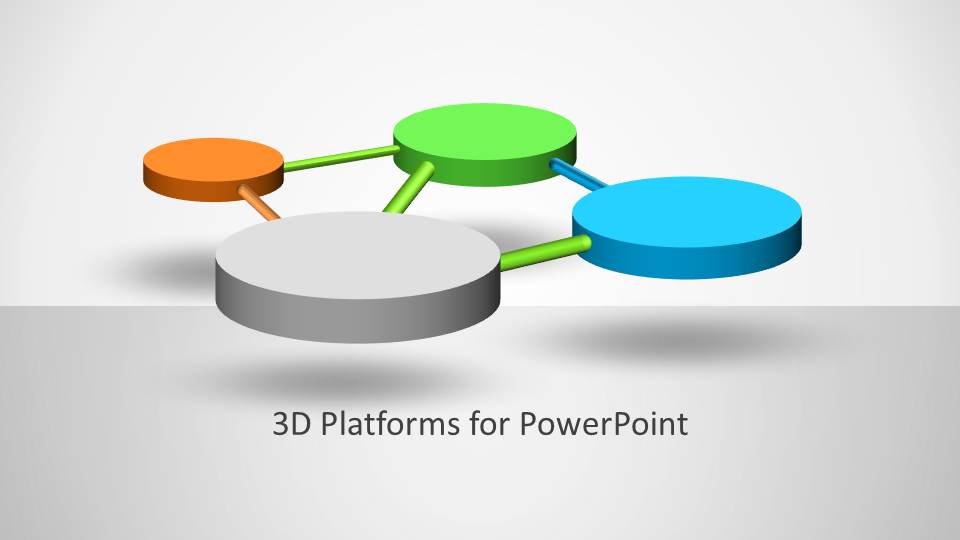
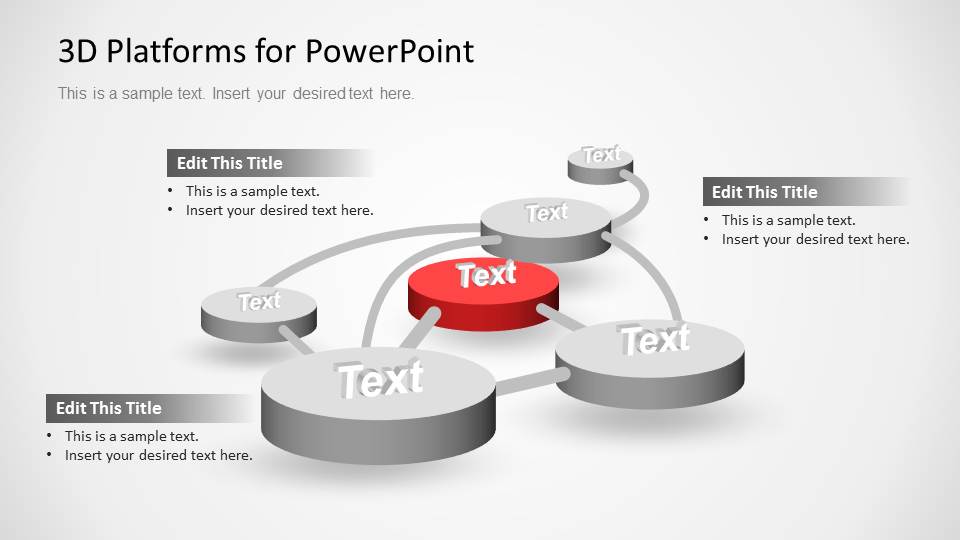
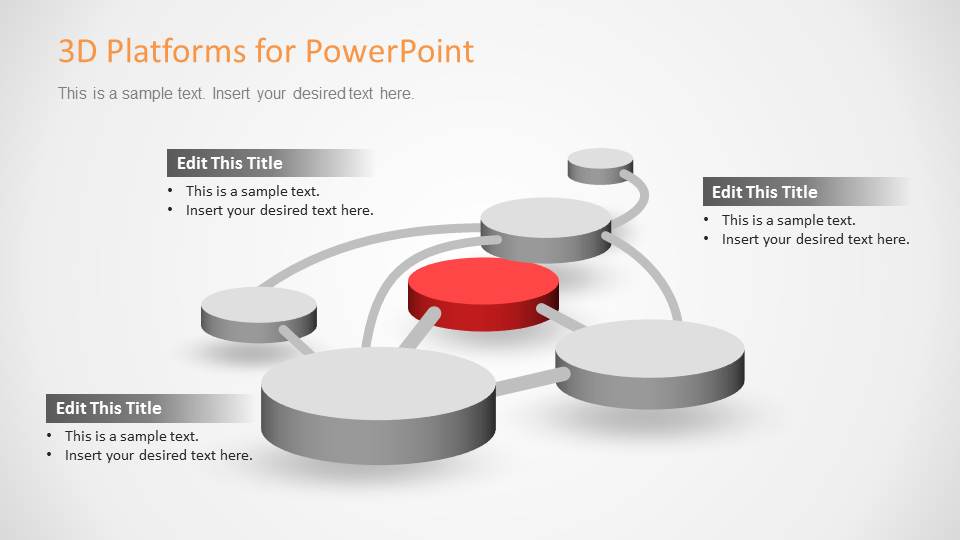
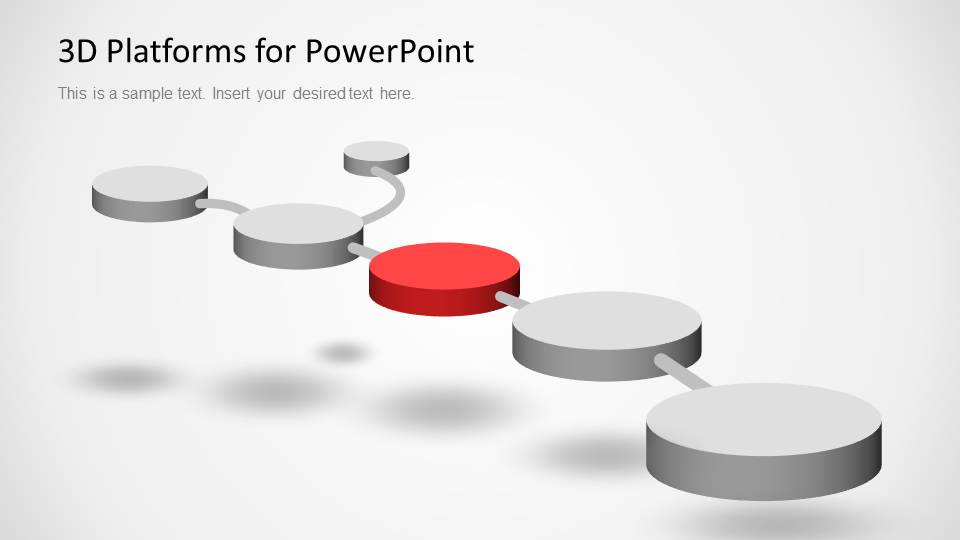
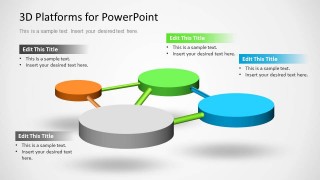
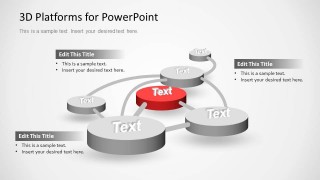
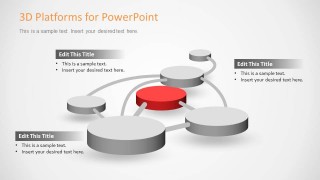
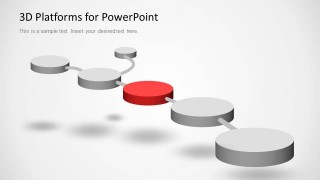
Three different types of presentation designs are provided. The first slide design shows four interconnected platforms, colored gray, blue, green, and orange. The clipart is located in a four-vertex square formed by the pipes. A 45-degree angle and the different sizes of the elevated platforms generate a depth effect. The second design is an open graph, where the center platform is highlighted with a red background. Finally, a linear dotted path is presented, where the 3D platforms resemble the dots.
Each of the platform objects are created as PowerPoint shapes. The 3D effects are created with native PowerPoint features and the connectors pipes are line shapes with volume effect.
Create a simple diagram to explain a multi step process, or describe a topic with interrelated facts with the 3D Circular Platforms for PowerPoint. Alternatively, you can download more editable platform-style presentation templates or PPT slides for professional presentations.
What’s inside this template
Example presentation scenarios
- A product manager can use the connected platform network to show how four product features relate to one larger release story.
- A marketing presenter can use the radial relationship map to place a campaign theme on the red center platform and surround it with audience, channel, offer, and content points.
- A consultant can use the annotated hub-and-spoke diagram to explain a client operating model, with callouts describing the most important connected functions.
- An operations leader can use the linear process path to walk stakeholders through ordered stages, milestones, or handoffs without showing a dense flowchart.
Features
- 100% editable presentation template
- Compatible with Microsoft PowerPoint and Google Slides
- 16:9 aspect ratio slides
- Scalable vector shapes, icons and illustrations
- AI-Ready for Microsoft Copilot and Claude
- Instant access and download
Frequently asked questions
Q: How should a presenter explain a process with these 3D platform diagrams?
A: Start by assigning one clear meaning to each platform color, such as owner, stage, priority, or product category. Use the largest or red platform for the anchor idea, then explain the connectors as relationships or movement. Keep each platform label short so the audience reads the structure before reading the detail.
Q: When is this template a better choice than a standard flowchart?
A: This template fits presentations where the goal is to make relationships memorable, not document every operational rule. Product managers, marketers, and consultants can use the platform network, radial map, or linear path when they need to show connected concepts, featured components, or a simplified sequence in a more visual format.
Q: Why does the platform metaphor work for business communication?
A: Raised platforms make selected ideas look featured, ranked, or ready for attention. The pipe-like connectors show that the items are related without turning the slide into a technical diagram. The red center platform in the radial layouts naturally signals a focal point, while the surrounding gray platforms create supporting context.
3D Circular Platforms for PowerPoint
5-slide presentation template with 3D circular platforms, process paths, and connected concept diagrams
3D Circular Platforms for PowerPoint is a 5-slide diagram template of raised circular platform graphics for process and concept relationships. It includes a cover platform network, labeled platform network, radial relationship map, annotated hub-and-spoke diagram, and linear path diagram. Built for business presenters using Microsoft PowerPoint or Google Slides.
- Category
- Shapes
- Rating


 Loading...
- Aspect ratio
- 16:9, 4:3
- Item ID
- 8064-01
- Colors
 Microsoft PowerPoint
  Microsoft Copilot
  Claude for PowerPoint
 Other formats supported
Subscribe today and get immediate
access to download our PowerPoint templates.