Slide 1 of 5 from 3D Circular Platforms for PowerPoint
8064-01-3d-circular-platforms-1
3D Circular Platform Diagram for Presentations
- Diagram
- Other
- Concept Explanation Slide
- 16:9
- 100% Editable
The 3D Circular Platform Diagram slide from the 3D Circular Platforms for PowerPoint template offers a clear visual tool for illustrating interconnected ideas and project stages. This slide layout uses editable shapes and vector icons to emphasize relationships between concepts, making it suitable for business presentations and corporate slide decks that require a structured display of product features or process flows.
What’s on This Slide
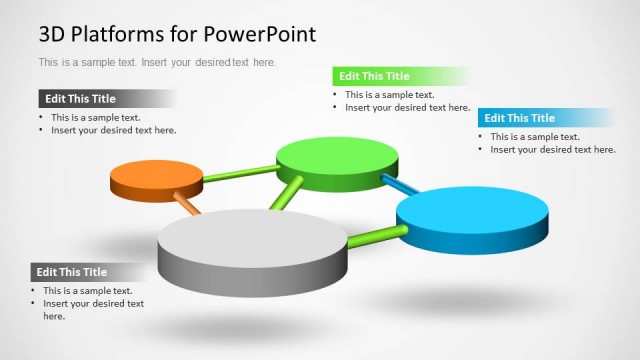
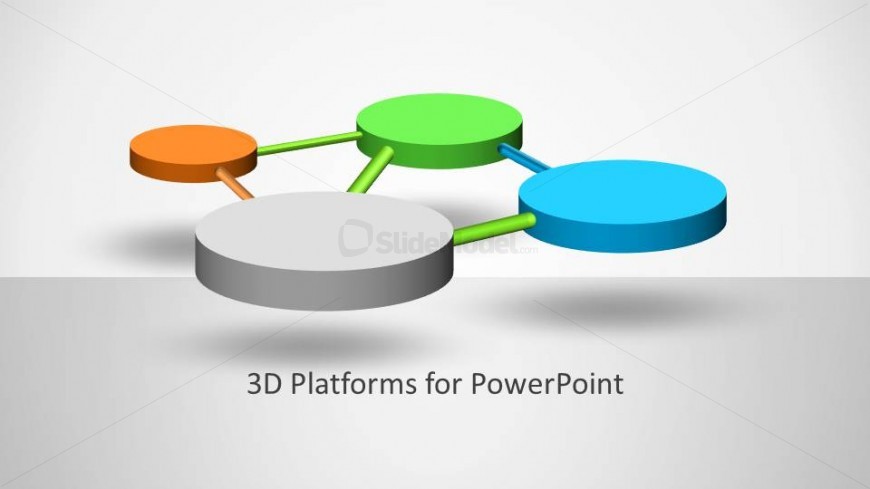
The slide features a 3D circular platform diagram with five circular nodes in varying colors: orange, green, blue, and gray. The gray node is central, while the other nodes are positioned around it, connected by colored lines. The orange node is on the left, green at the top, and blue on the right. The background is light gray, enhancing the visual contrast. A text placeholder is centered at the bottom, labeled '3D Platforms for PowerPoint,' indicating its title. The overall layout emphasizes the central node with connections to the surrounding nodes.
How to Use It
This layout serves as a visual representation of relationships or processes, suitable for illustrating concepts in a business or educational context. It can effectively display interconnected ideas, project stages, or product features. In a presentation sequence, it fits well after an introductory slide and before detailed content, helping to establish context. This structure is ideal for scenarios where visualizing connections enhances understanding, such as strategy discussions or project overviews.
Text Placeholders & Capacity
Keep your copy within these limits so it fits without resizing. The title slot can accommodate about 5-6 words comfortably.
| Placeholder | Count | Max characters (approx.) |
|---|---|---|
| Slide title | 1 | 30 |
Slide Keywords
Download unlimited PowerPoint templates, charts and graphics for your presentations with our annual plan.
DOWNLOADReturn to 3D Circular Platforms for PowerPoint.