![Creative slide design with 3D platforms that you can use to represent a business idea or concept. You can use the platform diagram and combine it with other nice PowerPoint graphics to create impressive slide designs. For example, you may add our business character Mike over the platform bases to represent a step-by-step process. You […]](https://slidemodel.com/wp-content/uploads/8064-01-3d-circular-platforms-5-870x489.jpg)
Slide 5 of 5 from 3D Circular Platforms for PowerPoint
3D Platforms Slide Design for PowerPoint
3D Circular Platform Sequence for Presentations
- Diagram
- Arrow Sequence
- Process Slide
- 16:9
- 100% Editable
About This Slide
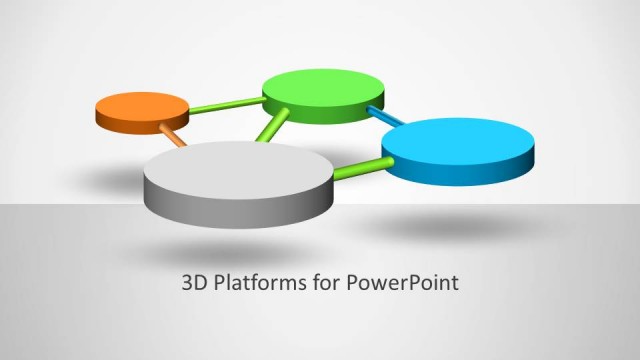
Creative slide design with 3D platforms that you can use to represent a business idea or concept. You can use the platform diagram and combine it with other nice PowerPoint graphics to create impressive slide designs.
For example, you may add our business character Mike over the platform bases to represent a step-by-step process. You can also use the platform design for PowerPoint as a timeline or roadmap design.
What’s on This Slide
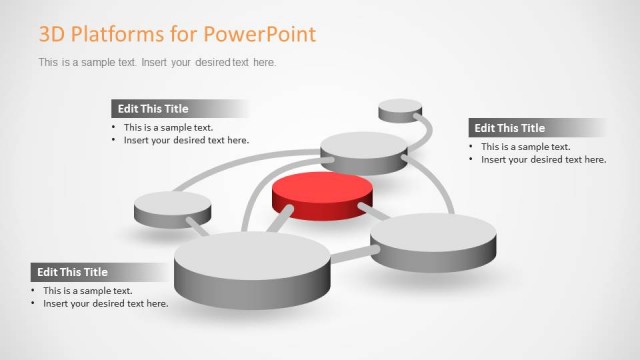
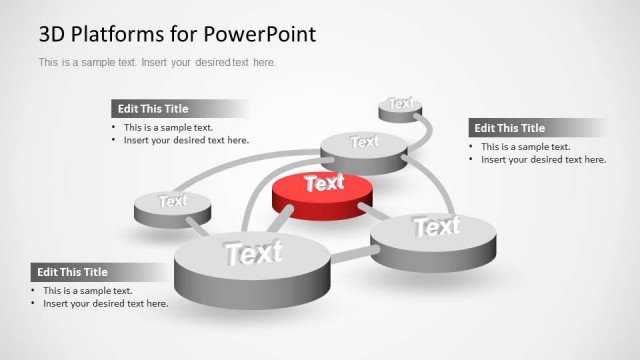
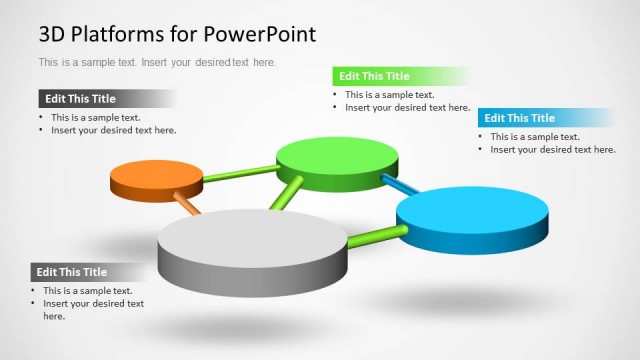
The layout features a series of circular platforms arranged in a flowing sequence from left to right. The platforms are primarily gray, with one red platform highlighted in the center. Each platform is connected by thin lines, creating a sense of movement. The title is positioned at the top left, while a text placeholder is located beneath it, aligned to the left. The overall background is light gray, enhancing the visibility of the 3D elements. The visual hierarchy emphasizes the red platform as a focal point.
How to Use It
This layout serves as a sequential diagram, ideal for illustrating processes or stages in a presentation. It fits well in a narrative that requires highlighting specific steps or milestones. Suitable scenarios include project timelines, product development phases, or strategic planning steps. The design allows for clear differentiation of key points, making it effective for business presentations where clarity and emphasis are crucial.
Text Placeholders & Capacity
Keep your copy within these limits so it fits without resizing. Body slots can accommodate roughly 10-12 words each.
| Placeholder | Count | Max characters (approx.) |
|---|---|---|
| Slide title | 1 | 30 |
| Body paragraph | 1 | 50 |
Slide Keywords
Download unlimited PowerPoint templates, charts and graphics for your presentations with our annual plan.
DOWNLOADReturn to 3D Circular Platforms for PowerPoint.