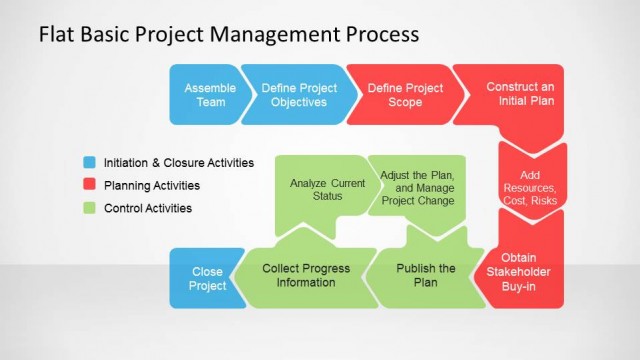
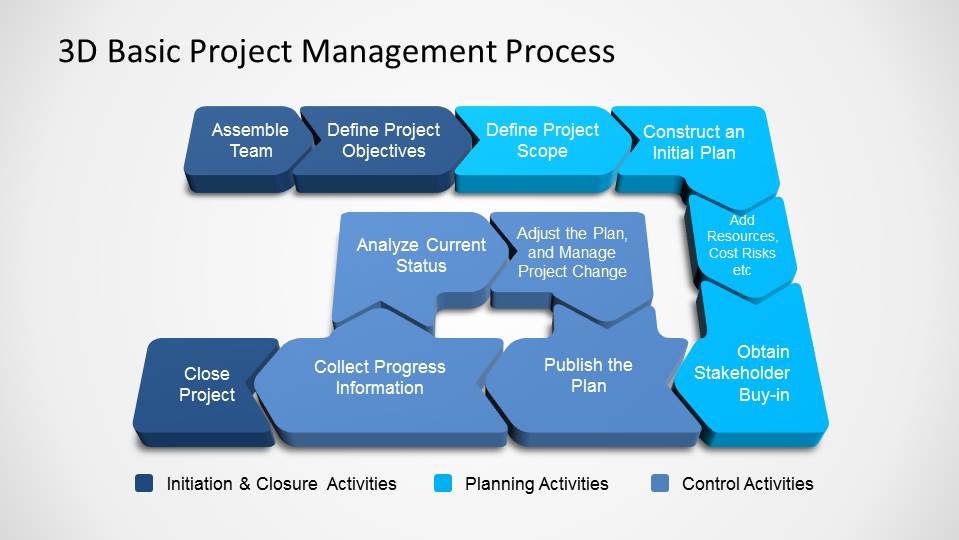
3D Basic Project Management PowerPoint Diagram is a simple representation of the Project Management Processes stages from PMBOK-PMI. The diagram describes the 3 major stages of project management with their internal steps.
- Start/Closure
- Planning
- Monitoring & Control
Combine this presentation with our Timeline and Planning Templates and our Dashboards to crate outstanding project presentations.
What’s inside this template
Example presentation scenarios
- A project manager can use the 3D process flow to brief a new team on how initiation, planning, and control activities connect across the project lifecycle.
- A PMO lead can use the three-stage chevron slide to explain process ownership to sponsors before approving a project planning approach.
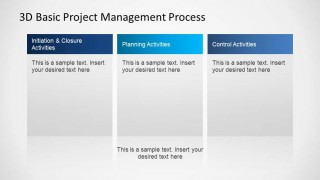
- A consultant can use the vertical activity columns to compare client responsibilities, planning tasks, and control activities during a project governance workshop.
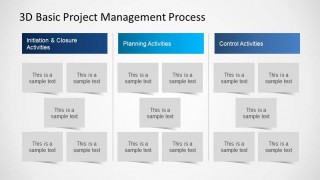
- A team lead can use the grouped task-card layout to translate process phases into practical work packages for a kickoff meeting.
Features
- 100% editable presentation template
- Compatible with Microsoft PowerPoint and Google Slides
- 16:9 aspect ratio slides
- Scalable vector shapes, icons and illustrations
- AI-Ready for Microsoft Copilot and Claude
- Instant access and download
Frequently asked questions
Q: How should a presenter explain the process without overloading the audience?
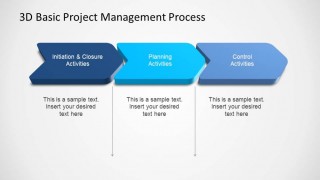
A: Start with the full 3D process flow only long enough to show the end-to-end logic. Then move to the three-stage chevron slide to simplify the message into initiation and closure, planning, and control. Use the activity columns or task cards when the audience needs responsibilities, not every process detail.
Q: Who is this template best suited for in a project setting?
A: This template fits project managers, PMO leads, and consultants who need to introduce a shared project process before execution begins. It is strongest in kickoff meetings, planning workshops, and governance briefings where stakeholders need a clear view of stage ownership and activity groups rather than a schedule-heavy plan.
Q: Why does the template use 3D arrows, columns, and grouped cards?
A: The 3D arrows make the project process feel sequential and directional, which helps audiences read the flow from stage to stage. The columns separate activity categories for comparison, while the card clusters turn abstract phases into manageable work items. Together, the layouts support both process explanation and team discussion.


3D Basic Project Management PowerPoint Diagram
4-slide presentation template with a 3D project management process flow and activity columns.
3D Basic Project Management PowerPoint Diagram is a 4-slide presentation template for explaining PMBOK-style project stages. It includes a 3D process flow, three-stage chevron summary, vertical activity columns, and grouped task cards. Project managers and PMO teams can present initiation and closure, planning, monitoring, and control in Microsoft PowerPoint or Google Slides.
- Category
- Process Diagrams
- Rating


 Loading...
- Aspect ratio
- 16:9
- Item ID
- 6490-01
- Colors
 Microsoft PowerPoint
  Microsoft Copilot
  Claude for PowerPoint
 Other formats supported
Subscribe today and get immediate
access to download our PowerPoint templates.