Slide 4 of 5 from 3D Area Chart for PowerPoint
6054-01-3d-area-chart-4
3D Area Chart for PowerPoint - Chart with Perspective
- Chart
- Area Chart
- Evaluation Slide
- 16:9
- 100% Editable
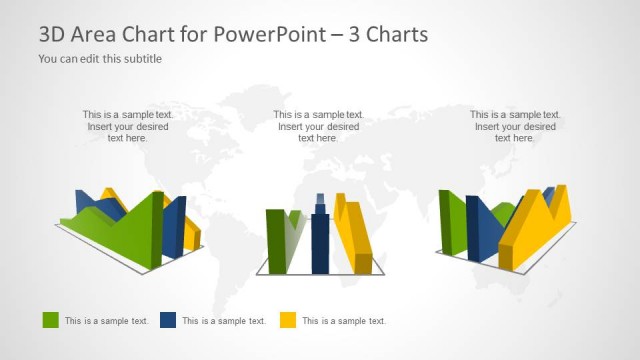
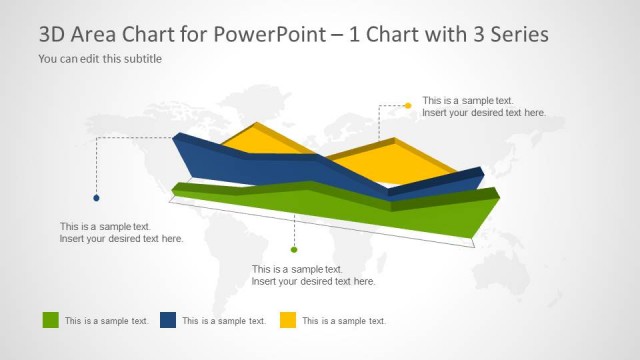
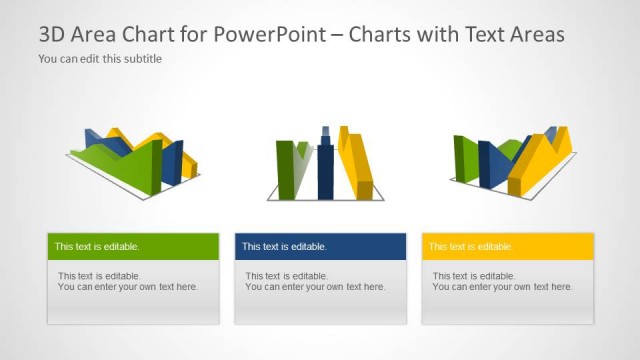
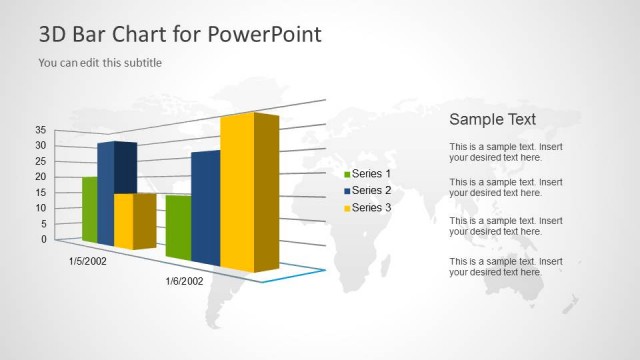
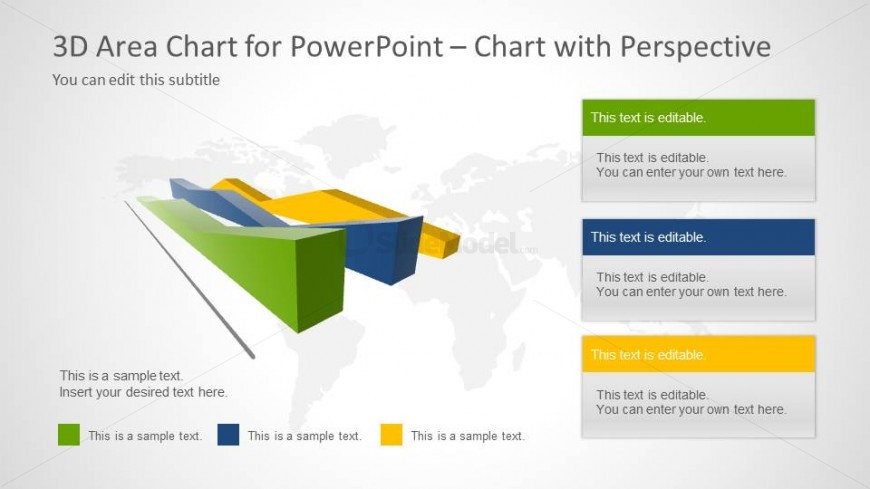
The 3D Area Chart with Perspective slide from the 3D Area Chart for PowerPoint template offers a clear way to visualize multiple data series trends. Featuring editable shapes and a world map background, this layout supports detailed sales reporting and market analysis within a business presentation or pitch deck template.
What’s on This Slide
The slide features a 3D area chart positioned centrally, with a world map background in light gray. The chart consists of multiple colored areas: green, blue, yellow, and orange, each representing different data series. Text placeholders are arranged to the right, with four rectangular boxes stacked vertically, each containing editable text. The top box has a green background, followed by blue, orange, and yellow boxes. The visual hierarchy emphasizes the chart in the center, while the text placeholders are aligned to the right, allowing for easy data input.
How to Use It
This layout serves as a data visualization tool, specifically for presenting 3D area charts. It is suitable for showcasing trends or comparisons across multiple data series in a visually engaging manner. This slide fits well in a presentation sequence following introductory data analysis slides. It can be used in business contexts such as sales performance reviews, market analysis, or project progress updates, where visual representation of data is essential for clarity and impact.
Text Placeholders & Capacity
Keep your copy within these limits so it fits without resizing. Text slots can accommodate roughly 30 words each, with some tightness.
| Placeholder | Count | Max characters (approx.) |
|---|---|---|
| Slide title | 1 | 40 |
| Subtitle | 1 | 40 |
| Item body | 4 | 30 |
Slide Keywords
Download unlimited PowerPoint templates, charts and graphics for your presentations with our annual plan.
DOWNLOADReturn to 3D Area Chart for PowerPoint.