Slide 3 of 5 from 3D Area Chart for PowerPoint
6054-01-3d-area-chart-3
3D Area Chart with Three Series for Presentations
- Chart
- Area Chart
- Evaluation Slide
- 16:9
- 100% Editable
The 3D Area Chart with Three Series slide from the 3D Area Chart for PowerPoint template offers a clear visualization of multiple data trends, making it suitable for financial performance reviews, market trend analysis, and project updates. This slide layout integrates editable shapes and vector icons to enhance clarity and supports effective comparison across three data categories within business presentations or corporate slide decks.
What’s on This Slide
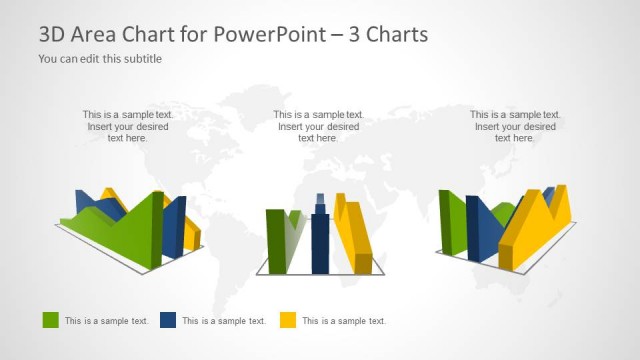
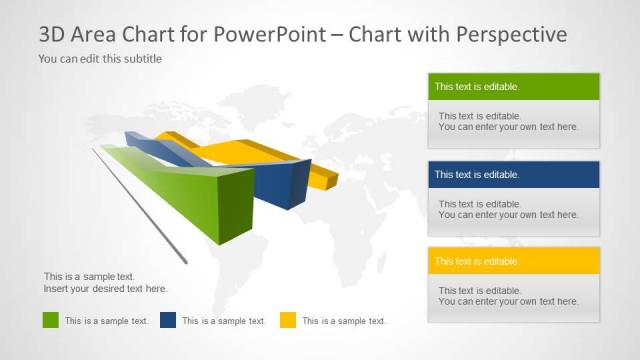
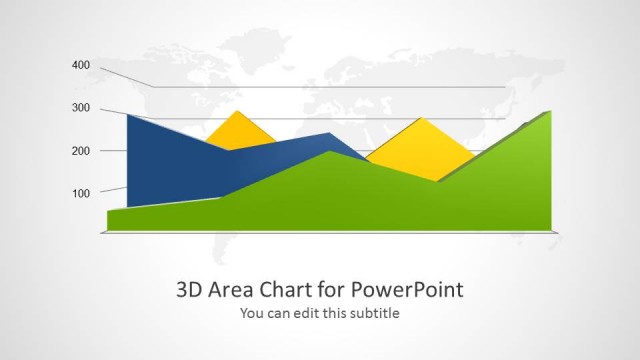
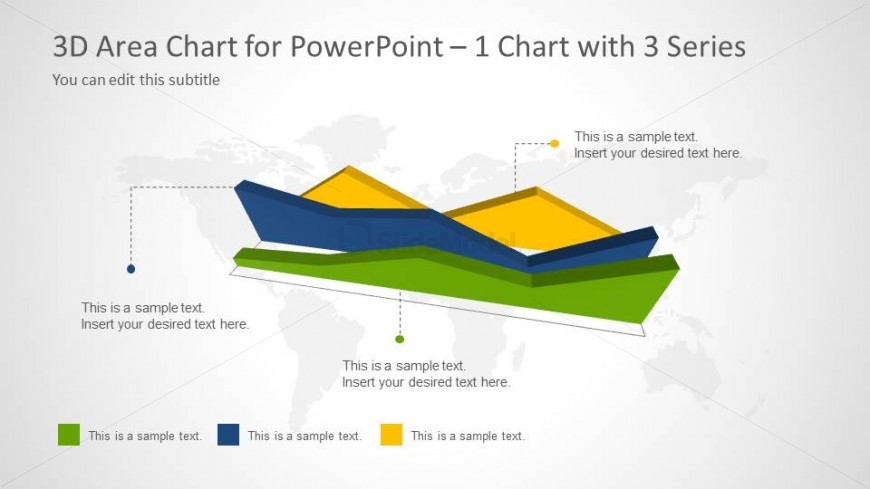
The slide features a 3D area chart with three distinct series represented in varying colors: blue, yellow, and green. The chart is positioned centrally, with a light gray background and a subtle world map graphic behind it. Text placeholders are arranged around the chart, with labels indicating where to insert desired text. The chart's visual hierarchy emphasizes the series through their layered appearance. Each series has a corresponding label, with connecting lines extending to the text placeholders, enhancing clarity and organization.
How to Use It
This layout serves to present data trends across three categories in a visually engaging manner. It fits well in a presentation sequence following data introduction slides, allowing for detailed analysis of trends. Ideal scenarios include financial performance reviews, market analysis, or project progress updates. The structure aids in comparing multiple data sets effectively, making it suitable for business reports and strategic discussions.
Text Placeholders & Capacity
Keep your copy within these limits so it fits without resizing. Node labels can accommodate about 30 characters each.
| Placeholder | Count | Max characters (approx.) |
|---|---|---|
| Chart title | 1 | 40 |
| Subtitle | 1 | 30 |
| Item heading | 3 | 30 |
| Item body | 3 | 50 |
Slide Keywords
Download unlimited PowerPoint templates, charts and graphics for your presentations with our annual plan.
DOWNLOADReturn to 3D Area Chart for PowerPoint.