Slide 1 of 3 from 3 Steps Platform & Text Boxes Design for PowerPoint
3 Steps Platform with World Map, Chart and Gear Slide Design
3-Step Platform Text Boxes Design Overview
- Diagram
- Process Flow
- Process Slide
- 16:9
- 100% Editable
The 3-Step Process Diagram slide from the 3 Steps Platform & Text Boxes Design for PowerPoint template offers a clear visual layout for illustrating sequential workflows. This slide is ideal for project management and training sessions, featuring editable shapes and vector icons that enhance business presentations. Its design supports easy customization, making it a practical choice for creating professional slide decks that explain processes effectively.
About This Slide
3 Steps Platform with World Map, Chart and Gear Slide Design
What’s on This Slide
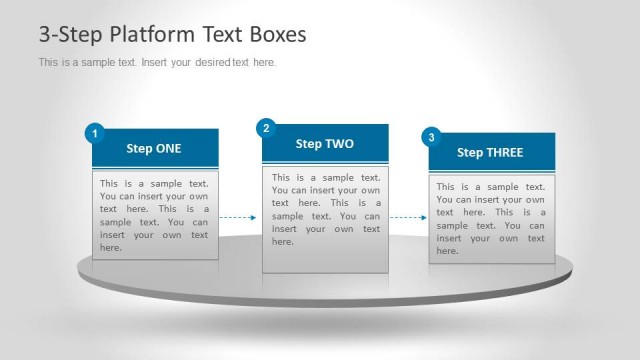
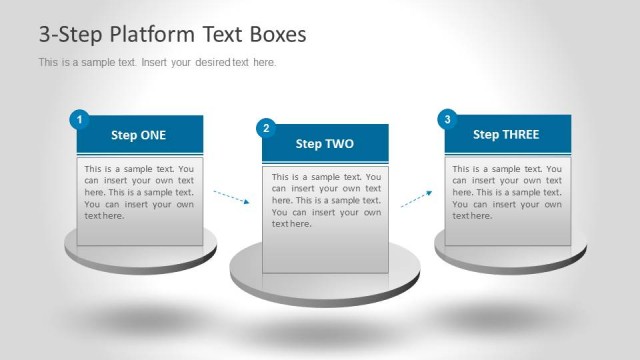
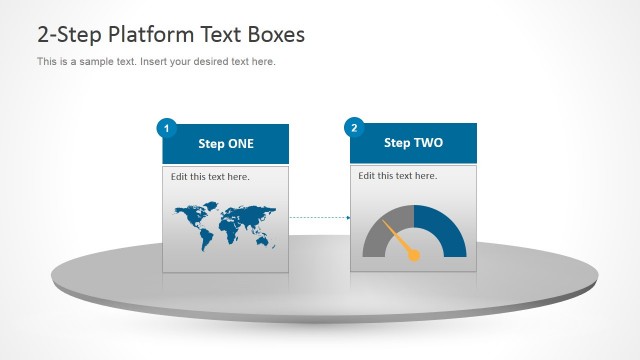
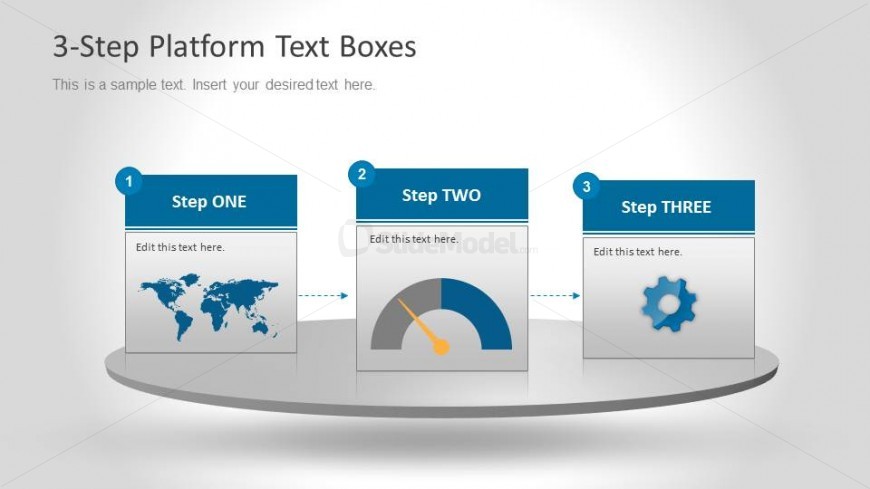
The slide features a circular platform with three distinct sections arranged horizontally. Each section contains a numbered label, with the first labeled 'Step ONE' featuring a world map icon, the second labeled 'Step TWO' with a gauge icon, and the third labeled 'Step THREE' with a gear icon. Dotted arrows connect the sections, indicating a flow from left to right. Text placeholders are present below each label, aligned centrally, allowing for additional information. The background is a light gradient, enhancing the visual hierarchy of the elements.
How to Use It
This layout serves as a three-step process diagram, ideal for presenting sequential information in a clear manner. It fits well in presentations that require a structured explanation of processes or workflows. Suitable scenarios include project management updates, training sessions, or product development stages. The layout allows for easy customization of text and icons, making it versatile for various business contexts.
Text Placeholders & Capacity
Keep your copy within these limits so it fits without resizing. Node body slots can hold about 30 characters each.
| Placeholder | Count | Max characters (approx.) |
|---|---|---|
| Slide title | 1 | 50 |
| Item heading | 3 | 20 |
| Item body | 3 | 30 |
Slide Keywords
Download unlimited PowerPoint templates, charts and graphics for your presentations with our annual plan.
DOWNLOADReturn to 3 Steps Platform & Text Boxes Design for PowerPoint.