Slide 4 of 4 from 3-Step Horizontal Ring Arrow PowerPoint Template
3-Step Horizontal Ring Arrow PPT Slide Template
3-Step Horizontal Ring Arrow Diagram for Presentations
- Diagram
- Arrow Sequence
- Process Slide
- 16:9
- 100% Editable
The 3-Step Horizontal Ring Arrow Diagram from the 3-Step Horizontal Ring Arrow PowerPoint Template offers a clear visual sequence ideal for business presentations and project management. This slide template uses editable shapes and vector icons arranged horizontally to illustrate workflows or processes effectively. Its clean design supports corporate presentations and pitch decks requiring a structured depiction of three-step processes, enhancing communication with professional slide templates.
What’s on This Slide
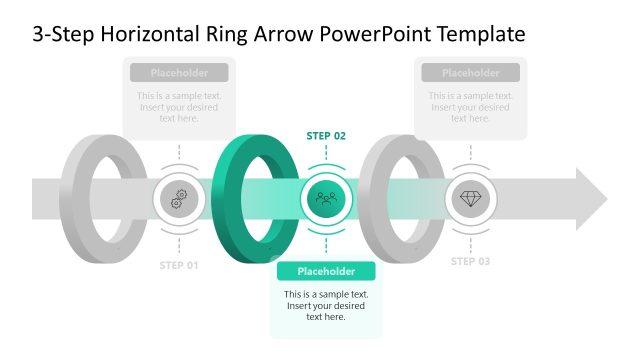
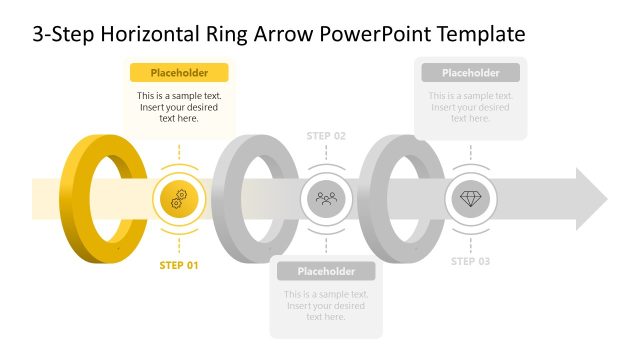
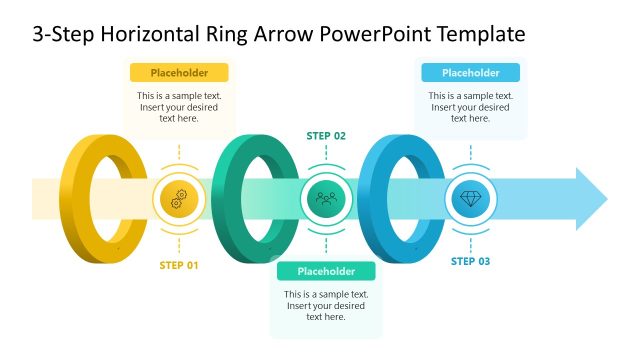
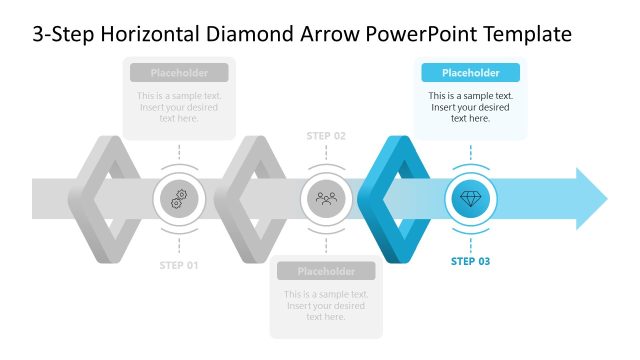
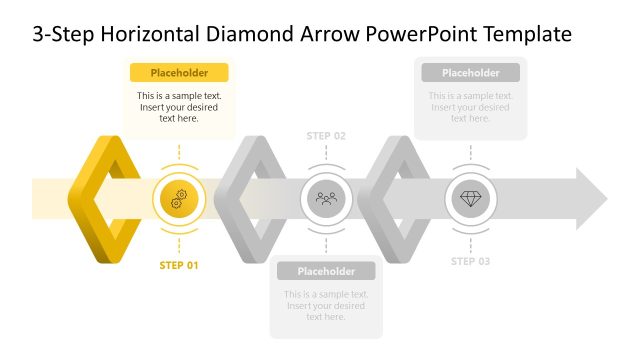
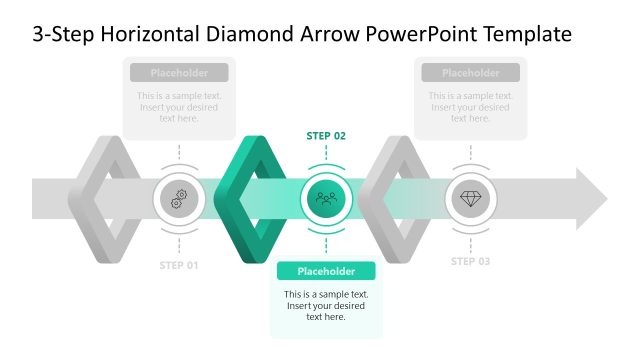
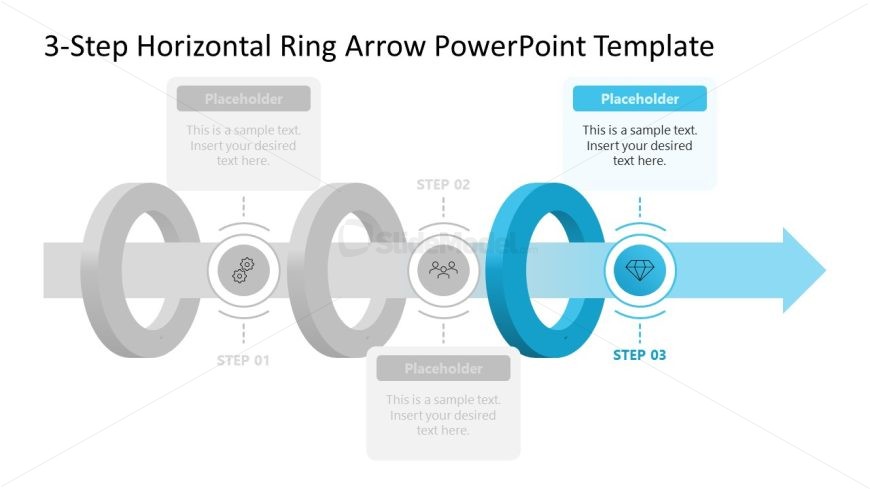
The layout features three horizontally aligned ring shapes, each representing a step in a process. The first two rings are gray, while the third is blue, emphasizing its importance. Each ring contains a central icon and is accompanied by a text placeholder above and below, aligned centrally. The flow direction is left to right, indicated by an arrow extending from the last ring. The overall composition is structured, with clear visual hierarchy and spacing between elements, creating a cohesive design. Background is minimal, enhancing focus on the rings.
How to Use It
This layout serves as a sequential process diagram, ideal for illustrating a three-step workflow or business process. It fits well in presentations that require clarity in process explanation, such as project management or strategic planning. This slide is effective for detailing steps in a project, showcasing milestones, or presenting phases of a business strategy. It is best used in a series of slides that build upon each other, maintaining a consistent visual theme throughout the presentation.
Text Placeholders & Capacity
Keep your copy within these limits so it fits without resizing. Node body slots can hold about 10-12 words each.
| Placeholder | Count | Max characters (approx.) |
|---|---|---|
| Item heading | 3 | 15 |
| Item body | 3 | 50 |
| Slide title | 1 | 50 |
Slide Keywords
Download unlimited PowerPoint templates, charts and graphics for your presentations with our annual plan.
DOWNLOAD