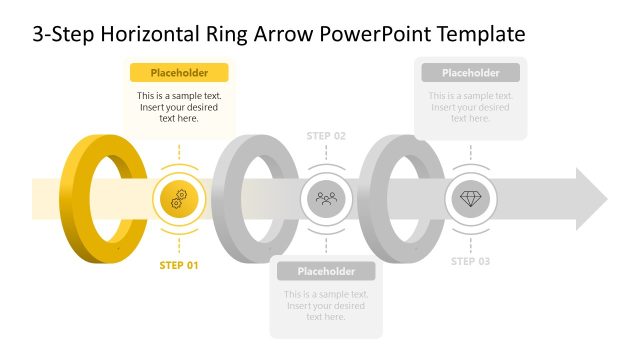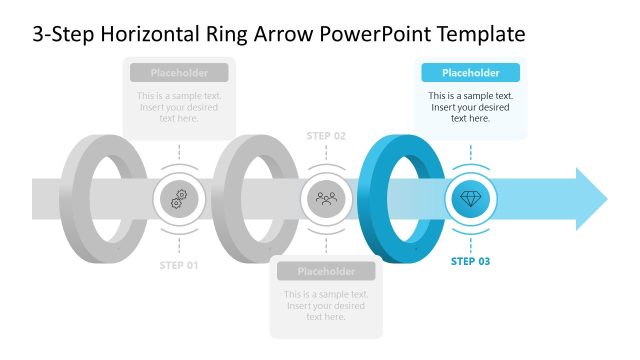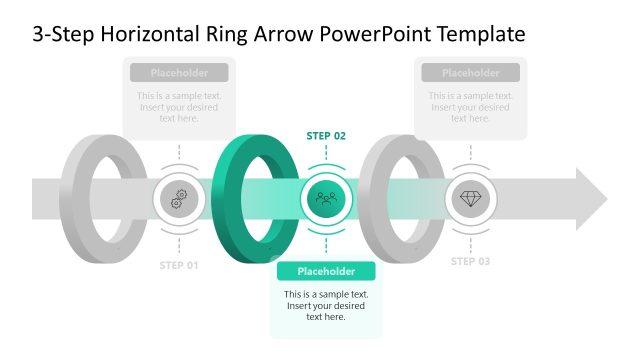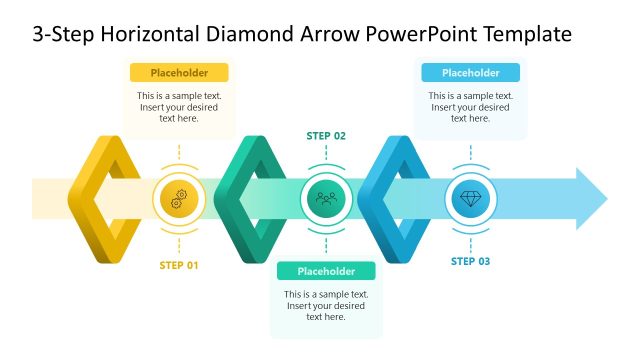
Slide 1 of 4 from 3-Step Horizontal Ring Arrow PowerPoint Template
Editable 3-Step Horizontal Ring Arrow Slide Design
3-Step Horizontal Ring Arrow Diagram for Presentations
- Diagram
- Arrow Sequence
- Process Slide
- 16:9
- 100% Editable
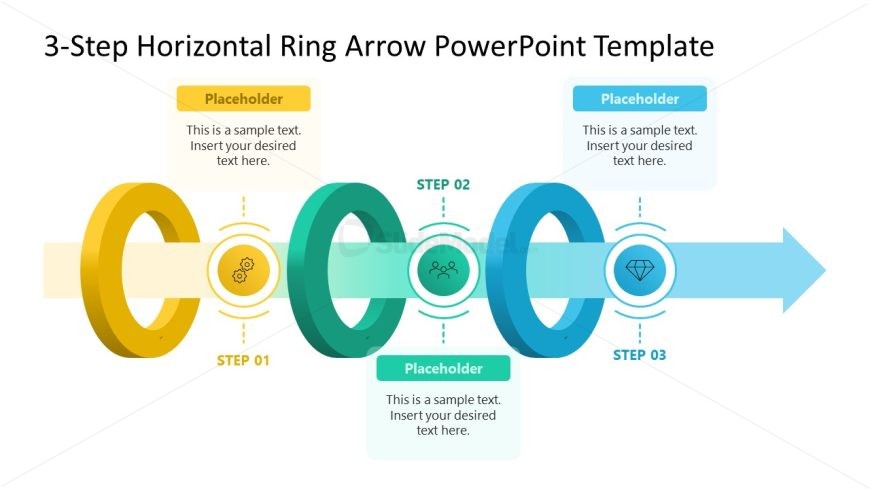
The 3-Step Horizontal Ring Arrow Diagram from the 3-Step Horizontal Ring Arrow PowerPoint Template visually represents sequential processes in business presentations. This slide layout uses editable shapes and vector icons arranged in a horizontal flow to illustrate project timelines or workflow steps clearly. Its design supports strategic planning and can be integrated into corporate presentation slide decks or pitch deck templates, enhancing communication of step-by-step progressions.
What’s on This Slide
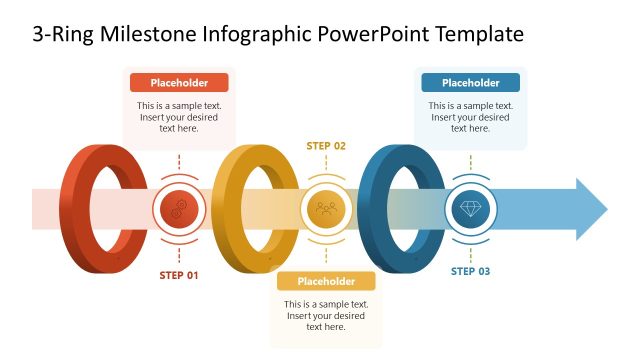
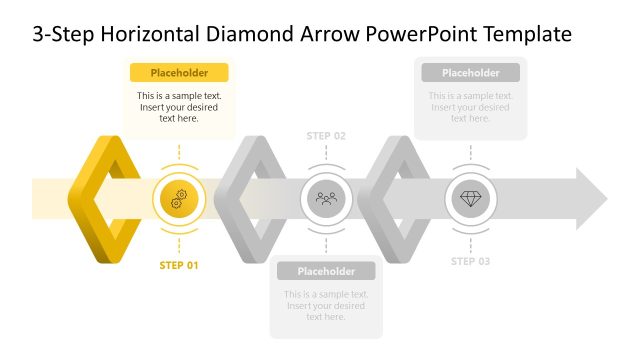
The slide features a horizontal layout with three circular rings representing steps. The first ring is yellow, labeled 'STEP 01', followed by a green ring for 'STEP 02', and a blue ring for 'STEP 03'. Each ring contains a central icon, with a placeholder text box above each step for descriptions. A horizontal arrow extends from the last ring, indicating directionality. The background is white, and the overall color scheme is bright and engaging. Text placeholders are centrally aligned above each ring, maintaining visual hierarchy.
How to Use It
This layout serves to illustrate a sequential process with three distinct phases. It fits well in presentations that require a clear depiction of steps in a business process or project execution. Ideal scenarios include project timelines, workflow presentations, or strategic planning sessions. The diagram effectively communicates progression and can be adapted for various business contexts, making it versatile for different audiences.
Text Placeholders & Capacity
Keep your copy within these limits so it fits without resizing. Each text placeholder can hold about 30-100 characters, depending on usage.
| Placeholder | Count | Max characters (approx.) |
|---|---|---|
| Item heading | 3 | 30 |
| Item body | 3 | 100 |
Slide Keywords
Download unlimited PowerPoint templates, charts and graphics for your presentations with our annual plan.
DOWNLOAD