Slide 1 of 5 from 3 Step Bracelet Diagram for PowerPoint
6125-03-3-step-bracelet-diagram-1
3 Step Bracelet Diagram for PowerPoint
- Diagram
- Other
- Process Slide
- 16:9
- 100% Editable
The 3 Step Bracelet Diagram slide from the 3 Step Bracelet Diagram for PowerPoint template offers a clear visual layout for illustrating sequential processes or project phases. This slide uses interconnected triangular loops with editable shapes to highlight key steps, making it suitable for business presentations and strategic planning. Its design supports effective communication in corporate presentations and pitch decks, utilizing vector icons and slide templates that enhance clarity and engagement.
What’s on This Slide
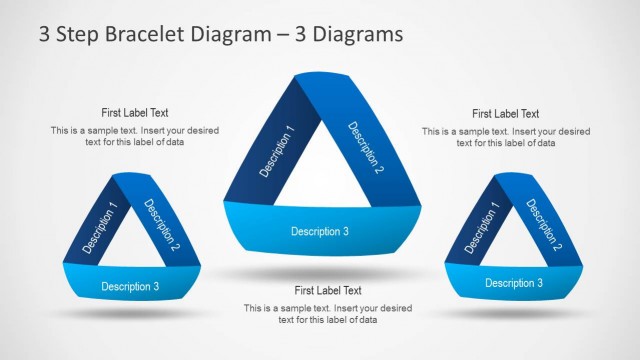
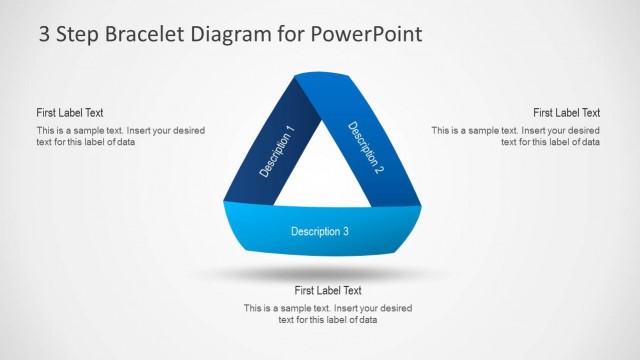
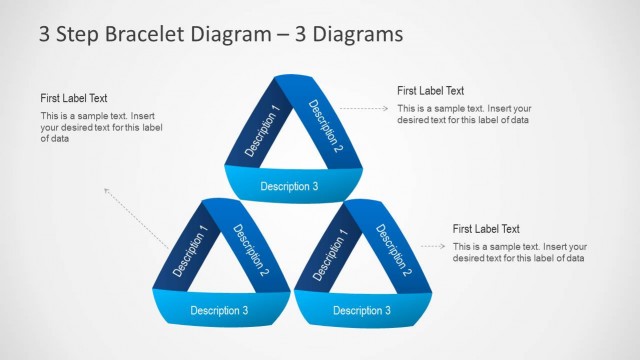
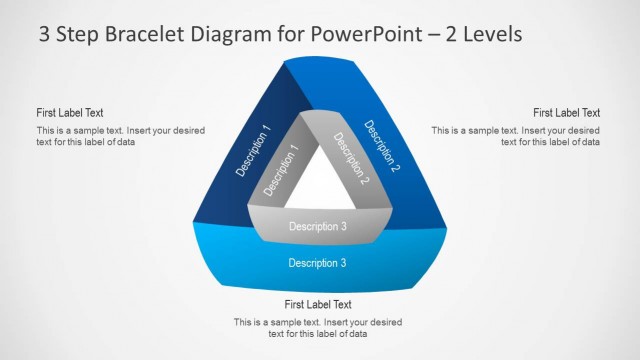
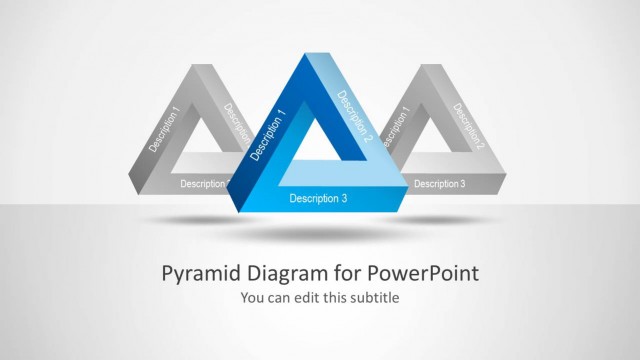
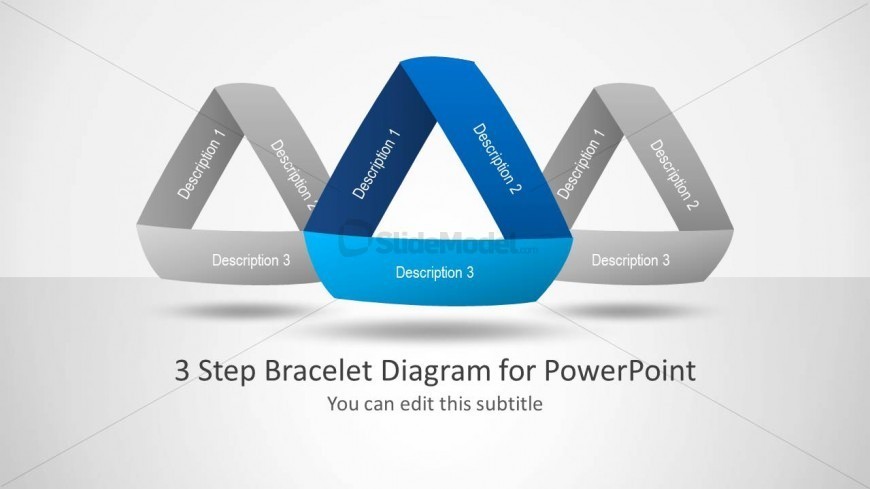
The slide features three interconnected triangular loops arranged in a bracelet-like structure. The left and right loops are gray, while the center loop is blue, creating a visual hierarchy. Each loop contains a text placeholder labeled 'Description 1', 'Description 2', and 'Description 3', respectively, aligned centrally within the shapes. Below the loops, a title placeholder reads '3 Step Bracelet Diagram for PowerPoint', with a subtitle placeholder beneath it. The background is a light gradient, enhancing the overall composition and emphasizing the central elements.
How to Use It
This layout serves as a visual representation of a three-step process or model. It is suitable for presentations that explain sequential concepts, project phases, or grouped ideas. Positioned at the beginning of a presentation, it can effectively introduce key topics. In business contexts, it can be used for project overviews, strategic plans, or process explanations, making it versatile for various scenarios where clarity and structure are essential.
Text Placeholders & Capacity
Keep your copy within these limits so it fits without resizing. Node labels can hold short phrases, roughly 2-3 words each.
| Placeholder | Count | Max characters (approx.) |
|---|---|---|
| Slide title | 1 | 38 |
| Subtitle | 1 | 40 |
| Item heading | 3 | 12 |
Slide Keywords
Download unlimited PowerPoint templates, charts and graphics for your presentations with our annual plan.
DOWNLOADReturn to 3 Step Bracelet Diagram for PowerPoint.