Slide 2 of 5 from 3 Step Bracelet Diagram for PowerPoint
6125-03-3-step-bracelet-diagram-2
3 Step Bracelet Diagram for PowerPoint
- Diagram
- Other
- Process Slide
- 16:9
- 100% Editable
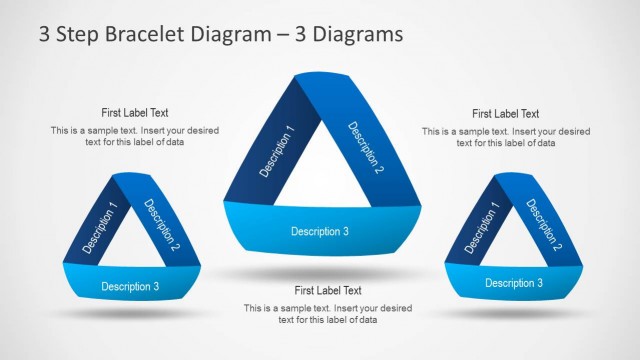
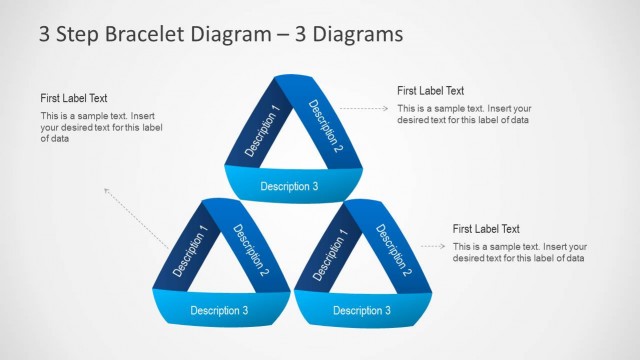
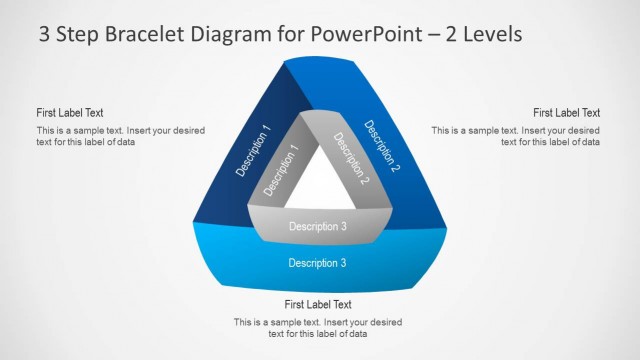
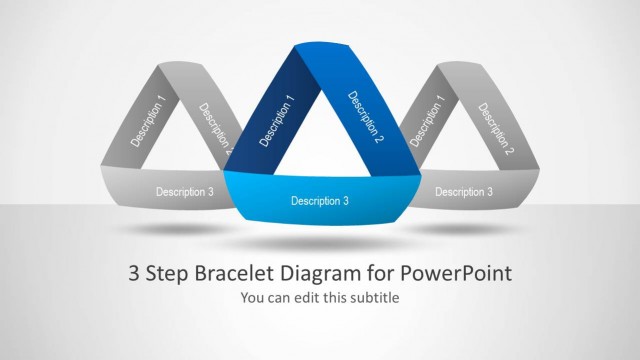
The 3 Step Bracelet Diagram slide from the 3 Step Bracelet Diagram for PowerPoint template offers a clear visual process layout ideal for business presentations and project phase illustrations. This slide uses editable shapes and vector icons to simplify complex methodologies, making it suitable for corporate presentations and pitch deck templates. Its balanced design and structured text placeholders enhance readability, supporting effective communication in both PowerPoint and Google Slides templates.
What’s on This Slide
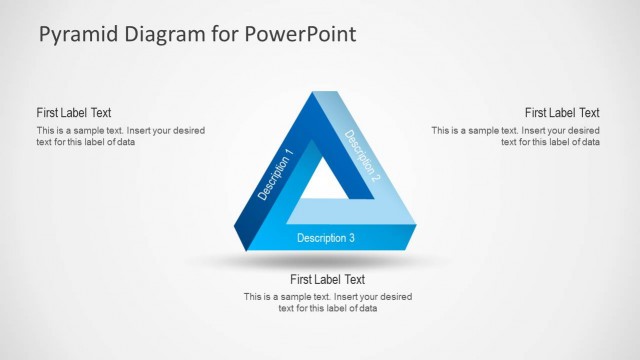
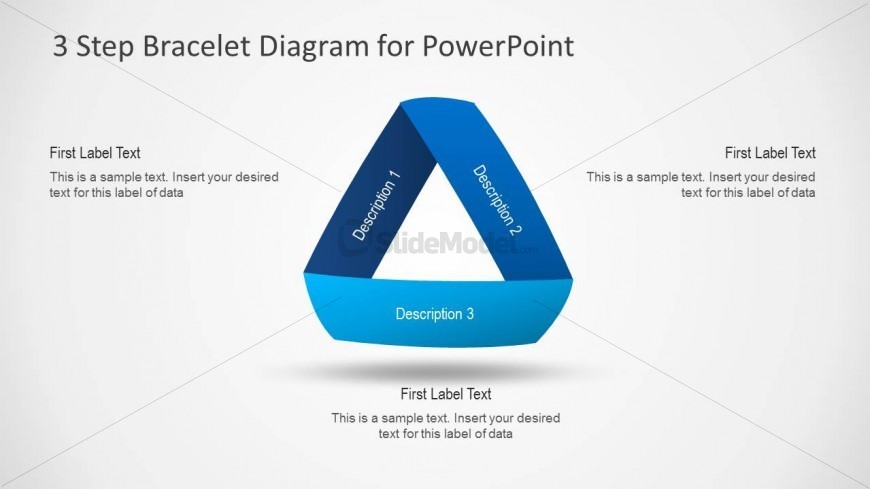
The layout features a triangular bracelet diagram at the center, with three segments labeled 'Description 1', 'Description 2', and 'Description 3'. Each segment has a corresponding text placeholder positioned below it, aligned to the left or right. The top segment is colored dark blue, while the lower segment is light blue. The title is centered at the top, with a light background that enhances visibility. The overall composition is balanced, with clear visual hierarchy and spacing between elements, allowing for easy readability.
How to Use It
This layout serves as a three-step process diagram, ideal for illustrating sequential concepts or stages. It fits well in presentations discussing methodologies, frameworks, or project phases. This structure is useful in business settings for process explanations, training sessions, or strategic planning discussions. It can be used effectively to convey complex ideas in a simplified manner, making it suitable for both internal and external communications.
Text Placeholders & Capacity
Keep your copy within these limits so it fits without resizing. Node body slots can accommodate roughly 10-12 words each.
| Placeholder | Count | Max characters (approx.) |
|---|---|---|
| Slide title | 1 | 30 |
| Item heading | 3 | 20 |
| Item body | 3 | 60 |
Slide Keywords
Download unlimited PowerPoint templates, charts and graphics for your presentations with our annual plan.
DOWNLOADReturn to 3 Step Bracelet Diagram for PowerPoint.