Slide 5 of 5 from 3 Step Bracelet Diagram for PowerPoint
6125-03-3-step-bracelet-diagram-5
3 Step Bracelet Diagram for Presentations
- Diagram
- Other
- Process Slide
- 16:9
- 100% Editable
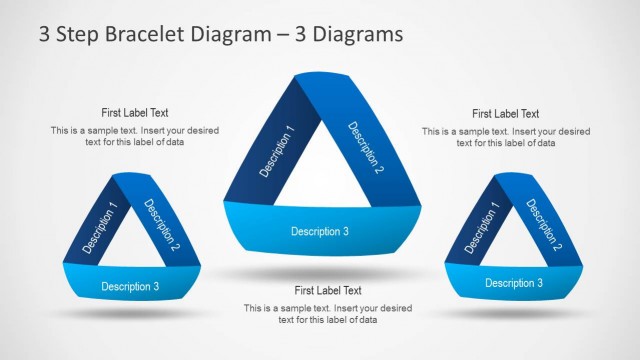
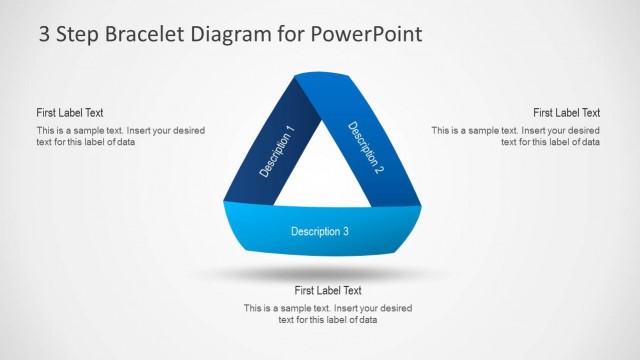
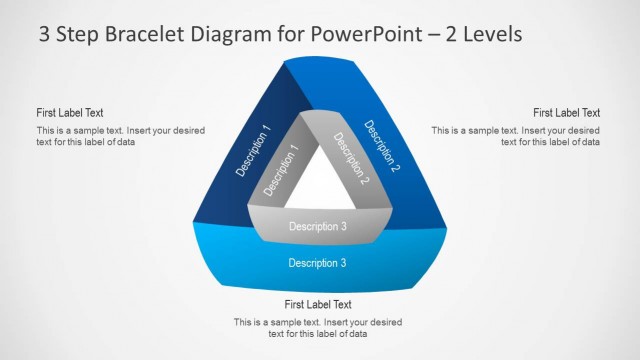
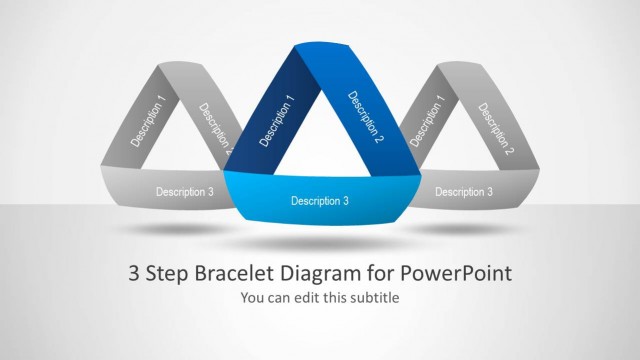
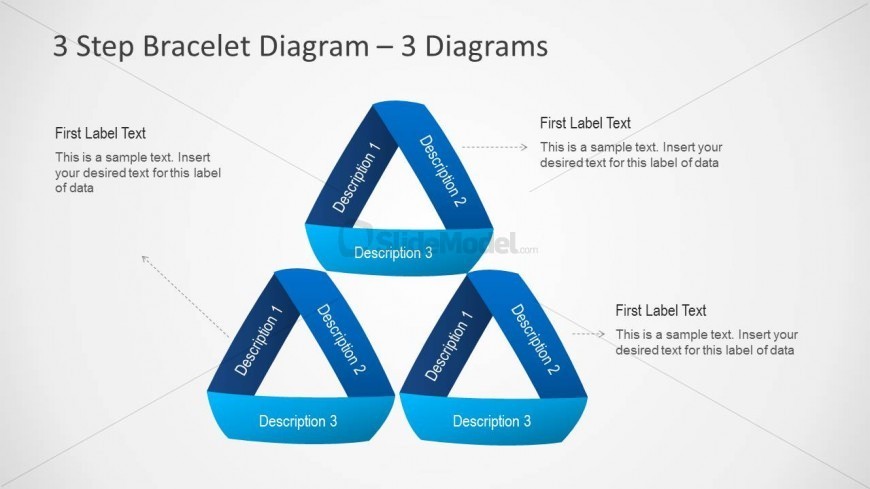
The 3 Step Bracelet Diagram with Descriptions slide from the 3 Step Bracelet Diagram for PowerPoint template offers a clear visual process layout using interconnected triangular shapes. This slide is designed for business presentations and pitch decks that require illustrating multi-step processes or project overviews. Its editable shapes and vector icons make it suitable for both PowerPoint templates and Google Slides templates, enhancing clarity in corporate presentations and slide decks.
What’s on This Slide
The layout features three interconnected triangular shapes arranged in a bracelet formation. Each triangle contains a label at the top and a description below, with the first triangle positioned at the top center. The second and third triangles are aligned below, forming a downward flow. Arrows connect the triangles to corresponding labels on the right side, enhancing the visual hierarchy. Text placeholders are present for each label and description, with the labels aligned at the top of each triangle. The background is light, allowing the blue shapes to stand out.
How to Use It
This layout serves as a multi-step process diagram, ideal for illustrating interconnected concepts or stages. It fits well in presentations that require a clear visual representation of a process or model. Suitable scenarios include project management, product development, or educational contexts where complex ideas need simplification. This diagram can be used individually or as part of a larger presentation sequence to clarify relationships between steps or components.
Text Placeholders & Capacity
Keep your copy within these limits so it fits without resizing. Node body slots can hold around 10-12 words each.
| Placeholder | Count | Max characters (approx.) |
|---|---|---|
| Slide title | 1 | 30 |
| Item heading | 3 | 20 |
| Item body | 3 | 50 |
| Callout | 3 | 40 |
Slide Keywords
Download unlimited PowerPoint templates, charts and graphics for your presentations with our annual plan.
DOWNLOADReturn to 3 Step Bracelet Diagram for PowerPoint.