Slide 2 of 2 from 3-Item Cycle Infographic Diagram PowerPoint Template
Editable 3-Item Cycle Infographic Diagram Template
3-Item Infographic Diagram for Presentations
- Diagram
- Circular Cycle
- Process Slide
- 16:9
- 100% Editable
What’s on This Slide
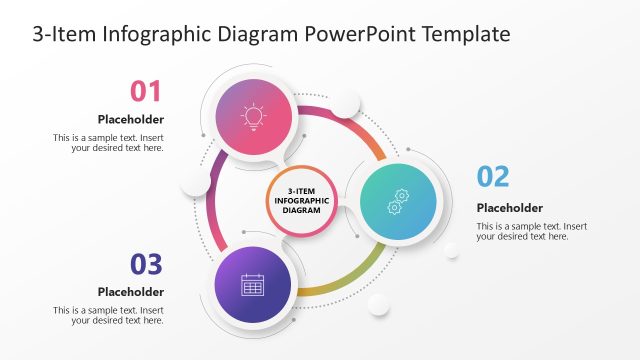
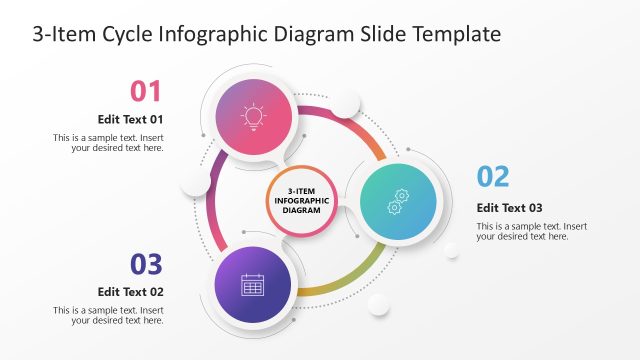
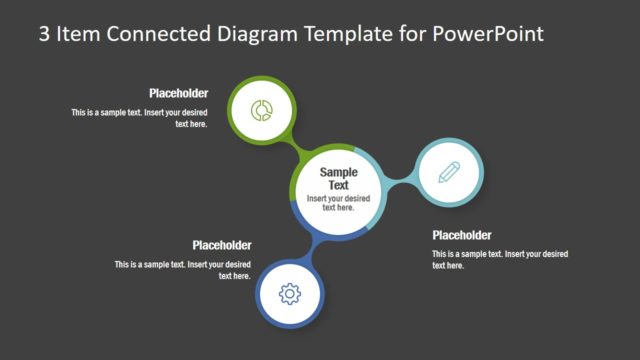
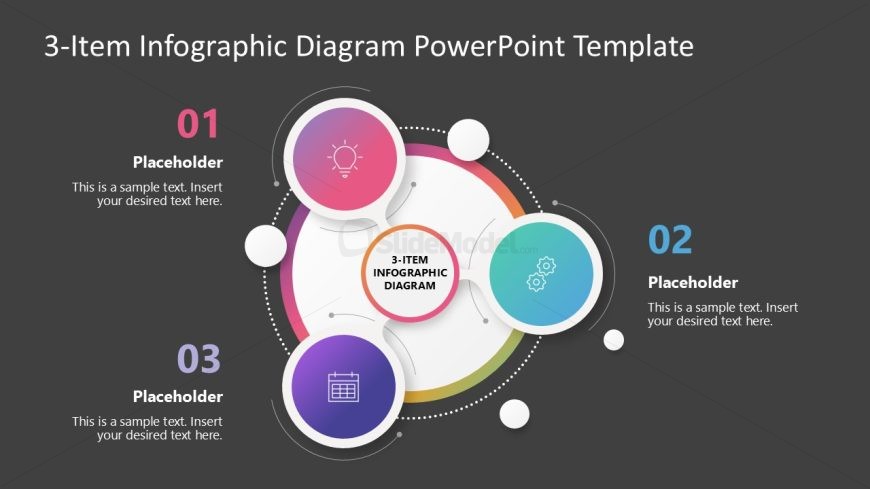
The layout features a central circular node labeled '3-ITEM INFOGRAPHIC DIAGRAM' surrounded by three circular nodes positioned at equal intervals. Each node contains an icon and a text placeholder, with the first node at the top, the second to the right, and the third at the bottom. Connecting lines extend from the central node to each circular node, indicating a cyclical relationship. The background is a dark gray, enhancing the visibility of the colorful nodes and icons. Text placeholders are aligned centrally within each node.
How to Use It
This layout serves as a visual representation of a cyclical process or business cycle. It is suitable for illustrating concepts that involve three interconnected stages or components. It fits well in presentations discussing processes, workflows, or product features. This structure can be used in business meetings, project updates, or educational contexts where cyclical relationships need to be highlighted.
Text Placeholders & Capacity
Keep your copy within these limits so it fits without resizing. Node body slots can hold about 10 words each.
| Placeholder | Count | Max characters (approx.) |
|---|---|---|
| Item heading | 3 | 20 |
| Item body | 3 | 50 |
| Slide title | 1 | 40 |
Slide Keywords
Download unlimited PowerPoint templates, charts and graphics for your presentations with our annual plan.
DOWNLOADReturn to 3-Item Cycle Infographic Diagram PowerPoint Template.