Slide 2 of 4 from 2 Steps Circular Nodes PowerPoint Diagrams
2 Steps Business Infographics with PowerPoint Icons
2 Steps Circular Nodes PowerPoint Diagram
- Diagram
- Arrow Sequence
- Process Slide
- 16:9
- 100% Editable
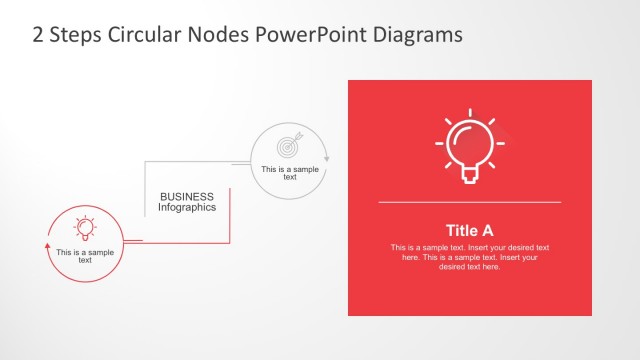
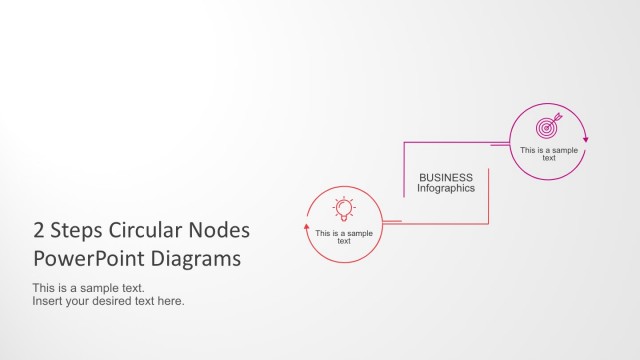
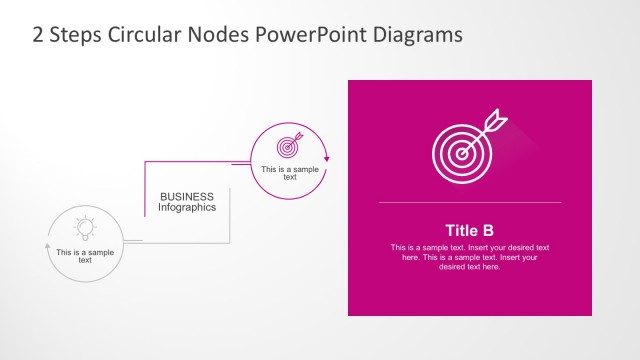
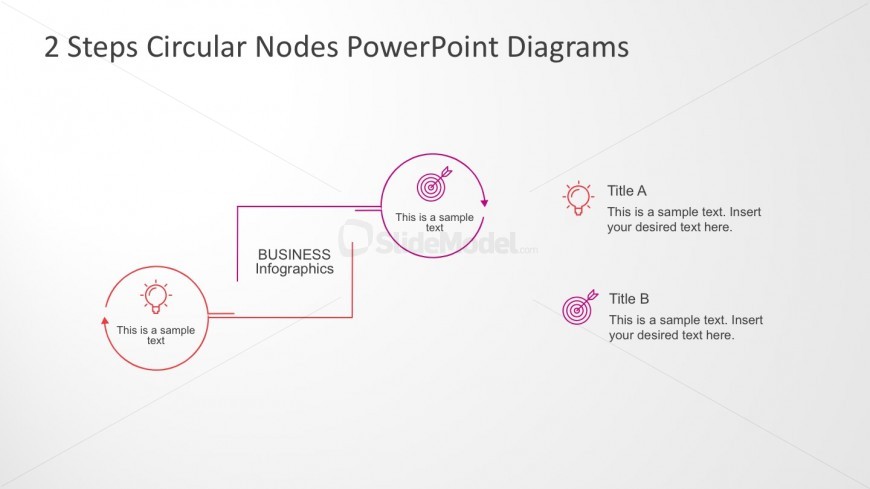
The 2 Steps Circular Nodes Diagram from the 2 Steps Circular Nodes PowerPoint Diagrams template offers a clear visual for illustrating sequential business processes or project phases. This slide layout uses editable shapes and vector icons arranged in a flow to support decision-making steps, making it suitable for corporate presentations and pitch decks. Its design enhances clarity in slide decks focused on process explanation within business presentations.
What’s on This Slide
The layout features two circular nodes positioned on the left and right. The left node contains an icon and sample text aligned centrally, while the right node has a target icon with similar text. A rectangular container labeled 'BUSINESS Infographics' is centrally placed between the nodes. Connecting arrows indicate a flow from the left node to the right. Text placeholders are present for titles and body text, aligned to the left and right of the nodes. The background is light with a subtle gradient, enhancing visibility.
How to Use It
This layout serves as a two-step process diagram, ideal for illustrating sequential actions or concepts. It fits well in presentations discussing business strategies or processes. Use it to present information clearly, such as project phases or decision-making steps. In a presentation sequence, it can follow a problem identification slide and precede a detailed analysis or solution slide, providing a clear transition.
Text Placeholders & Capacity
Keep your copy within these limits so it fits without resizing. Body slots can hold roughly 8-10 words each.
| Placeholder | Count | Max characters (approx.) |
|---|---|---|
| Slide title | 1 | 40 |
| Item heading | 2 | 30 |
| Item body | 2 | 50 |
| Body paragraph | 1 | 50 |
Slide Keywords
Download unlimited PowerPoint templates, charts and graphics for your presentations with our annual plan.
DOWNLOADReturn to 2 Steps Circular Nodes PowerPoint Diagrams.