Slide 1 of 4 from 2 Steps Circular Nodes PowerPoint Diagrams
Circular Nodes Step by Step Process Templates
2 Steps Circular Nodes PowerPoint Diagram
- Diagram
- Arrow Sequence
- Process Slide
- 16:9
- 100% Editable
What’s on This Slide
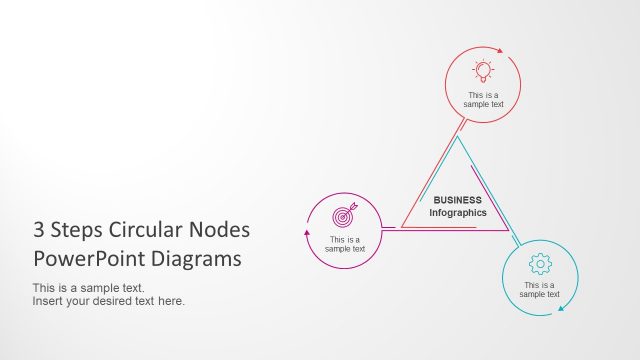
The layout features two circular nodes positioned on the right side, with one node above the other. The top node contains an icon of a light bulb and a text placeholder below it, aligned centrally. The bottom node has a target icon and a similar text placeholder. A connecting line extends from the top node to a rectangular box labeled 'BUSINESS Infographics' on the left. The slide's title is positioned at the bottom left, with a larger font size, while a secondary text placeholder is located beneath it. The background is a light gradient, enhancing the visual hierarchy.
How to Use It
This layout serves as a two-step process diagram, ideal for illustrating sequential actions or stages in a business context. It fits well in presentations that outline workflows, project phases, or strategic initiatives. Use this structure to convey clear and concise information about a process, making it suitable for training sessions, business proposals, or project updates. It is best positioned early in a presentation to introduce key concepts or steps.
Text Placeholders & Capacity
Keep your copy within these limits so it fits without resizing. Body slots can accommodate roughly 8-10 words each.
| Placeholder | Count | Max characters (approx.) |
|---|---|---|
| Slide title | 1 | 40 |
| Body paragraph | 1 | 50 |
| Item heading | 2 | 30 |
| Item body | 2 | 40 |
| Callout | 1 | 30 |
Slide Keywords
Download unlimited PowerPoint templates, charts and graphics for your presentations with our annual plan.
DOWNLOADReturn to 2 Steps Circular Nodes PowerPoint Diagrams.