Slide 1 of 1 from Free Workflow PowerPoint Template
Free Workflow Presentation Template
7-Step Workflow Diagram for Presentations
- Diagram
- Process Flow
- Process Slide
- 16:9
- 100% Editable
What’s on This Slide
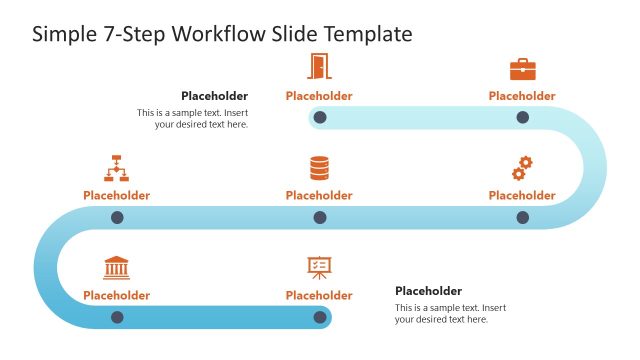
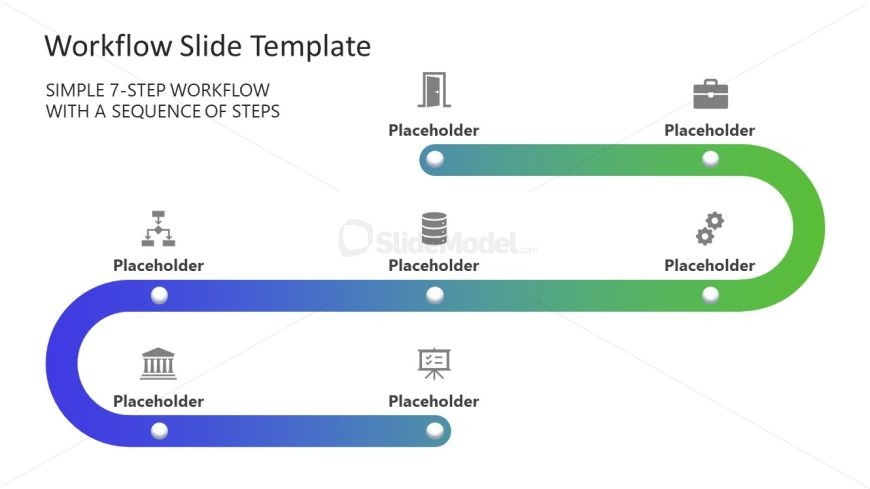
The slide features a horizontal workflow diagram with a gradient color scheme transitioning from blue to green. It contains seven circular nodes aligned along a curved path, each representing a step in the workflow. Icons are positioned above each node, indicating different stages, while text placeholders are located beneath each icon. The layout emphasizes a clear flow from left to right, with the nodes equally spaced. The background is white, enhancing the visibility of the colored elements. Visual hierarchy is established through the use of color gradients and icon placement.
How to Use It
This layout serves as a sequential workflow diagram, ideal for illustrating processes or steps in a project. It is suitable for presentations that require a visual representation of a workflow, such as project management or operational processes. This structure can effectively communicate complex sequences in a simplified manner. It fits well in the introduction or overview section of a presentation, providing clarity on the steps involved in a process or project.
Text Placeholders & Capacity
Keep your copy within these limits so it fits without resizing. Node labels can hold up to 20 characters each, while node bodies can hold up to 30 characters.
| Placeholder | Count | Max characters (approx.) |
|---|---|---|
| Item heading | 7 | 20 |
| Item body | 7 | 30 |
| Slide title | 1 | 50 |
Slide Keywords
Download unlimited PowerPoint templates, charts and graphics for your presentations with our annual plan.
DOWNLOADReturn to Free Workflow PowerPoint Template.