Slide 1 of 1 from 7-Step Simple Numbered Flow Diagram PowerPoint Template
7-Step Simple Numbered Flow Diagram Presentation Template
7-Step Simple Numbered Flow Diagram Template
- Diagram
- Arrow Sequence
- Process Slide
- 16:9
- 100% Editable
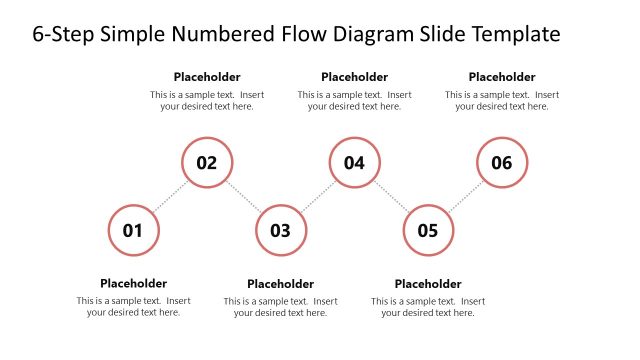
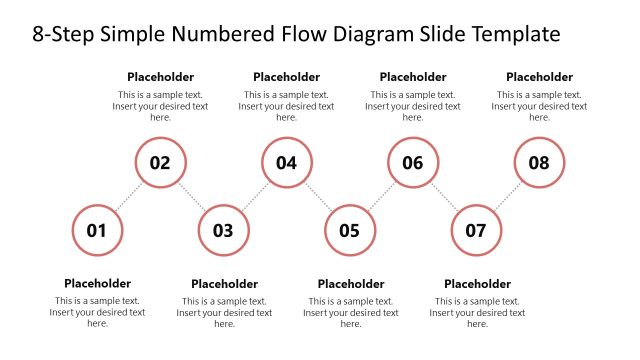
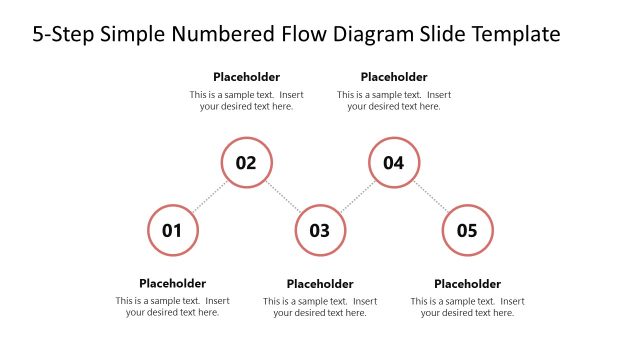
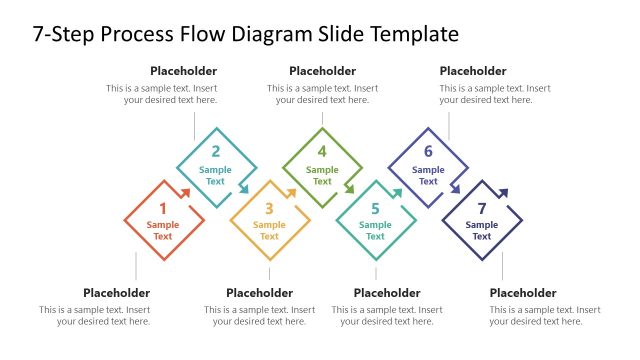
The 7-Step Simple Numbered Flow Diagram slide from the 7-Step Simple Numbered Flow Diagram PowerPoint Template offers a clear visual process layout ideal for business presentations. This slide template features editable shapes arranged in a horizontal sequence to illustrate project milestones or workflow stages effectively. It supports concise communication in corporate presentations and training sessions by guiding audiences through sequential steps with numbered flow indicators.
What’s on This Slide
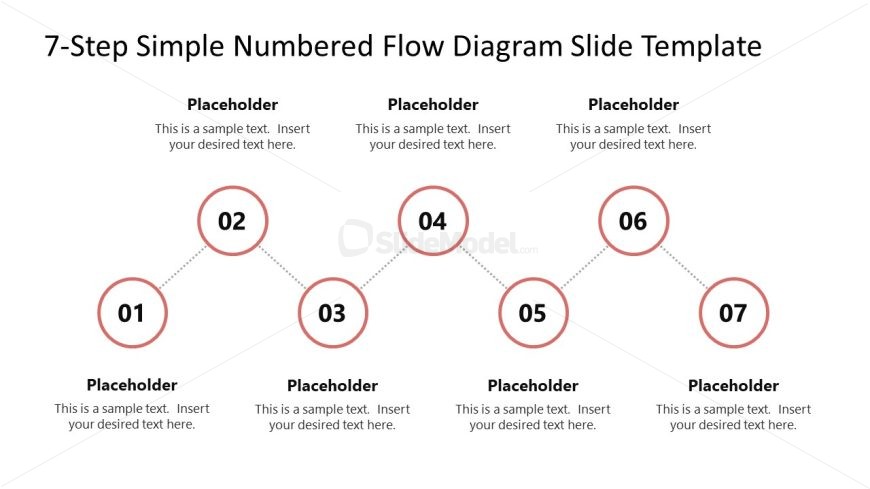
The layout features a horizontal flow diagram with seven numbered circles. The first circle is positioned at the bottom left, followed by the second circle at the center, and the third circle at the bottom right. Each circle contains a text placeholder aligned centrally. Connecting lines extend between the circles, indicating a flow from left to right. Above the diagram, there is a title placeholder centered at the top. The background is white, with a simple design that emphasizes the numbered steps and placeholders for text.
How to Use It
This layout serves as a sequential flow diagram, ideal for illustrating processes or stages in a project. It fits well in presentations that require a clear representation of steps, such as project milestones or workflows. This structure is useful in business contexts where clarity in progression is essential, such as training sessions, project updates, or strategic planning discussions. It can be utilized to guide audiences through a series of actions or decisions in a logical sequence.
Text Placeholders & Capacity
Keep your copy within these limits so it fits without resizing. Node slots can hold concise text, roughly 10 words each.
| Placeholder | Count | Max characters (approx.) |
|---|---|---|
| Slide title | 1 | 50 |
| Item body | 7 | 50 |
Slide Keywords
Download unlimited PowerPoint templates, charts and graphics for your presentations with our annual plan.
DOWNLOADReturn to 7-Step Simple Numbered Flow Diagram PowerPoint Template.