Slide 4 of 6 from Free Simple Comparison Slide Diagrams for PowerPoint
PowerPoint Theme Comparison Template
Simple Comparison Diagram for Presentations
- Diagram
- Venn
- Comparison Slide
- 16:9
- 100% Editable
The Simple Comparison Diagram slide from the Free Simple Comparison Slide Diagrams for PowerPoint template offers a clear visual tool for evaluating product features or strategic options. This slide template uses overlapping circles and surrounding icons to highlight similarities and differences effectively, making it a practical choice for business presentations and pitch decks. Its editable shapes and vector icons ensure customization to fit various corporate presentation needs within a slide deck.
What’s on This Slide
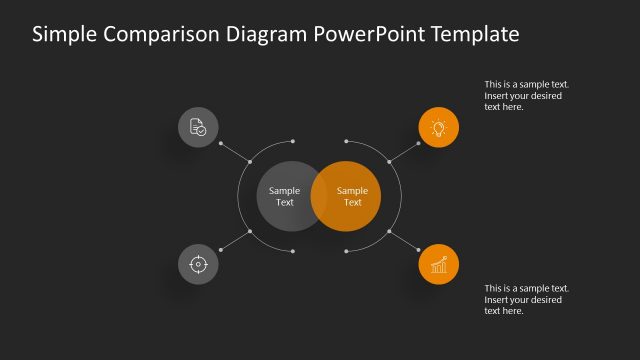
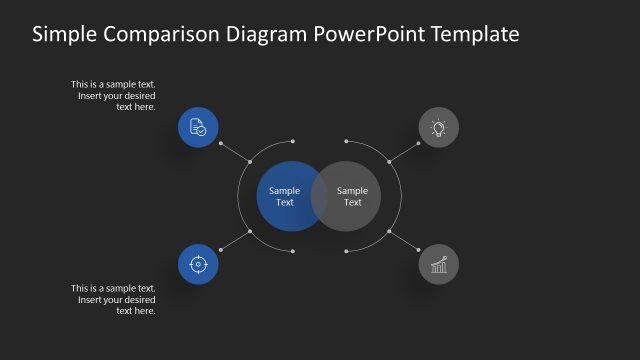
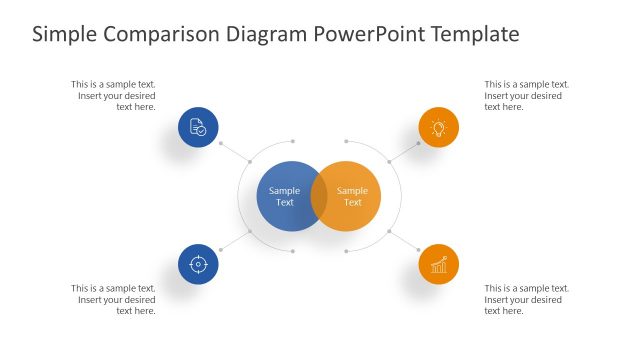
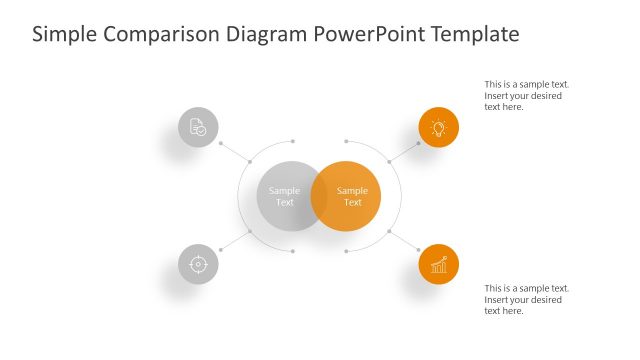
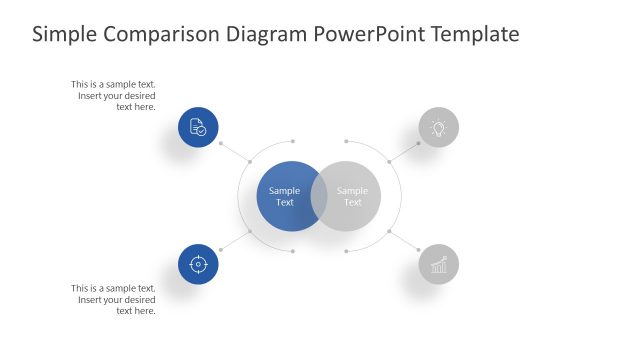
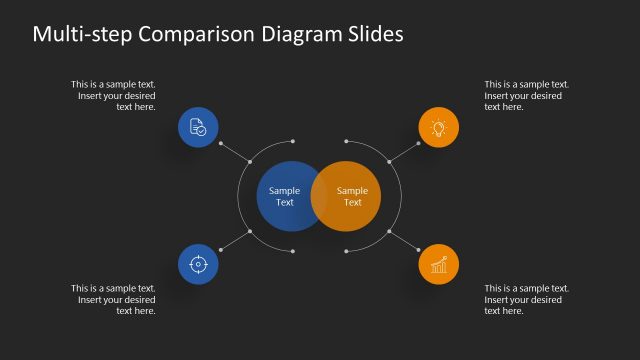
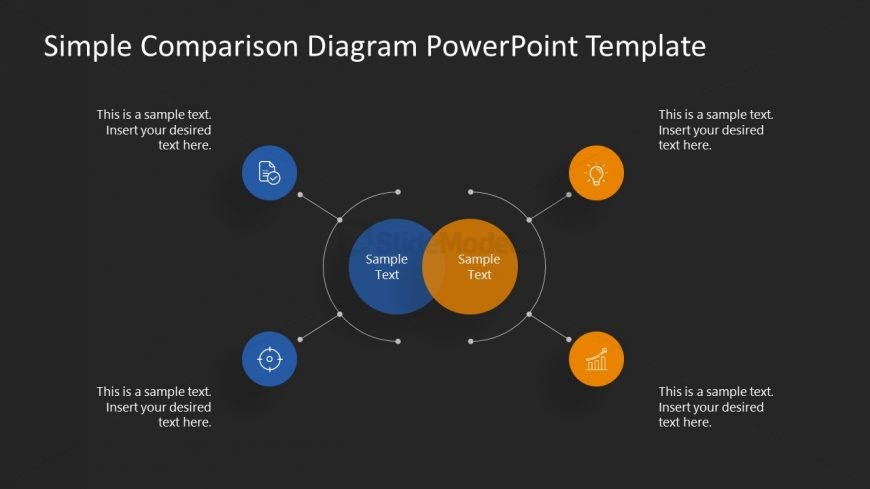
The slide features a central comparison diagram with two overlapping circles in blue and orange. Surrounding the circles are four icons representing different concepts, each accompanied by text placeholders positioned above and below. The icons are circular and evenly spaced around the central diagram, connected by thin lines. The background is dark, enhancing the visibility of the shapes and text. The visual hierarchy emphasizes the central circles, while the icons provide additional context. Text placeholders are aligned with the icons, indicating where to insert relevant information.
How to Use It
This layout serves as a comparison diagram, ideal for highlighting similarities and differences between two concepts or items. It fits well in a presentation sequence after introducing a problem or topic, providing clarity on options. Real-world applications include comparing product features, analyzing strategies, or evaluating alternatives in business contexts. The layout allows for visual engagement while presenting critical information succinctly, making it suitable for team discussions or stakeholder presentations.
Text Placeholders & Capacity
Keep your copy within these limits so it fits without resizing. Node body slots can hold about 30 characters each, while the title can accommodate 50 characters.
| Placeholder | Count | Max characters (approx.) |
|---|---|---|
| Item body | 4 | 30 |
| Slide title | 1 | 50 |
Slide Keywords
Download unlimited PowerPoint templates, charts and graphics for your presentations with our annual plan.
DOWNLOADReturn to Free Simple Comparison Slide Diagrams for PowerPoint.