Slide 5 of 6 from Free Simple Comparison Slide Diagrams for PowerPoint
Dark Theme Simple Comparison Templates
Simple Comparison Diagram for Presentations
- Diagram
- Comparison Split
- Comparison Slide
- 16:9
- 100% Editable
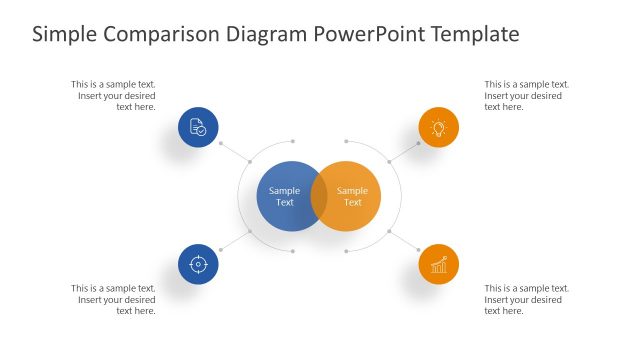
The Simple Comparison Diagram slide from the Free Simple Comparison Slide Diagrams for PowerPoint template offers a clear layout for contrasting strategies or evaluating options. This slide uses editable shapes and vector icons arranged in overlapping circles to highlight similarities and differences effectively. Its design supports business presentations and pitch deck templates by facilitating straightforward communication of key points within a professional slide deck.
What’s on This Slide
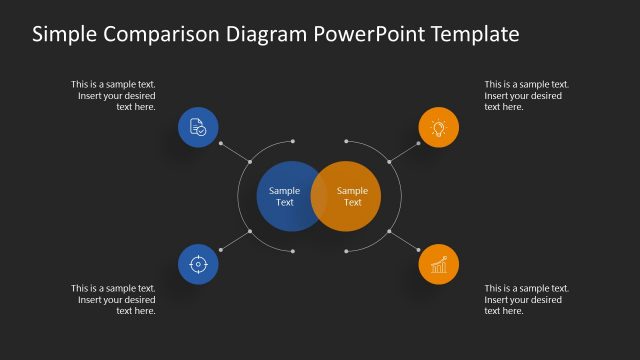
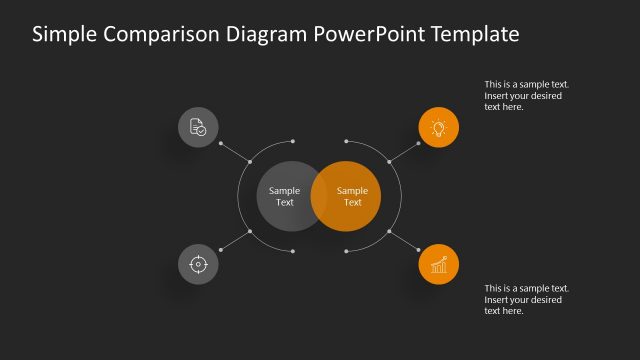
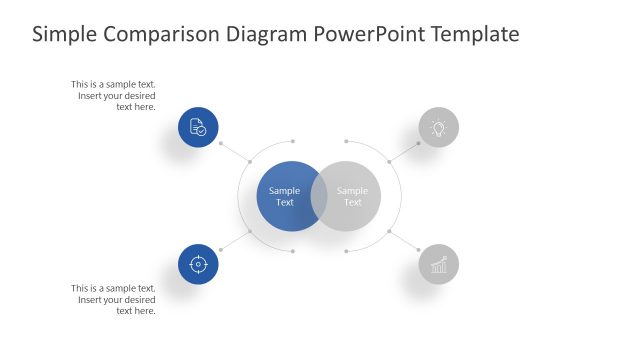
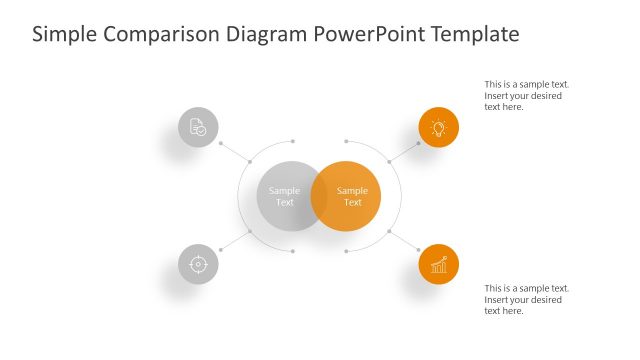
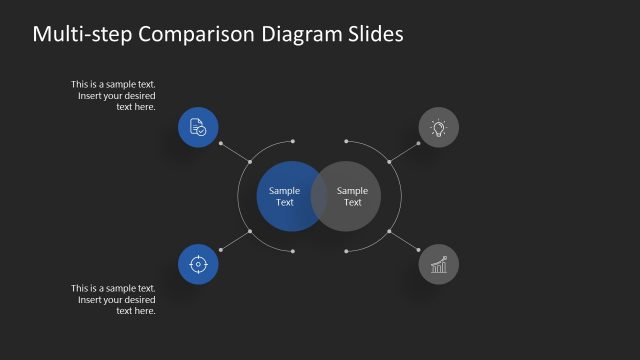
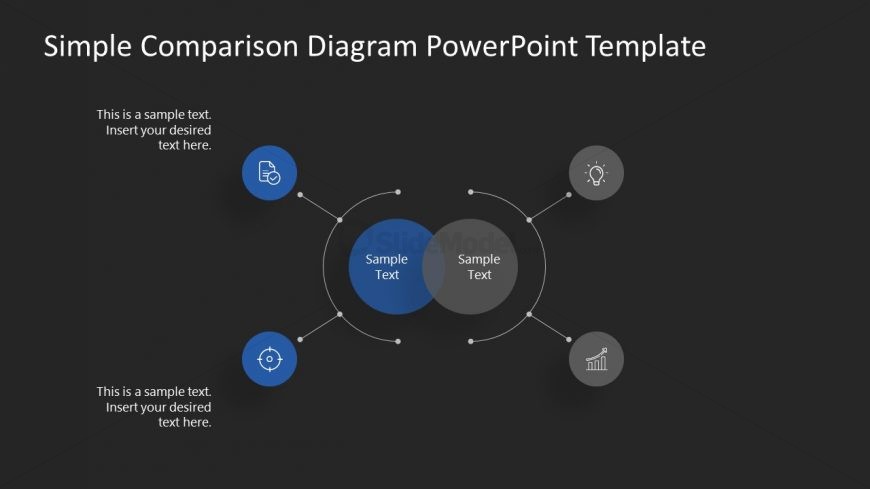
The layout features a central overlapping circle with two smaller circles on either side. The central area contains two text placeholders, while the smaller circles each have icons and text placeholders below them. The left and right circles are blue, while the central circle is gray. Connecting lines extend from the smaller circles to the central circle, creating a cohesive flow. The background is dark, enhancing the visibility of the elements. Text placeholders are aligned to the center and bottom of their respective shapes.
How to Use It
This layout serves as a comparison diagram, ideal for illustrating similarities and differences between two concepts. It fits well in a presentation sequence after outlining a problem or introducing a topic. Suitable scenarios include comparing product features, contrasting strategies, or evaluating options. The visual structure allows for clear communication of key points, making it effective for business discussions and decision-making processes.
Text Placeholders & Capacity
Keep your copy within these limits so it fits without resizing. Node body slots can hold about 5-6 words each, title slot can accommodate around 10 words.
| Placeholder | Count | Max characters (approx.) |
|---|---|---|
| Item body | 4 | 30 |
| Slide title | 1 | 50 |
Slide Keywords
Download unlimited PowerPoint templates, charts and graphics for your presentations with our annual plan.
DOWNLOADReturn to Free Simple Comparison Slide Diagrams for PowerPoint.