Slide 2 of 6 from Free Simple Comparison Slide Diagrams for PowerPoint
Blue Comparison Simple PowerPoint Slide
Simple Comparison Diagram for Presentations
- Diagram
- Venn
- Comparison Slide
- 16:9
- 100% Editable
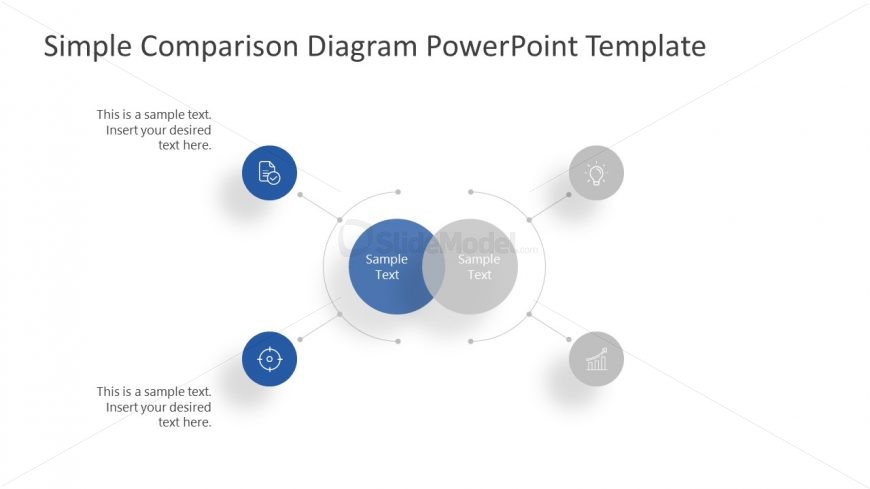
The Simple Comparison Diagram slide from the Free Simple Comparison Slide Diagrams for PowerPoint template offers a clear visual tool for contrasting two concepts using overlapping circles and supporting icons. This layout is effective for product comparison, feature evaluation, or strategy contrast in business presentations, utilizing editable shapes and vector icons to enhance clarity within a professional slide deck.
What’s on This Slide
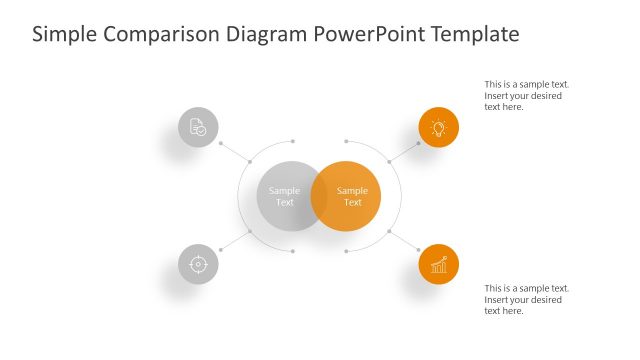
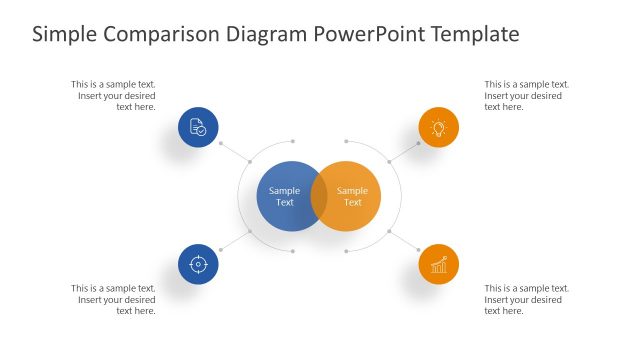
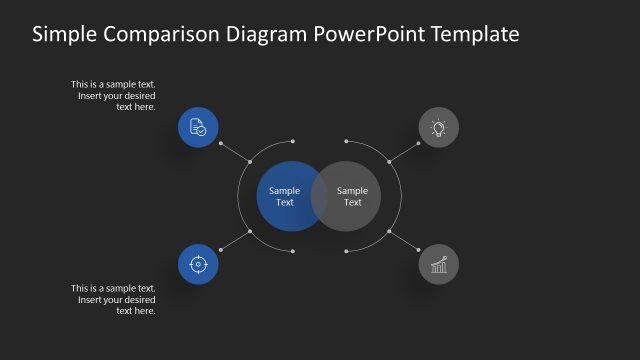
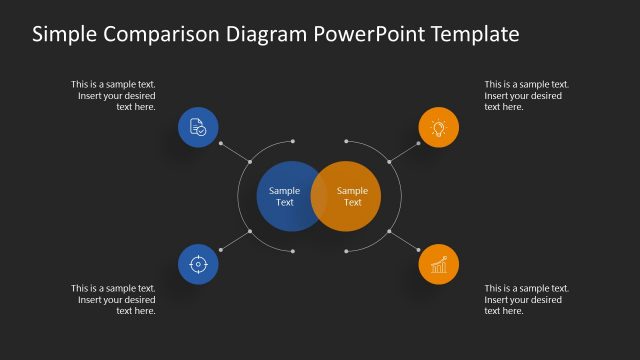
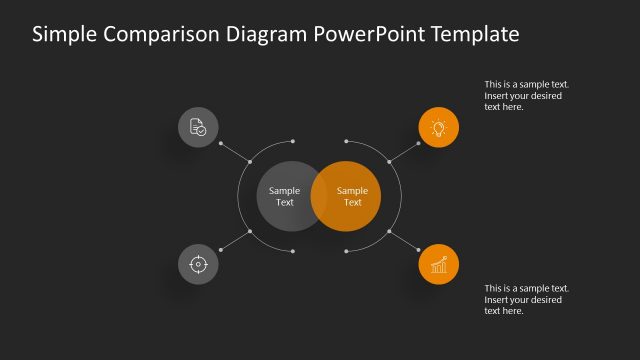
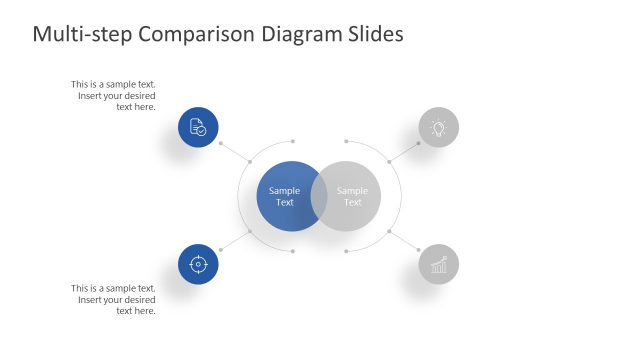
The layout features a central circular shape with two overlapping circles, each labeled 'Sample Text.' Surrounding this central area are four smaller circles, each containing an icon and a text placeholder. The central circles are blue, while the surrounding circles are gray. Text placeholders are positioned above, below, and to the left and right of the central diagram, aligned to maintain visual balance. The overall composition is symmetrical, with a clean and organized structure that emphasizes the central comparison.
How to Use It
This layout serves as a comparison diagram, ideal for illustrating similarities and differences between two concepts. It fits well in a presentation sequence following an introduction or problem statement, leading into detailed analysis. Common scenarios include product comparisons, feature evaluations, or contrasting strategies. The structure allows for clear visual communication of key points, making it suitable for business meetings, educational settings, or marketing discussions.
Text Placeholders & Capacity
Keep your copy within these limits so it fits without resizing. Body slots can hold about 8-10 words each.
| Placeholder | Count | Max characters (approx.) |
|---|---|---|
| Item heading | 4 | 20 |
| Body paragraph | 4 | 40 |
Slide Keywords
Download unlimited PowerPoint templates, charts and graphics for your presentations with our annual plan.
DOWNLOADReturn to Free Simple Comparison Slide Diagrams for PowerPoint.