Slide 6 of 6 from Free Simple Comparison Slide Diagrams for PowerPoint
4 Steps Comparison Chart Template Design
Simple Comparison Diagram PowerPoint Template
- Diagram
- Comparison Split
- Comparison Slide
- 16:9
- 100% Editable
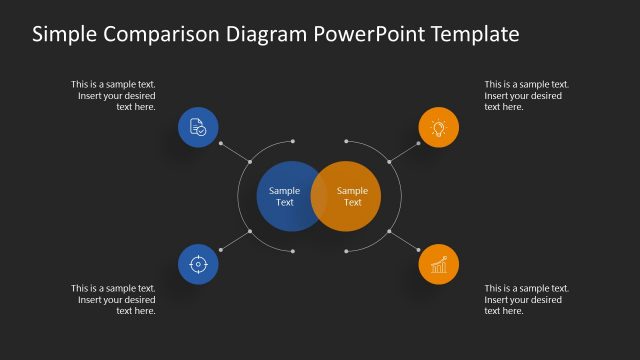
The Simple Comparison Diagram slide from the Free Simple Comparison Slide Diagrams for PowerPoint template offers a clear visual method for product comparison and feature evaluation. This slide layout uses editable shapes and vector icons arranged symmetrically to highlight strategic options analysis, making it suitable for business presentations and pitch deck templates requiring concise comparison visuals.
What’s on This Slide
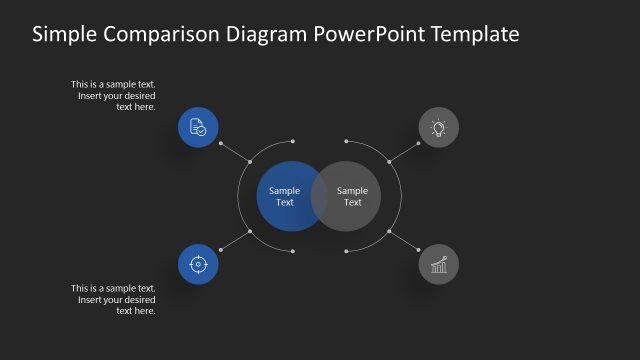
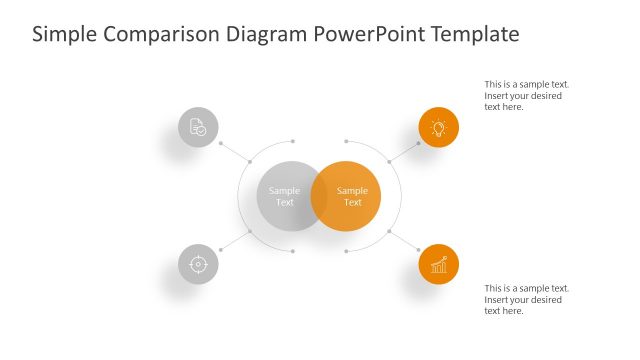
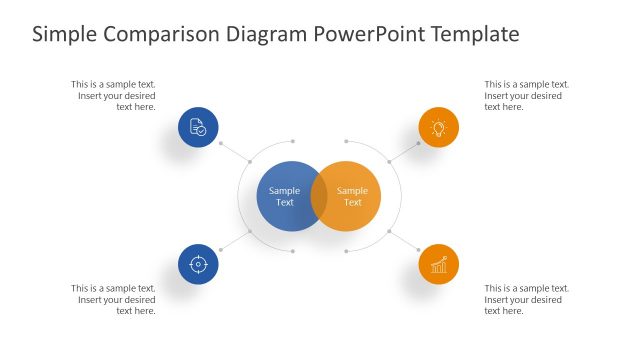
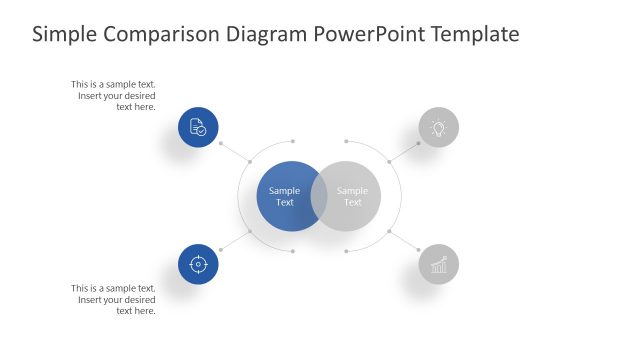
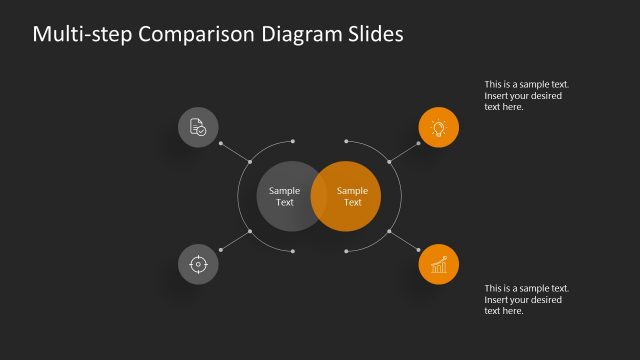
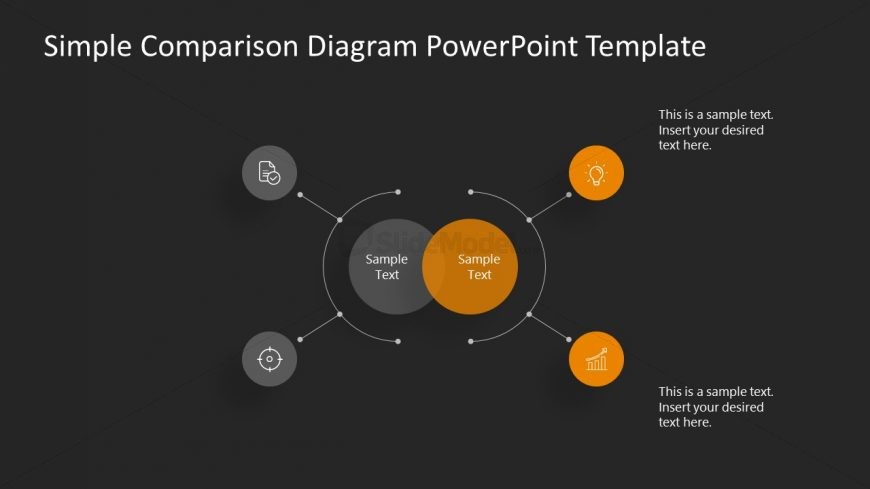
The layout features a central overlapping circle diagram with two larger circles in the center, one orange and one gray, representing comparison points. Surrounding this central area are four smaller circular nodes, each containing distinct icons: a document, a target, a light bulb, and a graph, positioned at the top, bottom, left, and right. Each node has a text placeholder aligned to the right. The background is dark, enhancing the visibility of the colored elements. The overall composition is symmetrical, with a clear visual hierarchy emphasizing the central comparison.
How to Use It
This layout serves as a comparison diagram, effectively illustrating relationships between two main concepts while highlighting supporting points. It fits well in a presentation sequence after introducing a problem and before proposing solutions. This structure is useful in business scenarios such as product comparisons, feature evaluations, or strategic options analysis, allowing for clear visual communication of complex information.
Text Placeholders & Capacity
Keep your copy within these limits so it fits without resizing. Node body slots can hold about 30 characters each.
| Placeholder | Count | Max characters (approx.) |
|---|---|---|
| Item body | 4 | 30 |
| Item heading | 4 | 15 |
| Slide title | 1 | 50 |
Slide Keywords
Download unlimited PowerPoint templates, charts and graphics for your presentations with our annual plan.
DOWNLOADReturn to Free Simple Comparison Slide Diagrams for PowerPoint.