Slide 5 of 8 from Free Human Resources Diagrams for PowerPoint
4 Steps Ladder Diagrams And PowerPoint Icons for Free
Process Flow Diagram with Icons
- Diagram
- Arrow Sequence
- Process Slide
- 16:9
- 100% Editable
The Process Flow with Icons slide from the Free Human Resources Diagrams for PowerPoint template offers a clear and structured way to visualize project workflows or customer journeys. This slide layout uses editable shapes and vector icons arranged diagonally to highlight sequential steps, making it suitable for business presentations and training processes. Its design supports effective communication of methodologies and step-by-step processes within corporate slide decks.
What’s on This Slide
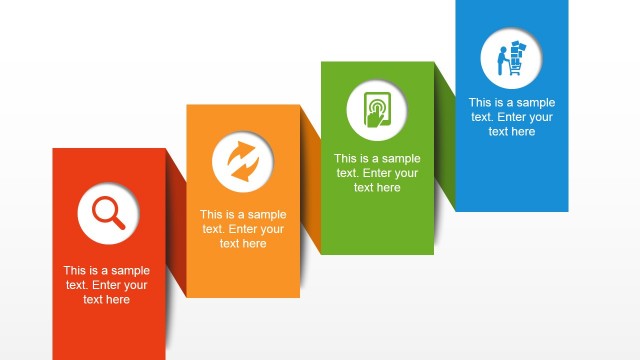
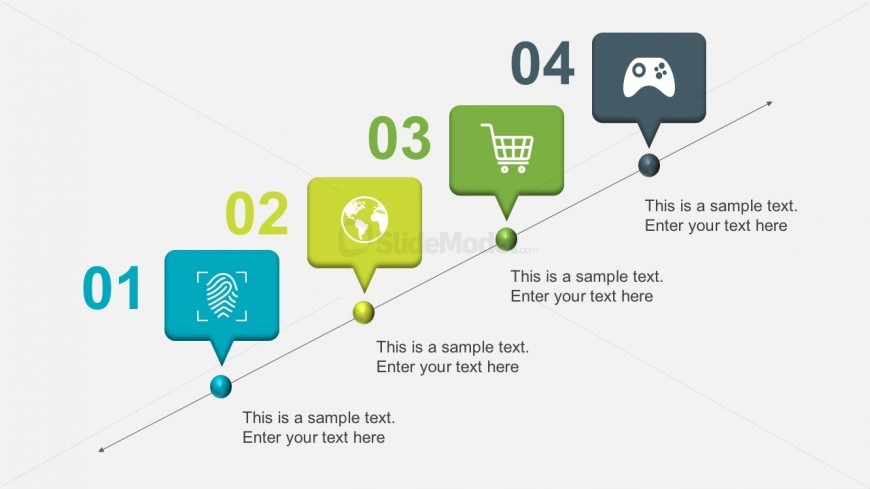
The layout features a diagonal process flow with four distinct nodes. Each node is represented by a rounded rectangular shape, colored in varying shades of blue and green. The first node is positioned at the bottom left, followed by subsequent nodes ascending diagonally to the top right. Each node contains an icon, such as a fingerprint, globe, shopping cart, and game controller, with corresponding text placeholders below. The visual hierarchy emphasizes the flow direction, supported by connecting lines and circular markers at each node. The background is light, enhancing visibility.
How to Use It
This layout serves as a sequential process flow diagram, ideal for illustrating steps in a project or workflow. It fits well in presentations discussing methodologies, project timelines, or product development stages. This structure is useful for business scenarios where clear, step-by-step guidance is necessary, such as onboarding processes or customer journey mapping. It can be effectively used to present a series of actions or decisions that lead to a specific outcome, making it suitable for training or strategic planning sessions.
Text Placeholders & Capacity
Keep your copy within these limits so it fits without resizing. Node body slots can hold about 8-10 words each.
| Placeholder | Count | Max characters (approx.) |
|---|---|---|
| Item heading | 4 | 20 |
| Item body | 4 | 50 |
Slide Keywords
Download unlimited PowerPoint templates, charts and graphics for your presentations with our annual plan.
DOWNLOADReturn to Free Human Resources Diagrams for PowerPoint.