Slide 7 of 8 from Free Human Resources Diagrams for PowerPoint
Free 4 Steps Arrows Diagrams With PowerPoint Icons
Process Steps with Icons for Presentations
- Diagram
- Arrow Sequence
- Process Slide
- 16:9
- 100% Editable
The Process Steps with Icons slide from the Free Human Resources Diagrams for PowerPoint template offers a clear visual sequence ideal for project management and workflow explanations. Featuring editable shapes and vector icons arranged as upward-pointing arrows, this slide supports step-by-step guides within business presentations. Its organized layout enhances understanding of process progression, making it a practical choice for corporate presentation slide decks and pitch deck templates.
What’s on This Slide
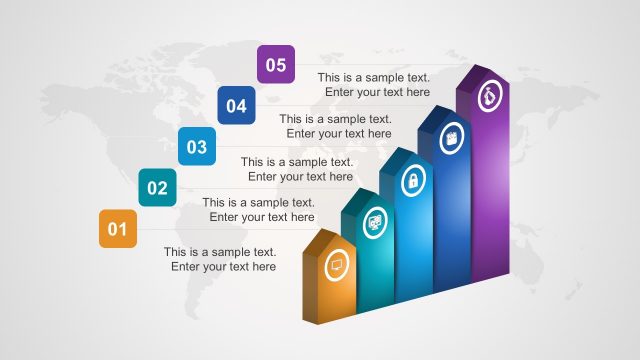
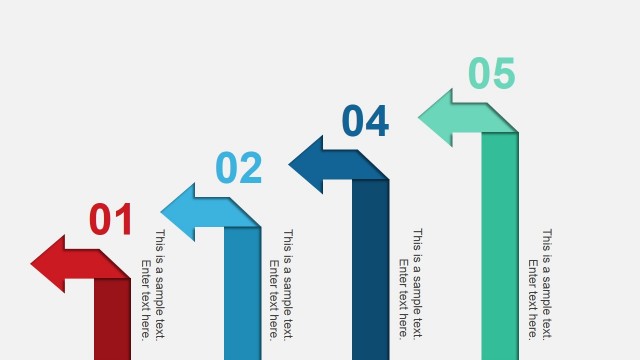
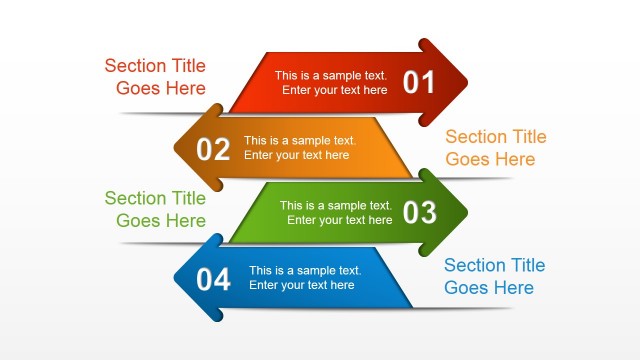
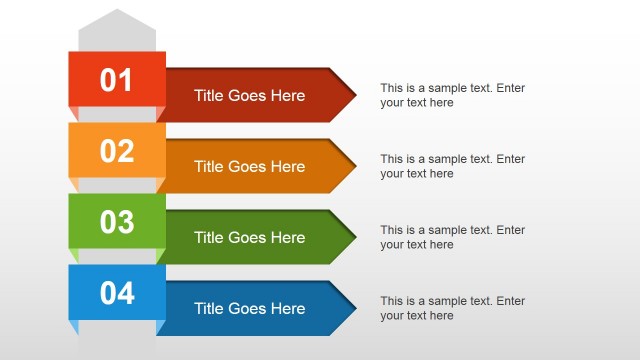
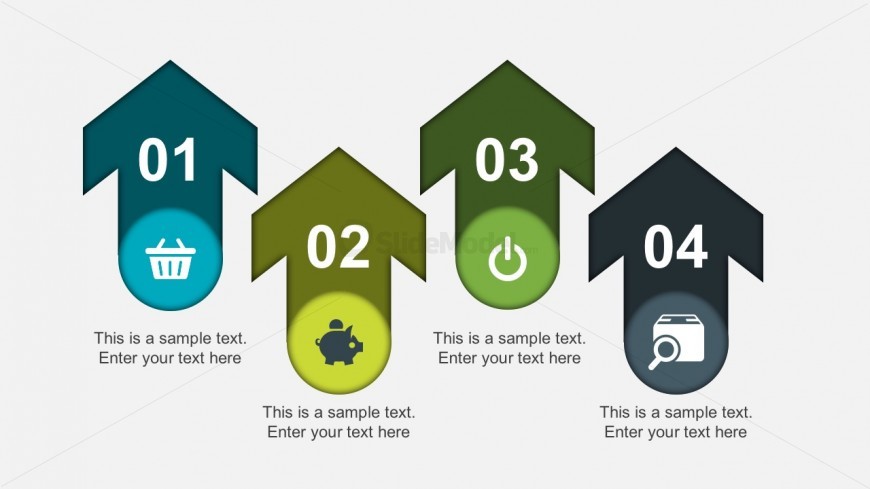
The layout features four upward-pointing arrows arranged horizontally. Each arrow contains a number in a large font at the top, while below each number is a circular icon representing different concepts. The icons include a shopping cart, a piggy bank, a power button, and a magnifying glass. Below each icon, there are text placeholders aligned centrally, allowing for descriptive content. The arrows are colored in varying shades of green and blue, creating a visual hierarchy. The overall composition is balanced and organized, emphasizing each step distinctly.
How to Use It
This layout serves to illustrate a sequential process or steps in a presentation. It is suitable for business contexts such as project management, product development, or workflow explanations. The clear visual structure helps audiences understand the progression of ideas or actions. This slide fits well in a sequence following an introduction or problem statement, leading into detailed explanations of each step. It can be used individually to highlight specific processes or as part of a larger presentation to maintain thematic consistency.
Text Placeholders & Capacity
Keep your copy within these limits so it fits without resizing. Node body slots can hold about 40 characters each.
| Placeholder | Count | Max characters (approx.) |
|---|---|---|
| Item heading | 4 | 2 |
| Item body | 4 | 40 |
Slide Keywords
Download unlimited PowerPoint templates, charts and graphics for your presentations with our annual plan.
DOWNLOADReturn to Free Human Resources Diagrams for PowerPoint.