Slide 4 of 8 from Free Human Resources Diagrams for PowerPoint
4 Stage Process Diagrams with PowerPoint Visuals
Circular Process Steps for Presentations
- Diagram
- Process Flow
- Process Slide
- 16:9
- 100% Editable
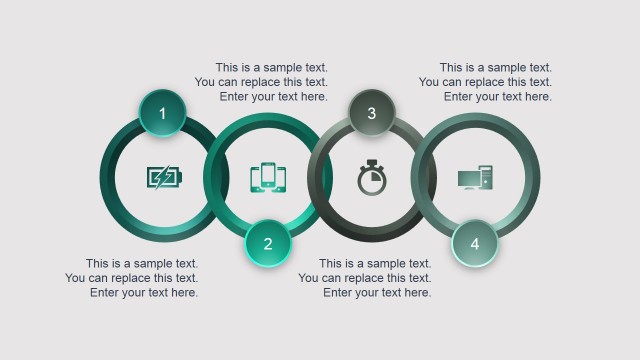
The Circular Process Steps slide from the Free Human Resources Diagrams for PowerPoint template visually represents sequential workflows using four distinct circular nodes. Ideal for corporate presentations and training modules, this slide layout enhances business presentations by clearly outlining project timelines or feature highlights with editable shapes and vector icons.
What’s on This Slide
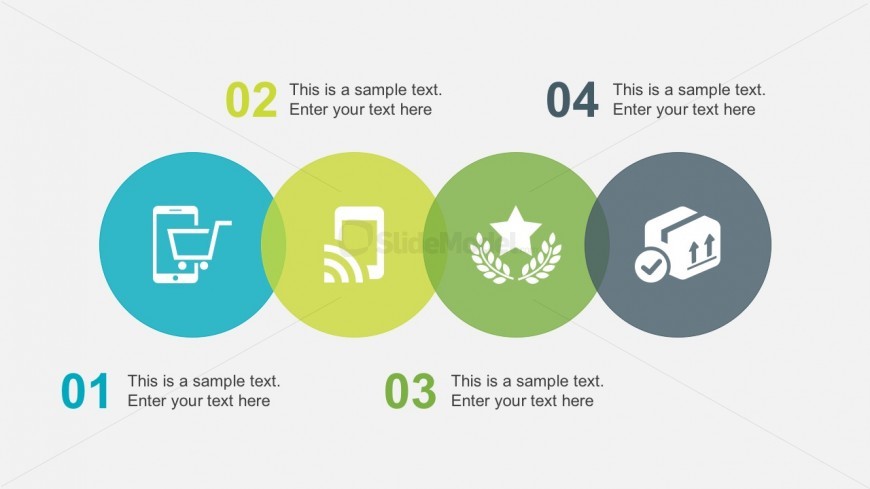
The layout features four circular nodes arranged horizontally. Each node contains an icon and a text placeholder. The first node is blue, the second is light green, the third is darker green, and the fourth is gray. Icons represent different concepts, while the text placeholders are aligned below each icon. The nodes are of equal size and visually separated by white space. A number label appears above each node, indicating the sequence. The background is light gray, providing contrast to the colored nodes.
How to Use It
This layout serves to illustrate a sequential process or steps in a workflow. It is suitable for presentations that require a clear representation of stages, such as project timelines or operational processes. This slide fits well after introductory content and can be used in training sessions or strategy discussions to outline key actions or phases. It can also be adapted for marketing presentations to highlight product features or benefits.
Text Placeholders & Capacity
Keep your copy within these limits so it fits without resizing. Node body slots can hold roughly 10 words each.
| Placeholder | Count | Max characters (approx.) |
|---|---|---|
| Item heading | 4 | 20 |
| Item body | 4 | 50 |
Slide Keywords
Download unlimited PowerPoint templates, charts and graphics for your presentations with our annual plan.
DOWNLOADReturn to Free Human Resources Diagrams for PowerPoint.