Slide 2 of 6 from Free Decision Tree PowerPoint Templates
Free Decision Tree PowerPoint Diagram
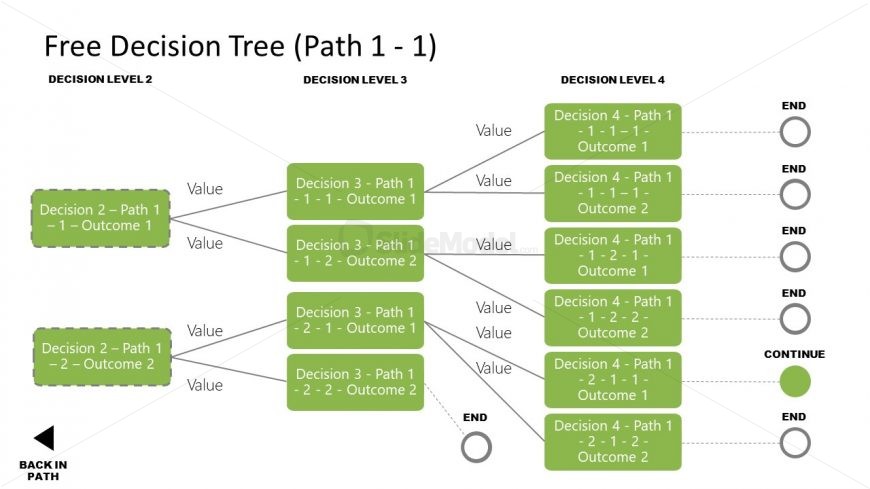
Decision Tree Path 1 - 1 Diagram
- Diagram
- Flowchart
- Process Slide
- 16:9
- 100% Editable
What’s on This Slide
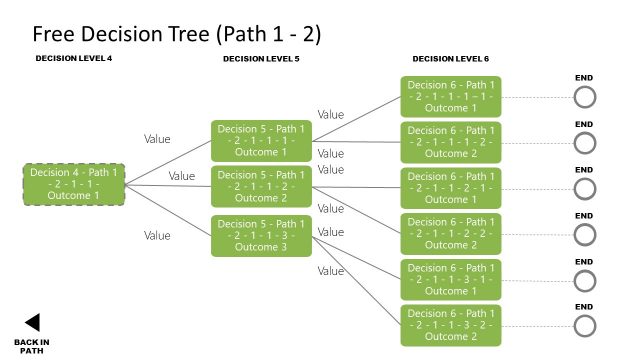
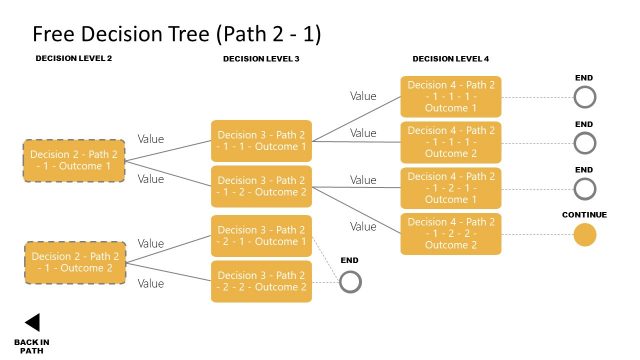
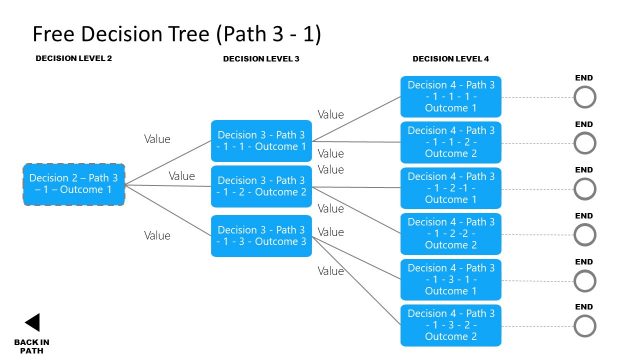
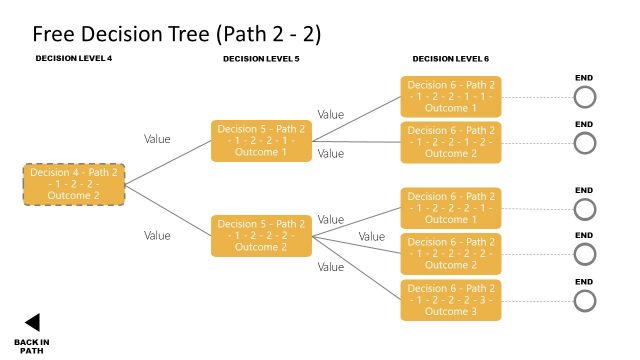
The layout features a decision tree diagram with multiple branching paths. At the top, a title indicates the path being analyzed. Below, two main decision nodes are positioned on the left and right, each leading to further outcomes. Each node is represented by rectangular shapes containing text, with connecting lines showing the flow from one decision to the next. The nodes are visually grouped, with a clear hierarchy from decision level 2 to level 4. Text placeholders exist for node labels and values, aligned within the shapes. The background is light, enhancing readability.
How to Use It
This layout serves as a decision tree diagram, illustrating a structured decision-making process. It is suitable for presentations that require visualizing complex decisions and their outcomes. This slide fits well after an introduction to decision-making concepts, providing clarity on specific paths. It can be utilized in business scenarios such as project planning, risk assessment, or strategic decision-making, where multiple outcomes need to be evaluated based on different choices.
Text Placeholders & Capacity
Keep your copy within these limits so it fits without resizing. Node labels can accommodate up to 40 characters each.
| Placeholder | Count | Max characters (approx.) |
|---|---|---|
| Item heading | 8 | 40 |
| Chart title | 1 | 50 |
Slide Keywords
Download unlimited PowerPoint templates, charts and graphics for your presentations with our annual plan.
DOWNLOADReturn to Free Decision Tree PowerPoint Templates.