Slide 3 of 6 from Free Decision Tree PowerPoint Templates
Navigational Decision Tree PowerPoint Diagram
Free Decision Tree Path Overview Slide
- Diagram
- Tree Hierarchy
- Process Slide
- 16:9
- 100% Editable
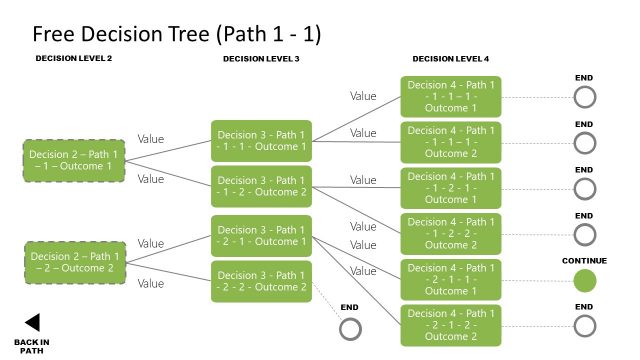
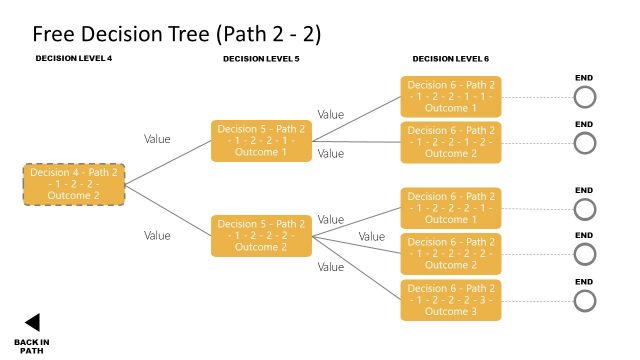
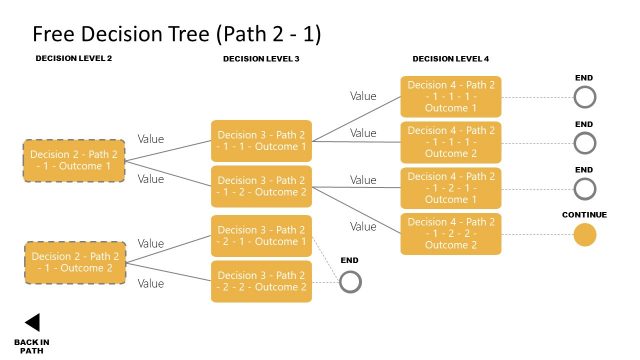
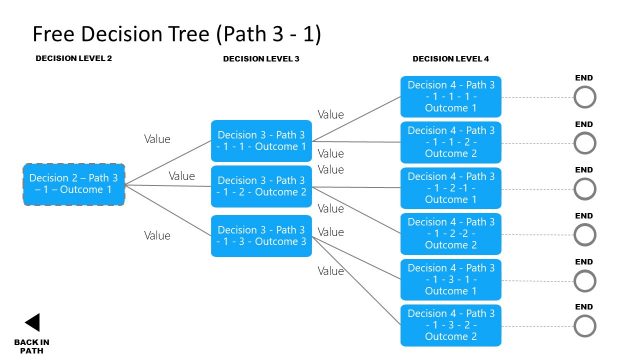
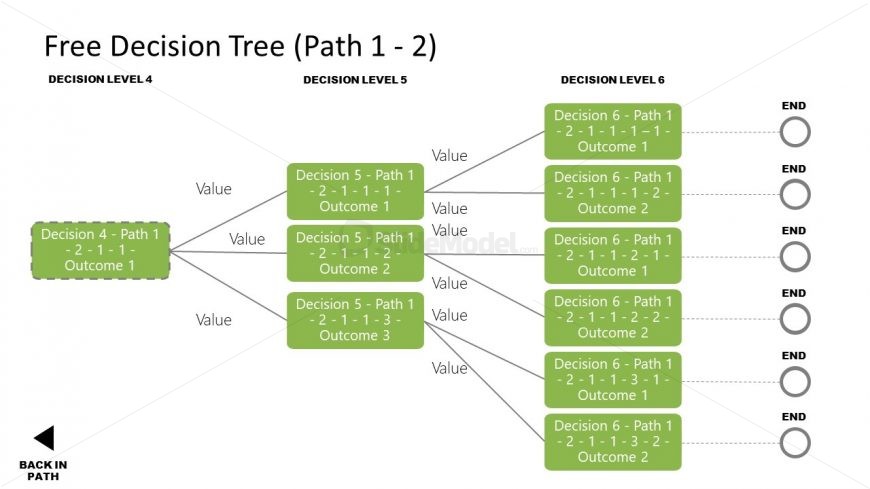
The Decision Tree Path Overview slide from the Free Decision Tree PowerPoint Templates offers a clear hierarchical diagram ideal for project planning and risk assessment. This slide template uses editable shapes to map decision points and outcomes, supporting strategic decision-making in corporate presentations. Its structured layout facilitates understanding of complex processes, making it a practical addition to any business presentation or pitch deck template.
What’s on This Slide
The layout features a decision tree diagram with multiple paths and outcomes. At the top, a title indicates the decision tree's context. Below, decision levels are organized horizontally, with nodes representing decisions and outcomes. Each node is a rectangular shape, containing text that describes the decision path. Lines connect nodes, indicating flow from one decision to the next. There are placeholders for values, and a back navigation button is positioned at the bottom left. The overall structure is hierarchical, guiding the viewer through decision-making steps.
How to Use It
This layout serves as a decision tree diagram, illustrating complex decision-making processes. It fits well in presentations that require detailed analysis of choices and outcomes. This structure is useful in business scenarios such as project planning, risk assessment, or strategic decision-making. It can be used to visualize various decision paths and their consequences, helping stakeholders understand the implications of each choice. It is best positioned after an introductory problem slide to clarify decision-making options.
Text Placeholders & Capacity
Keep your copy within these limits so it fits without resizing. Node labels can accommodate detailed text, roughly 10-12 words each.
| Placeholder | Count | Max characters (approx.) |
|---|---|---|
| Slide title | 1 | 30 |
| Item heading | 6 | 50 |
| Item body | 6 | 50 |
| Footer | 1 | 20 |
Slide Keywords
Download unlimited PowerPoint templates, charts and graphics for your presentations with our annual plan.
DOWNLOADReturn to Free Decision Tree PowerPoint Templates.