Slide 2 of 3 from Free Bucket Slides for PowerPoint
FF0015-01-bucket-slides-2
Bucket Classification Diagram for Presentations
- Diagram
- Other
- Process Slide
- 16:9
- 100% Editable
The Bucket Classification Diagram slide from the Free Bucket Slides for PowerPoint template offers a clear visual tool for presenting categorization processes and segmentation strategies. This slide layout uses editable shapes and vector icons arranged horizontally to demonstrate prioritization methods effectively, making it suitable for business presentations and strategic discussions requiring organized classification visuals.
What’s on This Slide
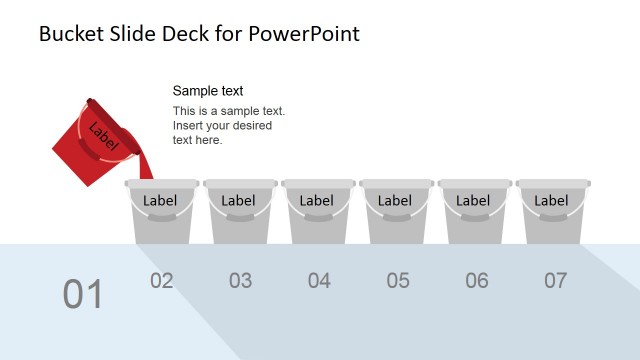
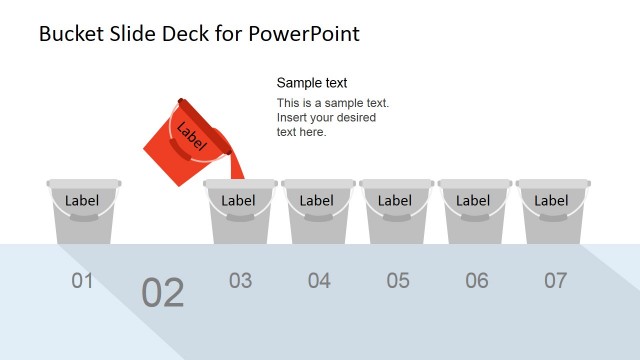
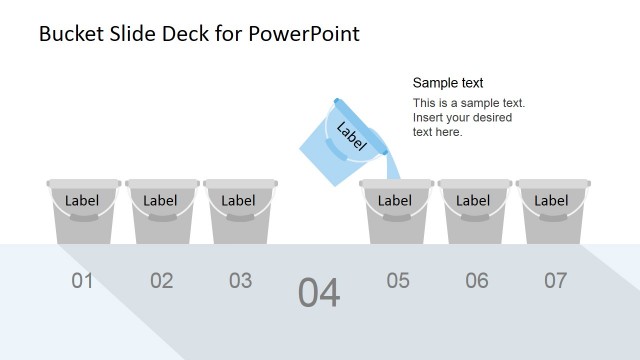
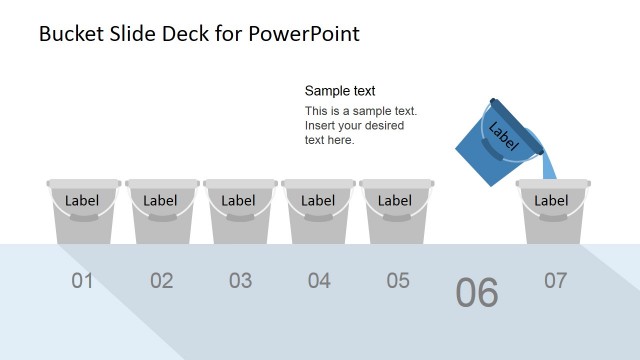
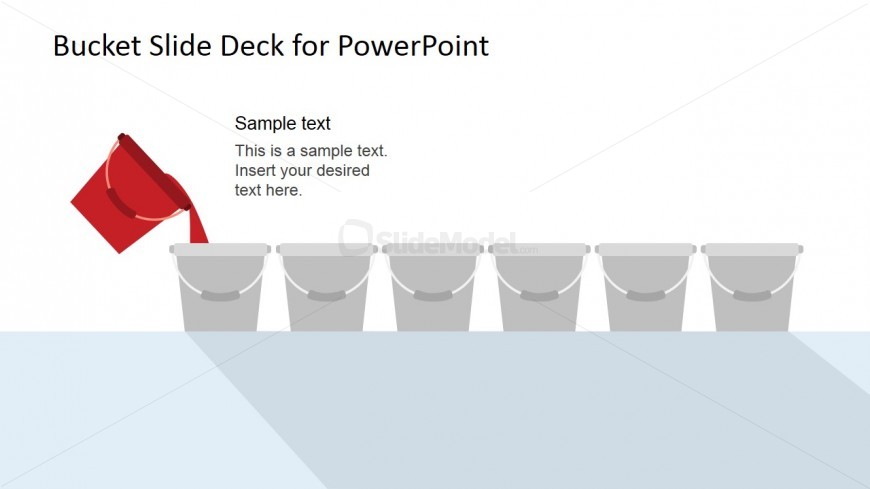
The layout features a horizontal arrangement of six bucket icons, positioned centrally along the bottom of the slide. A red bucket is tilted, suggesting an action of pouring into the first bucket. Above the buckets, there are two text placeholders aligned left, with the first placeholder labeled 'Sample text' and the second containing instructional text. The background is light with a subtle gradient, enhancing the visual hierarchy. The buckets are gray with simple outlines, creating a clean and organized appearance.
How to Use It
This layout serves as a bucket classification diagram, ideal for illustrating how items are sorted into categories. It fits well in presentations discussing segmentation, prioritization, or grouping concepts. This slide can be used in business contexts such as training sessions, strategic planning meetings, or project management discussions, where visualizing classification is essential. It effectively communicates the process of categorizing information in a straightforward manner.
Text Placeholders & Capacity
Keep your copy within these limits so it fits without resizing. Body slots can accommodate roughly 10-15 words each.
| Placeholder | Count | Max characters (approx.) |
|---|---|---|
| Slide title | 1 | 30 |
| Body paragraph | 2 | 50 |
Slide Keywords
Download unlimited PowerPoint templates, charts and graphics for your presentations with our annual plan.
DOWNLOADReturn to Free Bucket Slides for PowerPoint.