Slide 7 of 7 from Free Bottleneck Diagram Template for PowerPoint
Editable 5 Arrows PowerPoint Diagram Bottleneck
Bottleneck Diagram Template for Presentations
- Diagram
- Arrow Sequence
- Process Slide
- 16:9
- 100% Editable
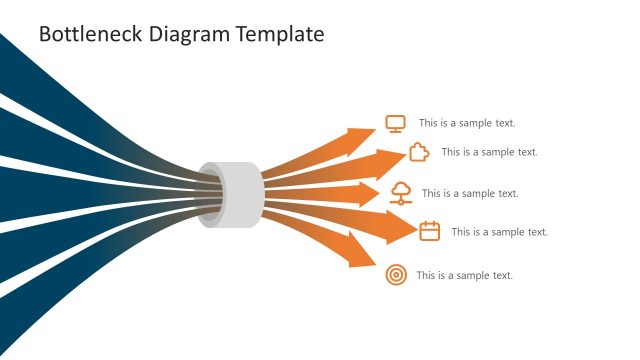
The Bottleneck Diagram with Arrows slide from the Free Bottleneck Diagram Template for PowerPoint offers a clear visual for illustrating process bottlenecks and workflow impacts. This slide layout uses editable shapes and vector icons to highlight operational challenges effectively, making it suitable for business presentations and strategic planning. Its design supports communication of how central issues influence multiple outcomes within a corporate presentation or pitch deck template.
What’s on This Slide
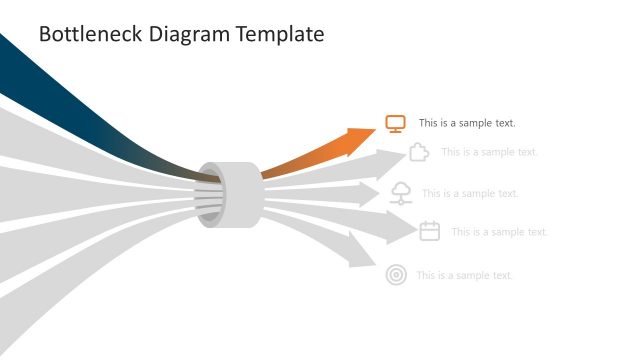
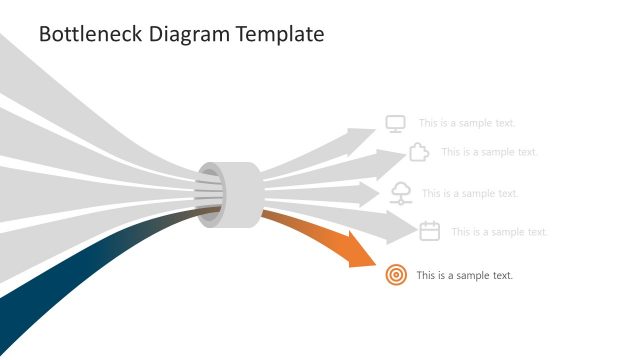
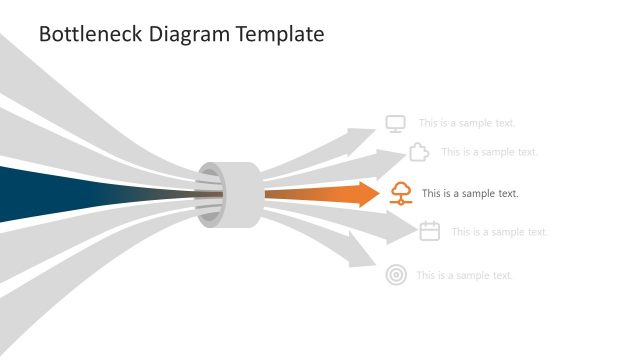
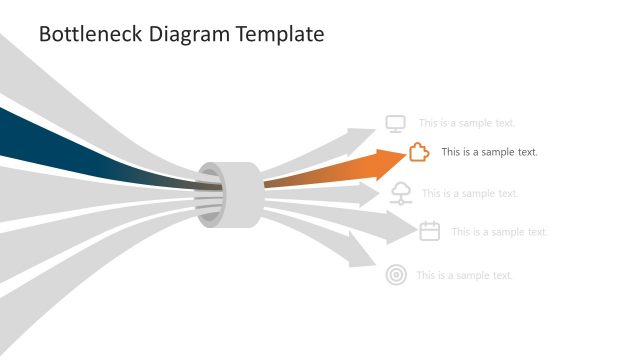
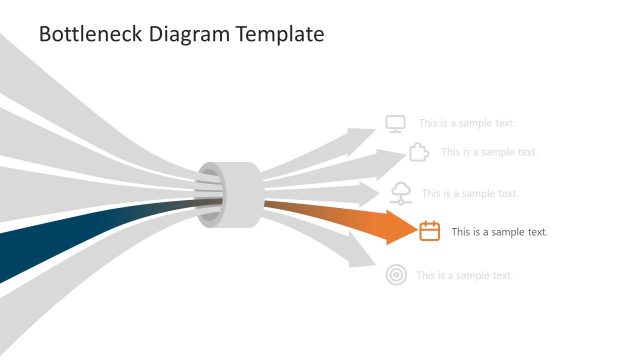
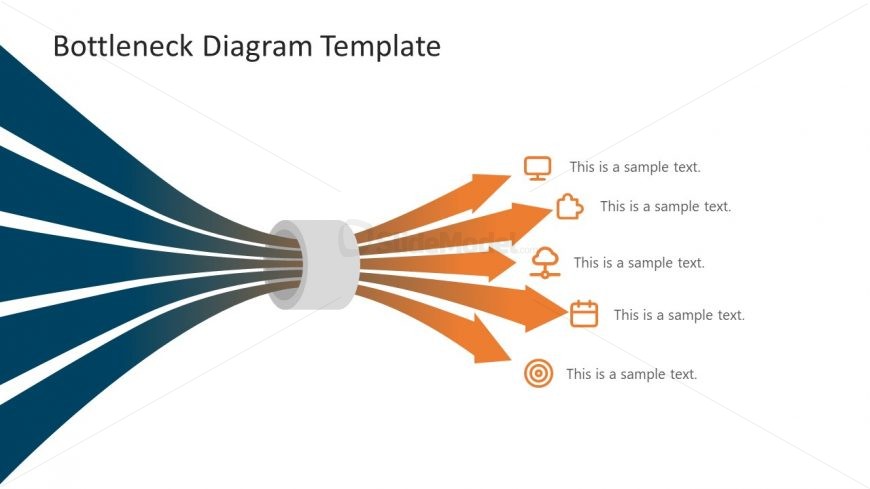
The layout features a central bottleneck shape from which five arrows extend outward. The arrows are colored in a gradient from orange to dark orange, directing attention to the right. Each arrow has an associated icon, including a computer, cloud, calendar, and target, positioned next to text placeholders. The text placeholders are aligned to the right of the arrows, with a consistent visual hierarchy. The background is a gradient transitioning from dark blue to light blue, enhancing the visual appeal. The overall composition is balanced, with a clear flow from the bottleneck to the arrows.
How to Use It
This layout serves as a bottleneck diagram, illustrating processes or workflows where a central issue leads to multiple outcomes. It fits well in presentations discussing operational challenges, project management, or strategic planning. The structure allows for clear visual communication of how bottlenecks affect various components. This slide is effective for business scenarios where identifying and addressing bottlenecks is crucial, such as in supply chain management, software development, or service delivery optimization.
Text Placeholders & Capacity
Keep your copy within these limits so it fits without resizing. Node labels can hold roughly 30 characters each.
| Placeholder | Count | Max characters (approx.) |
|---|---|---|
| Item heading | 5 | 30 |
| Slide title | 1 | 50 |
Slide Keywords
Download unlimited PowerPoint templates, charts and graphics for your presentations with our annual plan.
DOWNLOAD