Slide 1 of 7 from Free Bottleneck Diagram Template for PowerPoint
Bottleneck PowerPoint 5 Steps Diagram
Bottleneck Diagram Template for Presentations
- Diagram
- Arrow Sequence
- Problem Framing Slide
- 16:9
- 100% Editable
The Bottleneck Diagram slide from the Free Bottleneck Diagram Template for PowerPoint provides a clear visual tool to illustrate process flows and operational bottlenecks. Designed for business presentations, this slide uses editable shapes and arrows to highlight resource allocation and project management challenges effectively. It is ideal for creating a focused problem-framing slide within a corporate presentation or pitch deck template, compatible with both PowerPoint and Google Slides templates.
What’s on This Slide
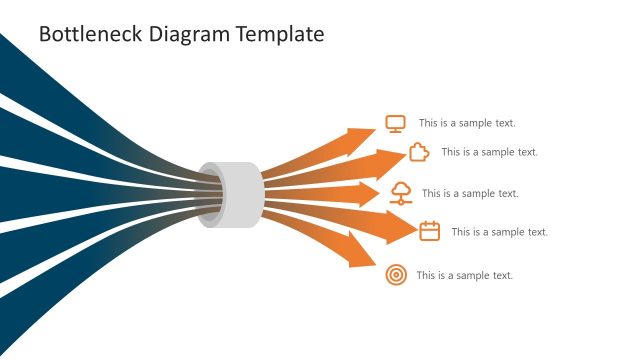
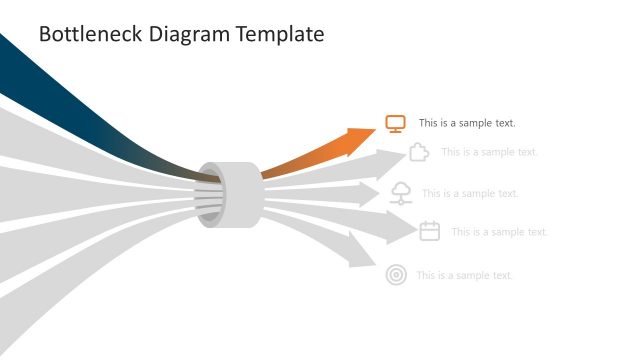
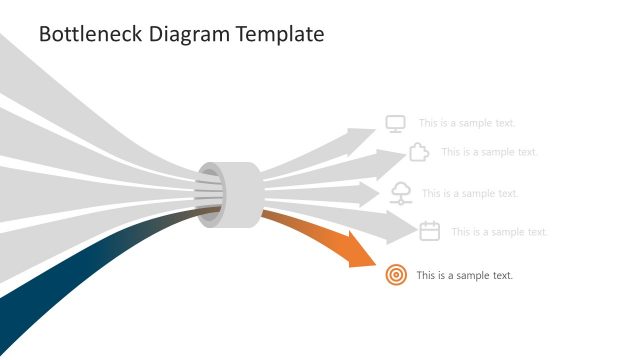
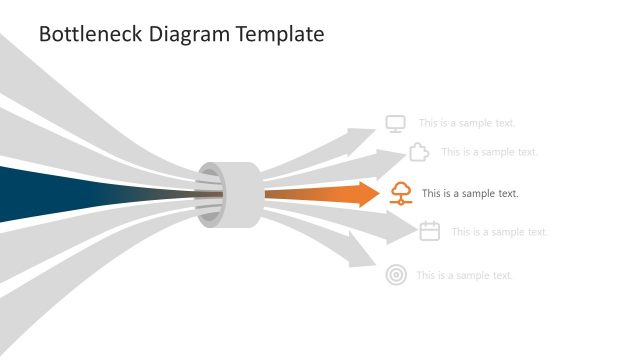
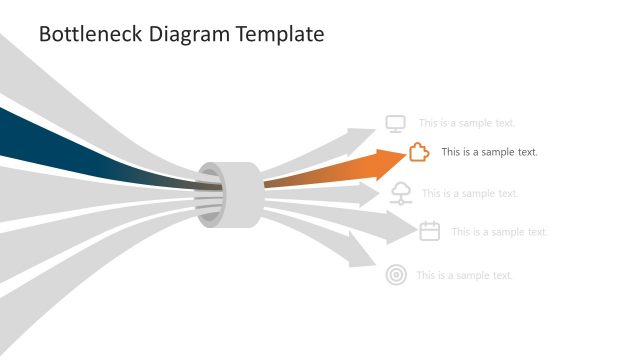
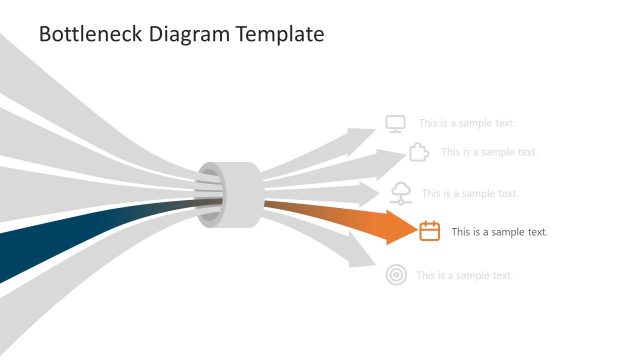
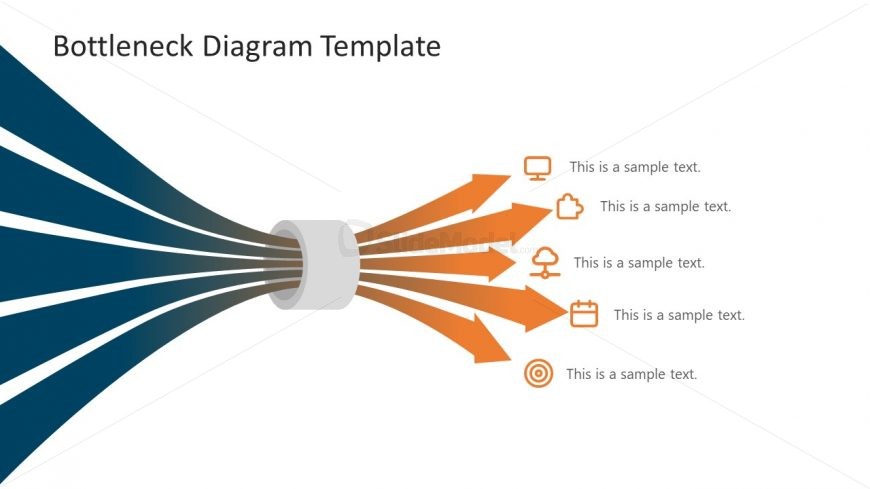
The layout features a central cylindrical shape from which five arrows emanate outward. The arrows are colored in a gradient from orange to dark orange, pointing towards five text placeholders on the right. Each placeholder is aligned vertically and contains sample text. The background is predominantly white, with a gradient blue section on the left side. The visual hierarchy emphasizes the arrows leading from the central shape to the text, creating a clear flow of information. The slide title is positioned at the top left, providing context.
How to Use It
This layout serves as a bottleneck diagram, illustrating processes or workflows where multiple inputs converge into a single output. It is effective for presentations discussing operational challenges, resource allocation, or project management. This slide fits well at the beginning of a presentation to introduce a problem or concept. It can be used in business meetings to highlight areas needing improvement or to visualize the impact of bottlenecks in a system.
Text Placeholders & Capacity
Keep your copy within these limits so it fits without resizing. Node body slots can hold about 5-6 words each.
| Placeholder | Count | Max characters (approx.) |
|---|---|---|
| Slide title | 1 | 30 |
| Item body | 5 | 30 |
Slide Keywords
Download unlimited PowerPoint templates, charts and graphics for your presentations with our annual plan.
DOWNLOAD