Slide 2 of 7 from Free Bottleneck Diagram Template for PowerPoint
Arrow Template Step 1 Bottleneck PowerPoint
Bottleneck Diagram Template for Presentations
- Diagram
- Other
- Process Slide
- 16:9
- 100% Editable
The Bottleneck Diagram slide from the Free Bottleneck Diagram Template for PowerPoint offers a clear visual tool for process analysis and workflow discussions. This slide layout uses editable shapes and vector icons to highlight resource allocation challenges within a business presentation or project management context, making it a practical choice for corporate presentations and pitch deck templates.
What’s on This Slide
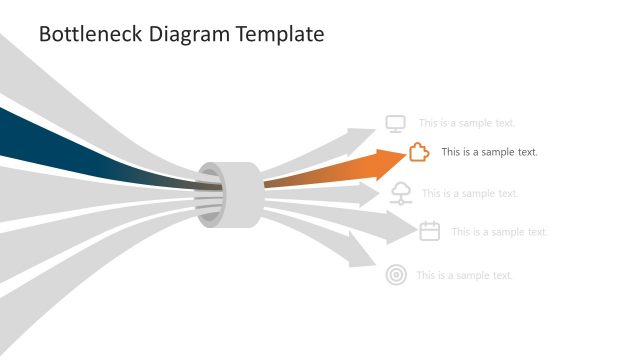
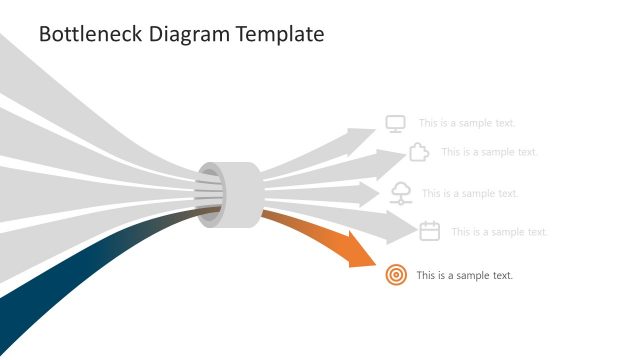
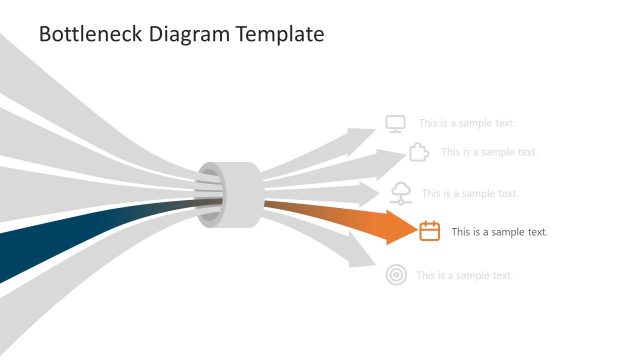
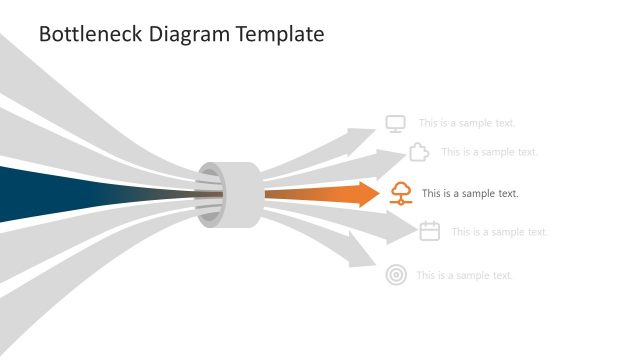
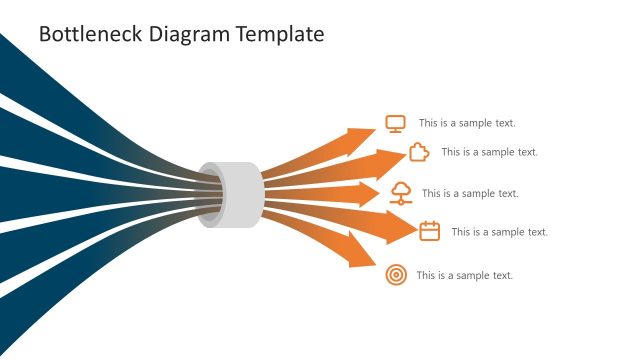
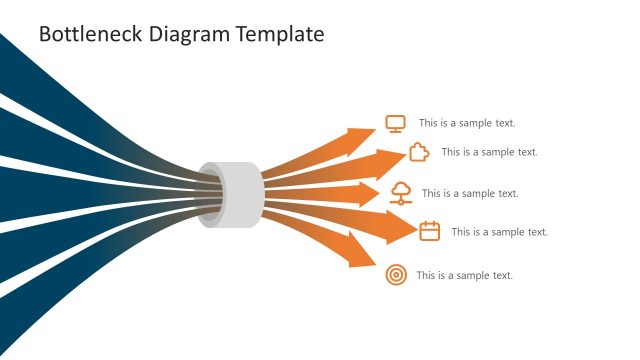
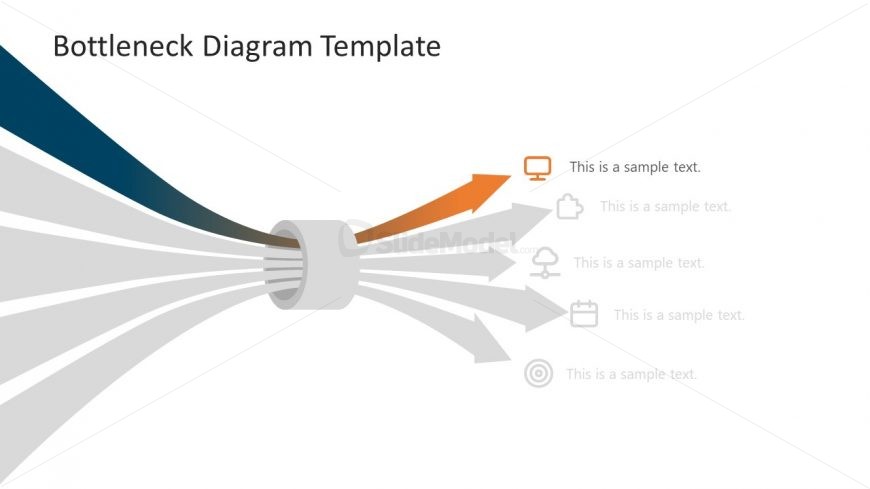
The layout features a central bottleneck shape with five diverging arrows extending outward. The arrows are arranged in a fan-like manner, with the leftmost arrow in dark blue, followed by lighter shades of blue, gray, and an orange arrow on the right. Each arrow has an associated icon and a text placeholder positioned to the right, aligned vertically. The text placeholders are evenly spaced, with the first one highlighted in orange. The overall composition is clean, with a white background enhancing visibility.
How to Use It
This layout serves as a bottleneck diagram, illustrating processes or workflows that encounter constraints. It is suitable for presentations discussing operational challenges, resource allocation, or project management. Positioned early in a presentation, it can effectively frame subsequent discussions on solutions or improvements. This structure is beneficial for business meetings, strategy sessions, or educational contexts where process analysis is required.
Text Placeholders & Capacity
Keep your copy within these limits so it fits without resizing. Node labels can hold about 30 characters each, while node bodies can hold about 50 characters each.
| Placeholder | Count | Max characters (approx.) |
|---|---|---|
| Item heading | 5 | 30 |
| Item body | 5 | 50 |
| Slide title | 1 | 40 |
Slide Keywords
Download unlimited PowerPoint templates, charts and graphics for your presentations with our annual plan.
DOWNLOAD