Slide 5 of 7 from Free Bottleneck Diagram Template for PowerPoint
Arrow Template Step 4 Bottleneck PowerPoint
Bottleneck Diagram Template for Presentations
- Diagram
- Arrow Sequence
- Problem Framing Slide
- 16:9
- 100% Editable
The Bottleneck Diagram slide from the Free Bottleneck Diagram Template for PowerPoint offers a clear visual tool for highlighting process constraints. This slide template uses editable shapes and vector icons arranged in an arrow sequence to emphasize workflow challenges, making it suitable for business presentations focused on project management and operational analysis.
What’s on This Slide
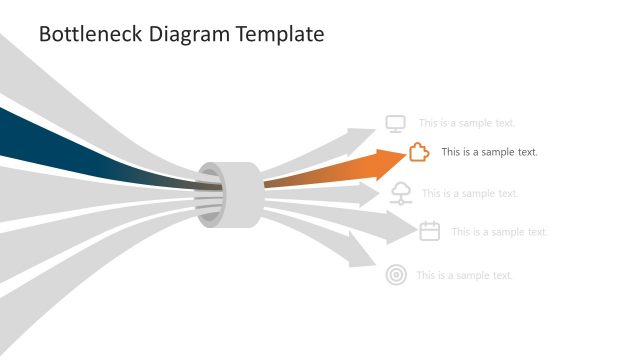
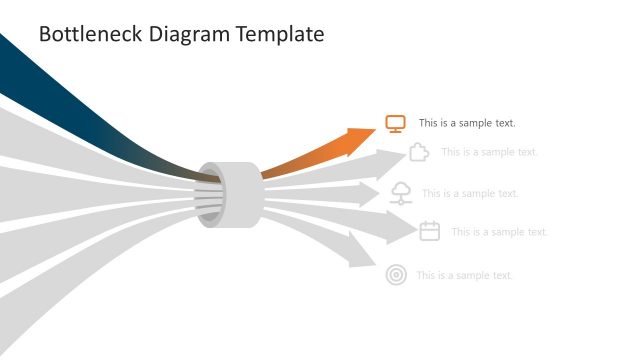
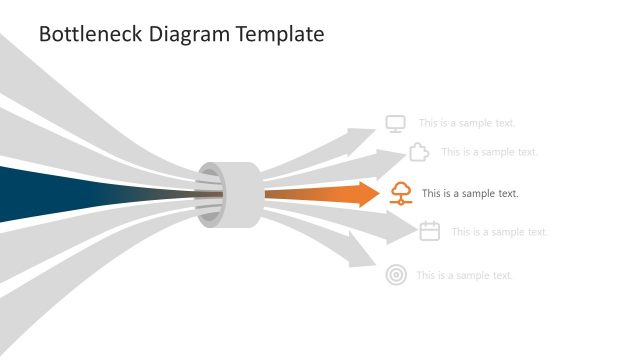
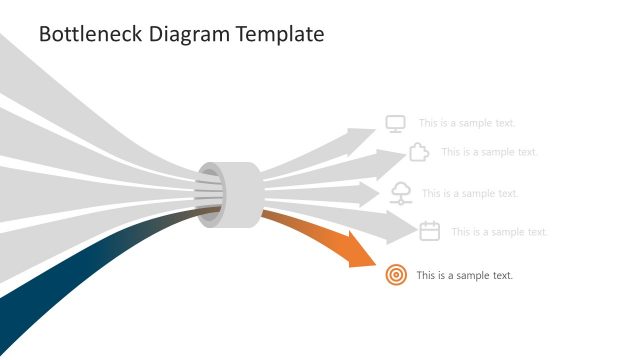
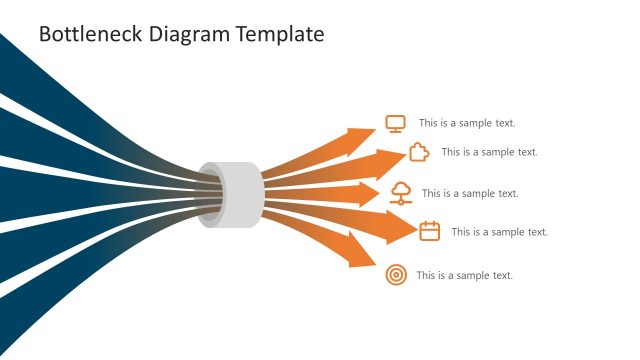
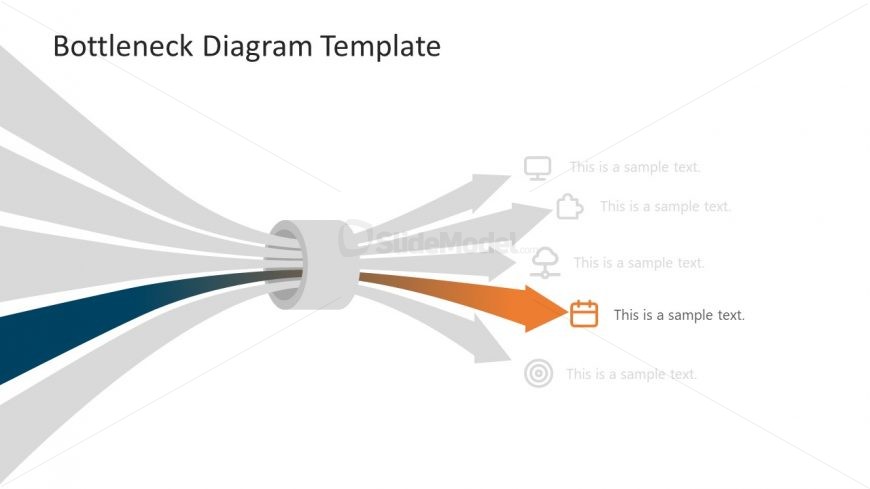
The layout features a central bottleneck shape with five arrows extending outward. The arrows are arranged in a fan-like formation, with one arrow highlighted in orange and the others in shades of gray. Each arrow has a text placeholder aligned to its right, indicating where content can be added. The central bottleneck shape is cylindrical, and the overall color scheme includes gradients of blue and gray. The text placeholders are uniformly sized and positioned to maintain visual balance, with the highlighted arrow drawing attention to its corresponding text.
How to Use It
This layout serves as a visual representation of bottlenecks in processes, ideal for illustrating challenges or constraints. It fits well in a presentation sequence after problem identification and before proposing solutions. This slide can be used in business contexts such as operational analysis, project management discussions, or workflow optimization presentations, helping to clarify areas needing attention or improvement.
Text Placeholders & Capacity
Keep your copy within these limits so it fits without resizing. Node text slots can accommodate roughly 5-6 words each.
| Placeholder | Count | Max characters (approx.) |
|---|---|---|
| Item body | 5 | 30 |
Slide Keywords
Download unlimited PowerPoint templates, charts and graphics for your presentations with our annual plan.
DOWNLOAD