Slide 7 of 8 from Free 6-Step Infographic Diagram for PowerPoint
Step 6 3D Infographic Diagram Template
6-Step Infographic Diagram for Presentations
- Diagram
- Process Flow
- Process Slide
- 16:9
- 100% Editable
What’s on This Slide
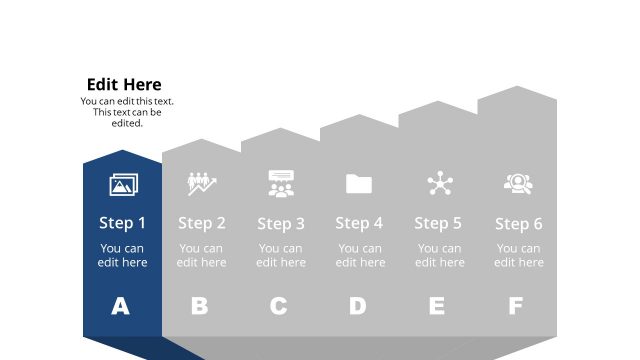
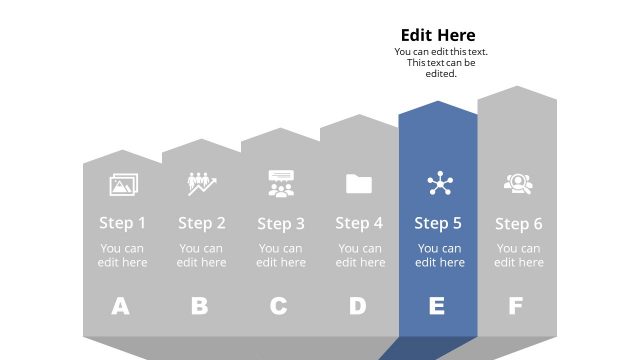
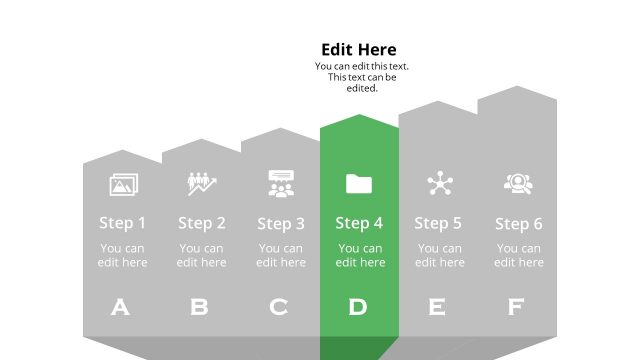
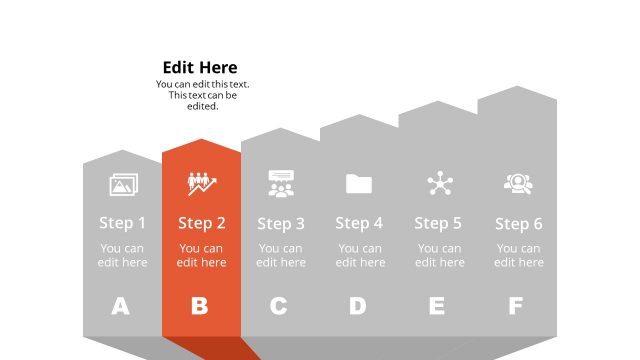
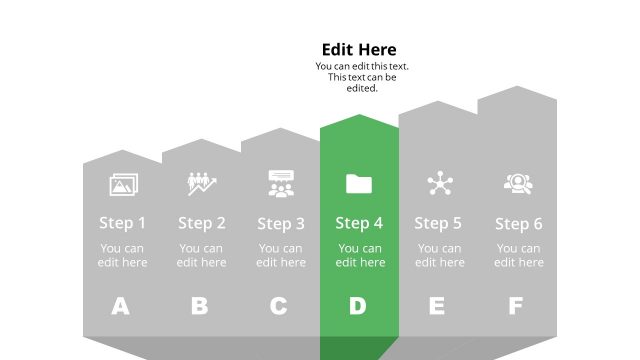
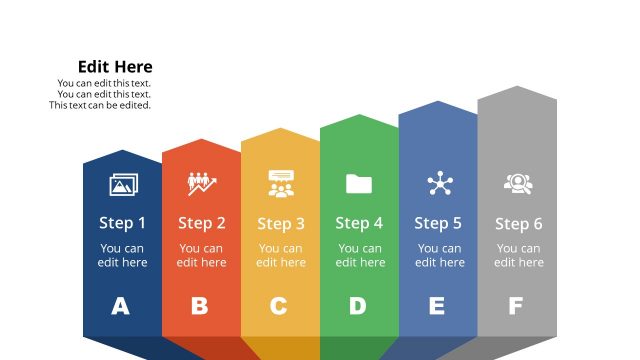
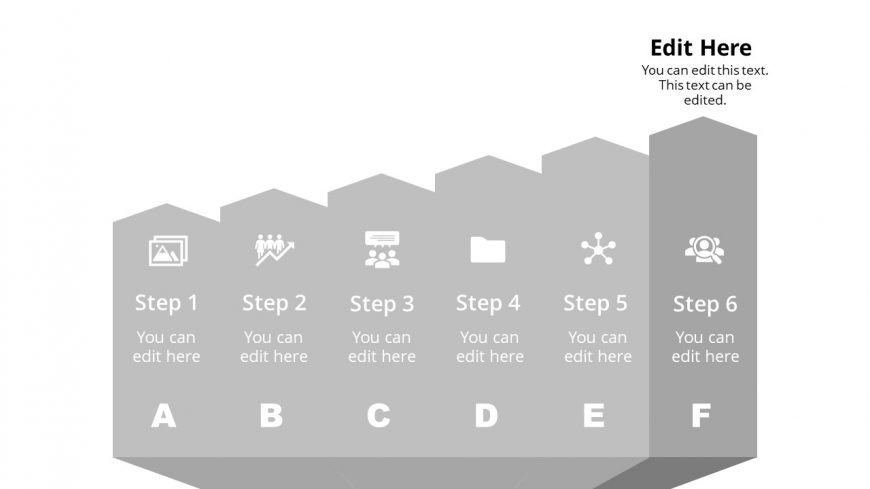
The layout features a horizontal arrangement of six steps, each represented by a rectangular shape. The steps are labeled from Step 1 to Step 6, with corresponding editable text placeholders beneath each label. Icons representing different concepts are placed above each step, aligned centrally. The overall color scheme is monochromatic gray, with a contrasting background. The visual hierarchy emphasizes the steps through varying shades of gray, creating a layered effect. A prominent text placeholder is positioned at the top right for additional information.
How to Use It
This layout serves as a sequential process diagram, ideal for illustrating steps in a workflow or project. It fits well in presentations that require a clear breakdown of processes or stages. Common scenarios include project management updates, training sessions, or product development presentations. The structured format allows for easy customization of content while maintaining clarity and focus on each step.
Text Placeholders & Capacity
Keep your copy within these limits so it fits without resizing. Node body slots can accommodate roughly 30 characters each.
| Placeholder | Count | Max characters (approx.) |
|---|---|---|
| Item heading | 6 | 15 |
| Item body | 6 | 30 |
| Slide title | 1 | 50 |
Slide Keywords
Download unlimited PowerPoint templates, charts and graphics for your presentations with our annual plan.
DOWNLOAD