Slide 8 of 8 from Free 6-Step Infographic Diagram for PowerPoint
Editable 6 Steps Arrow PowerPoint
6-Step Infographic Diagram for Presentations
- Diagram
- Process Flow
- Process Slide
- 16:9
- 100% Editable
The 6-Step Infographic Diagram slide from the Free 6-Step Infographic Diagram for PowerPoint template offers a structured layout ideal for illustrating project workflows or step-by-step guides. Featuring six colorful hexagonal shapes with editable text and icons, this slide supports clear process overviews in business presentations. Its design integrates well within slide decks requiring precise visual storytelling using editable shapes and vector icons.
What’s on This Slide
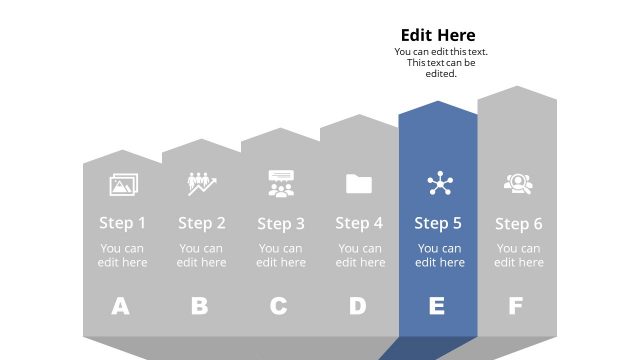
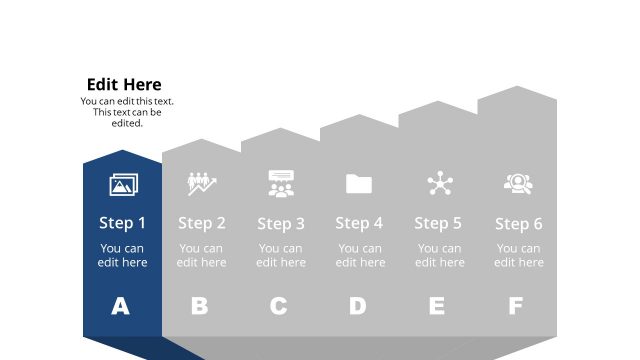
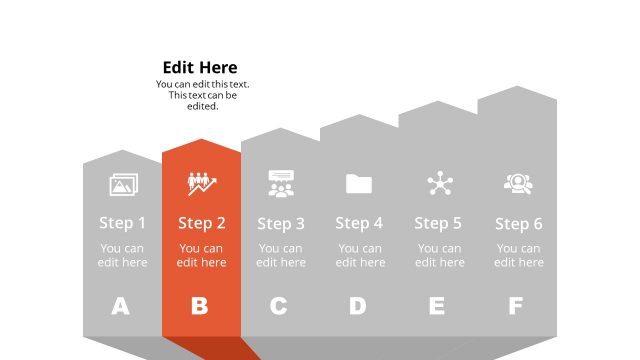
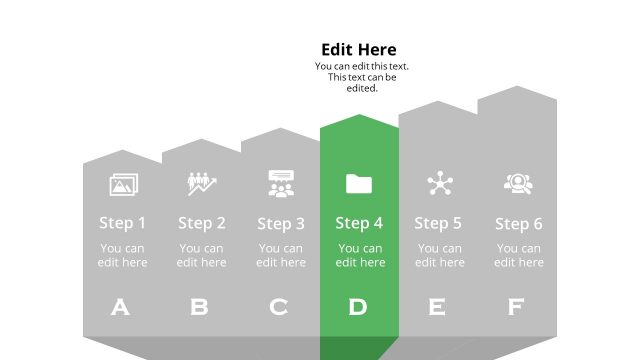
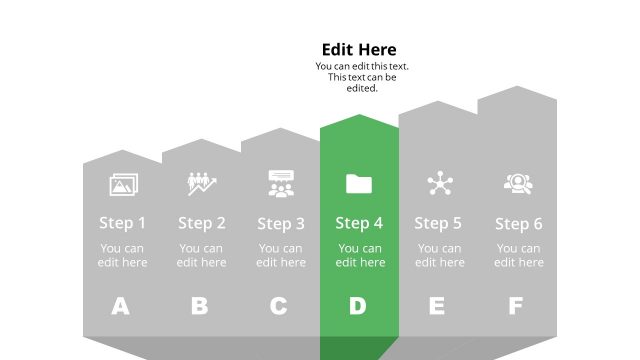
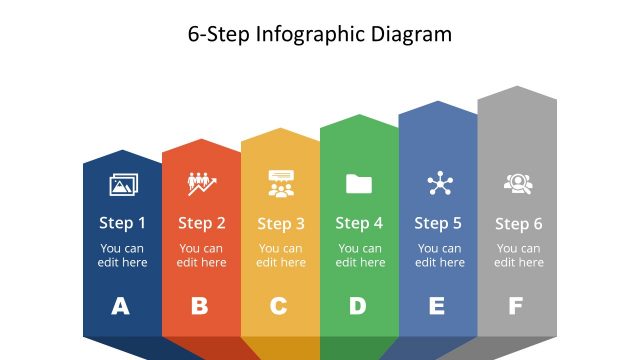
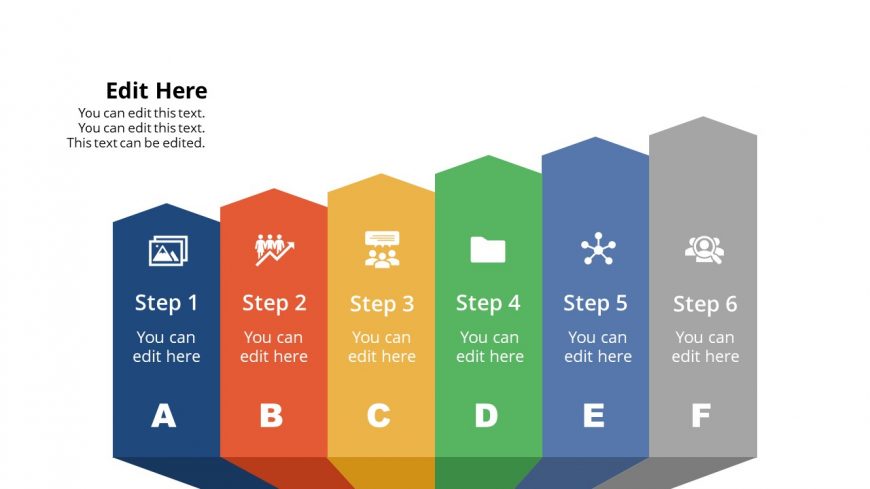
The layout features six hexagonal shapes arranged horizontally, each representing a step. The shapes are colored differently, with icons positioned above the text within each hexagon. The first hexagon is blue, followed by orange, yellow, green, blue, and gray. Each hexagon contains a step label and editable text placeholders aligned centrally. The background is white, providing contrast to the colorful shapes. The overall composition is structured, with clear visual hierarchy emphasizing the steps from left to right.
How to Use It
This layout serves as a sequential infographic to illustrate a six-step process or methodology. It fits well in presentations that require clear, step-by-step explanations, such as project plans, workflows, or instructional content. This structure is useful in business contexts for outlining strategies, processes, or phases of a project. It can be used individually or as part of a larger presentation to maintain consistency in visual storytelling.
Text Placeholders & Capacity
Keep your copy within these limits so it fits without resizing. Each node can hold a title and a brief description, roughly 20 and 50 characters respectively.
| Placeholder | Count | Max characters (approx.) |
|---|---|---|
| Item heading | 6 | 20 |
| Item body | 6 | 50 |
Slide Keywords
Download unlimited PowerPoint templates, charts and graphics for your presentations with our annual plan.
DOWNLOAD