Slide 4 of 8 from Free 6-Step Infographic Diagram for PowerPoint
Step 3 3D Infographic Diagram Template
6-Step Infographic Diagram for Presentations
- Diagram
- Process Flow
- Process Slide
- 16:9
- 100% Editable
The 6-Step Infographic Diagram slide from the Free 6-Step Infographic Diagram for PowerPoint template offers a structured layout with editable shapes and vector icons to illustrate sequential processes clearly. Ideal for business presentations and training sessions, this slide template supports effective communication of project stages or workflows within a professional slide deck.
What’s on This Slide
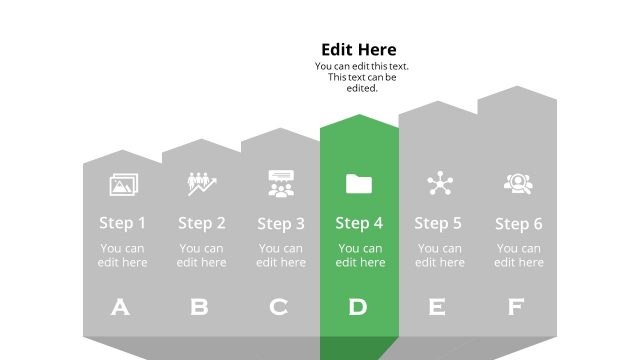
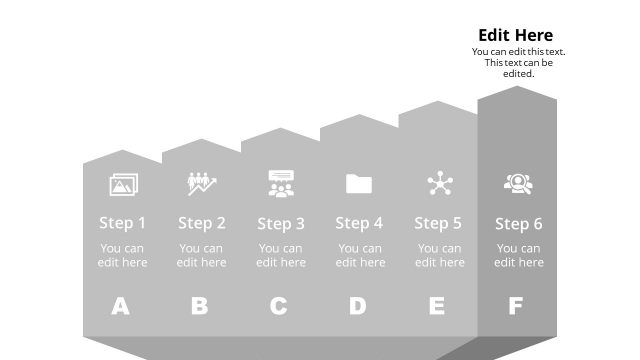
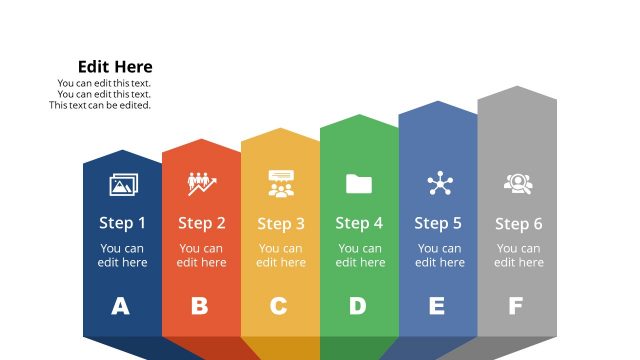
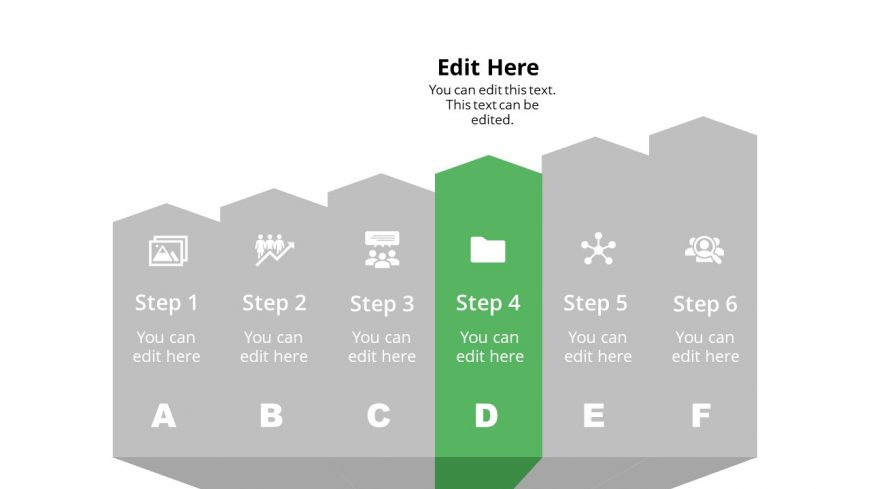
The layout features a horizontal infographic with six steps, each represented by a hexagonal shape. Steps 1, 2, 3, 5, and 6 are in light gray, while Step 4 is highlighted in green, indicating focus. Each step contains an icon above the text placeholder, which is centrally aligned. The icons depict various themes, such as teamwork and communication. Text placeholders are present for editing, with the main title at the top. The overall composition is structured and visually organized, with clear separation between steps.
How to Use It
This layout serves as a sequential infographic, ideal for presenting processes or stages in a project. It fits well in a presentation sequence after introducing a topic and before diving into detailed explanations. This structure is useful in business contexts, such as project management, marketing strategies, or training sessions, where clear step-by-step guidance is needed. It allows for easy modification of content, making it adaptable for various presentations.
Text Placeholders & Capacity
Keep your copy within these limits so it fits without resizing. Node labels can hold about 20 characters each, while body text can fit around 30 characters.
| Placeholder | Count | Max characters (approx.) |
|---|---|---|
| Slide title | 1 | 50 |
| Item heading | 6 | 20 |
| Item body | 6 | 30 |
Slide Keywords
Download unlimited PowerPoint templates, charts and graphics for your presentations with our annual plan.
DOWNLOAD