Slide 6 of 8 from Free 6-Step Infographic Diagram for PowerPoint
Step 5 3D Infographic Diagram Template
6-Step Infographic Diagram for Presentations
- Diagram
- Process Flow
- Process Slide
- 16:9
- 100% Editable
The 6-Step Infographic Diagram slide from the Free 6-Step Infographic Diagram for PowerPoint template offers a clear visual process flow using editable shapes and vector icons. This slide layout is suitable for business presentations, project management overviews, and training modules, providing an effective way to illustrate sequential steps in a slide deck with easily customizable PowerPoint slides.
What’s on This Slide
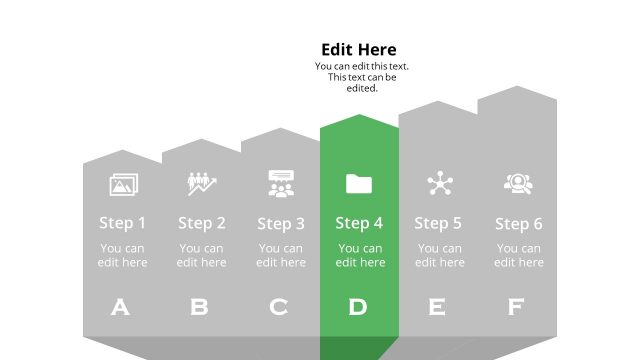
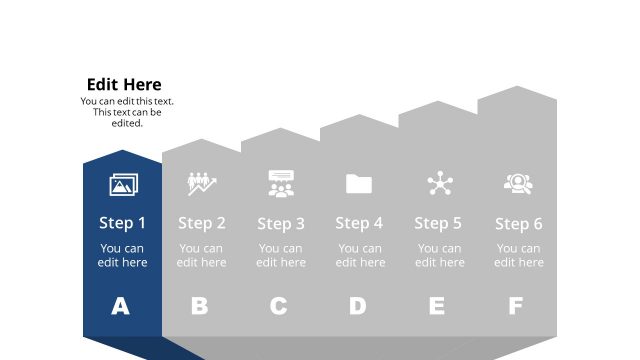
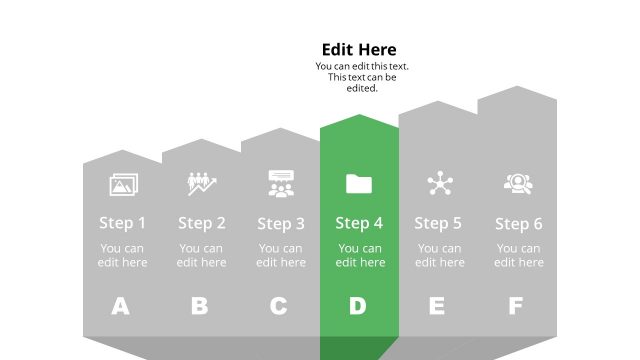
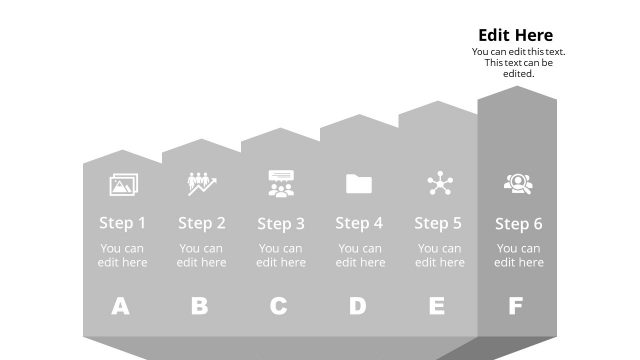
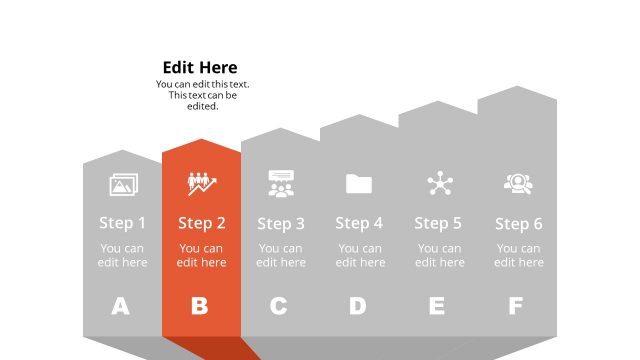
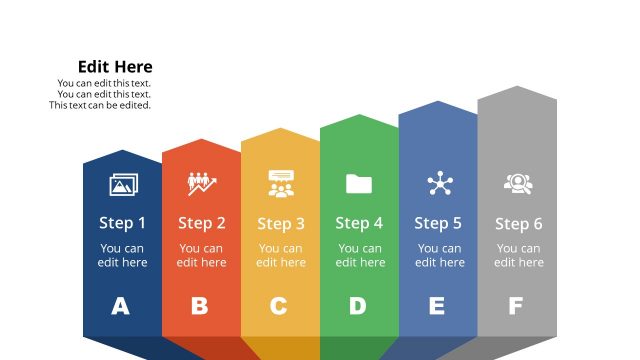
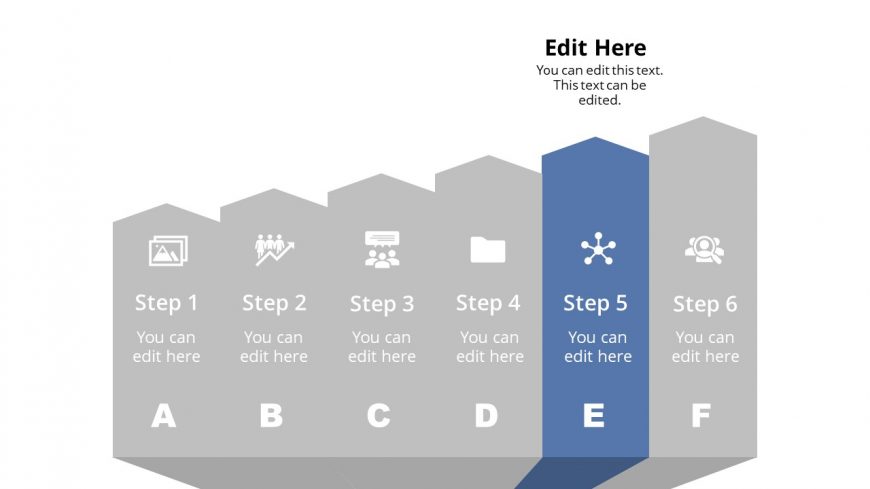
The layout features a horizontal infographic with six steps, each represented by a hexagonal shape. Steps 1 through 4 are in light gray, while Step 5 is highlighted in blue, indicating its significance. Each step contains a placeholder for an icon and a text placeholder below for descriptions. The text placeholders are aligned centrally within each hexagon. Step 6 is also in light gray, maintaining visual consistency. The overall background is white, providing contrast to the infographic elements and enhancing readability.
How to Use It
This layout serves as a sequential infographic, ideal for outlining processes or steps in a presentation. It fits well in a series of slides that detail a workflow or project phases. This structure is useful for business scenarios such as project management, product development stages, or training modules. It effectively communicates progression and allows for easy editing of content to suit specific needs.
Text Placeholders & Capacity
Keep your copy within these limits so it fits without resizing. Node labels can hold about 2-3 words each, while body text can accommodate around 5-6 words.
| Placeholder | Count | Max characters (approx.) |
|---|---|---|
| Item heading | 6 | 15 |
| Item body | 6 | 30 |
| Slide title | 1 | 30 |
Slide Keywords
Download unlimited PowerPoint templates, charts and graphics for your presentations with our annual plan.
DOWNLOAD