Slide 10 of 29 from #2 Maps Bundle PowerPoint Template
30011-01-maps-bundle-powerpoint-9
Globe User Analysis Slide
- Diagram
- Other
- Strategic Analysis Slide
- 16:9
- 100% Editable
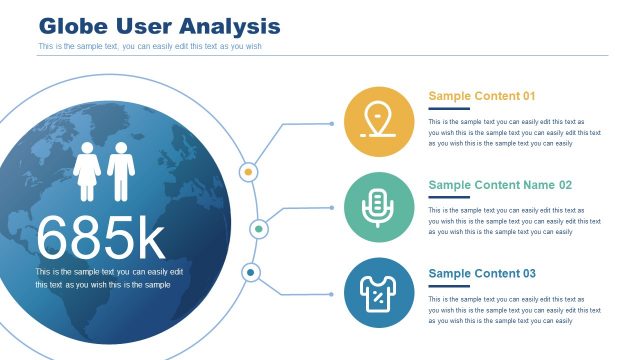
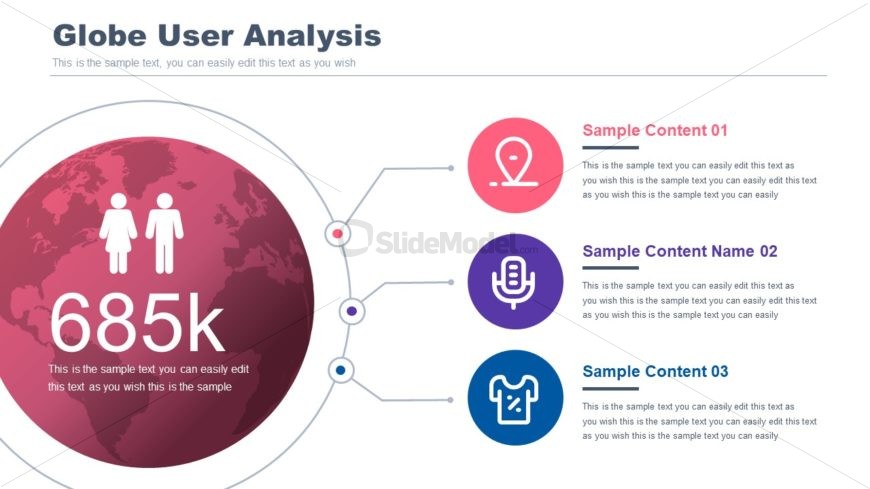
The Globe User Analysis slide from the #2 Maps Bundle PowerPoint Template offers a strategic diagram layout ideal for presenting global user demographics and market analysis. Featuring editable shapes and vector icons, this slide enhances business presentations by clearly visualizing user engagement data with a central globe graphic and connected icons, making it suitable for corporate presentation or pitch deck templates.
What’s on This Slide
The layout features a large globe graphic centered on the slide, displaying a statistic of 685k users. Below the globe, three circular icons are arranged vertically, each accompanied by sample text placeholders. The globe has a pink hue with a world map overlay, while the icons are colored in pink, purple, and blue. Connecting lines extend from the globe to each icon, indicating a relationship. Text placeholders are aligned left and right of the icons, maintaining a clear visual hierarchy. The overall composition is balanced, with the globe as the focal point.
How to Use It
This layout serves as a visual representation of user demographics or analytics related to a global audience. It fits well in a presentation sequence following an introduction or overview of user data. This structure is suitable for business scenarios such as market analysis, user engagement reports, or demographic studies. It allows for easy customization of content to fit specific user insights while maintaining clarity in visual communication.
Text Placeholders & Capacity
Keep your copy within these limits so it fits without resizing. Node body slots can hold roughly 25-30 words each.
| Placeholder | Count | Max characters (approx.) |
|---|---|---|
| Slide title | 1 | 30 |
| Item heading | 3 | 50 |
| Item body | 3 | 150 |
Slide Keywords
Download unlimited PowerPoint templates, charts and graphics for your presentations with our annual plan.
DOWNLOADReturn to #2 Maps Bundle PowerPoint Template.