Plan Do Check Act Infographic PowerPoint Template
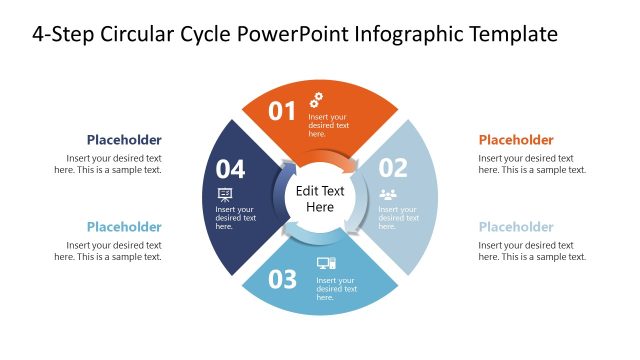
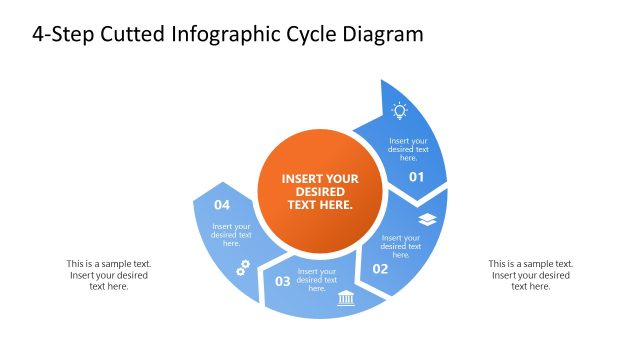
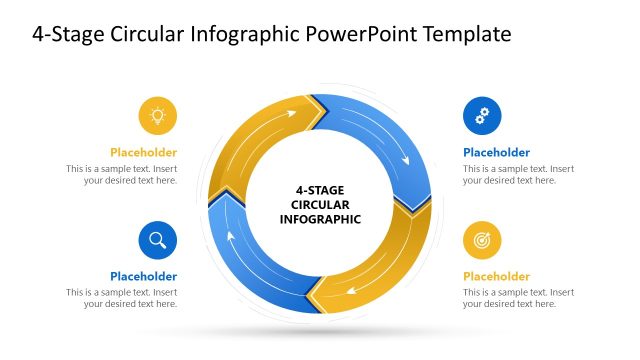
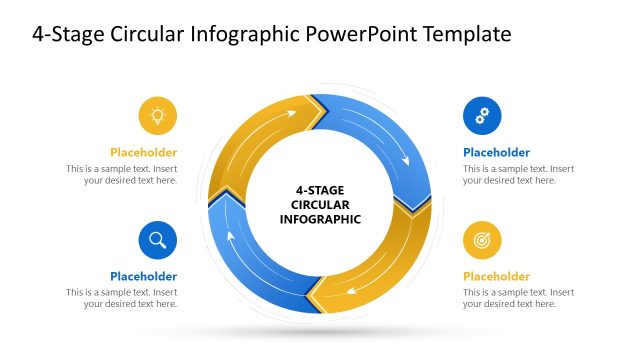
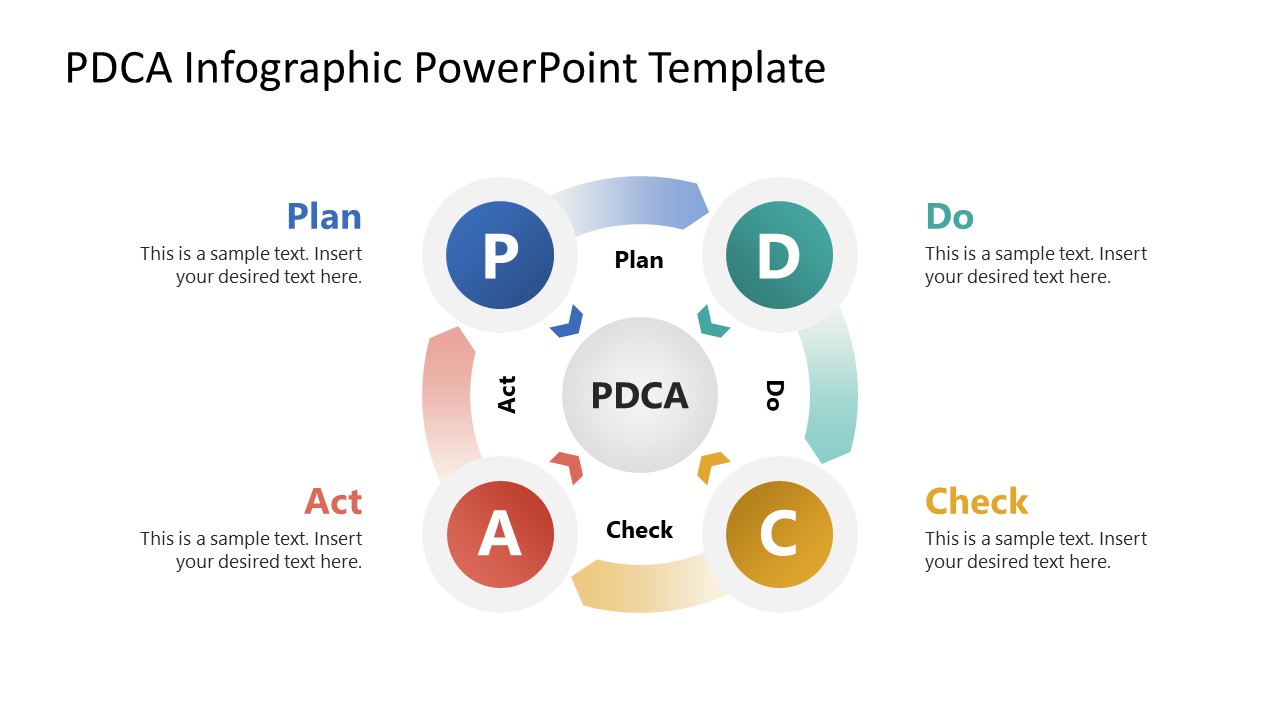
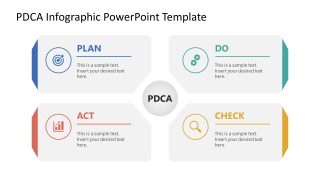
Share the four-step continuous improvement process in the executive presentations using this Plan Do Check Act Infographic PowerPoint Template. The PDCA diagram shows all four phases as connected, color-coded circles around a central hub, which presenters use to visually reinforce the iterative nature of quality management. For a quality improvement presentation, a process improvement lead uses the PDCA cycle to explain how a team moves from identifying a plan to testing it, checking the outcome, and deciding what action to take. This helps them decide whether the process should move into another improvement cycle. In a project management review, the framework helps project directors organize a recurring project evaluation process and identify which stage needs attention first. Operational experts explain how employees should approach process changes using this PDCA cycle diagram.
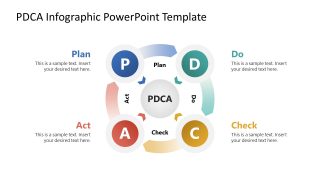
The Plan Do Check Act Infographic PowerPoint Template features a central PDCA diagram. The diagram arranges four color-differentiated circles connected by directional arrows around a central PDCA hub. Plan is in the upper left, Do in the upper right, Check in the lower right, and Act in the lower left. Each stage has a large letter inside a colored circle and a corresponding text placeholder outside the diagram. The second slide renders PDCA components as spectate content sections around the central PDCA hub. This slide provides more space to explain what happens during each phase.
Download the Plan Do Check Act Infographic PowerPoint template to guide your team through a structured improvement process in the training presentation. Alternatively, we have other PDCA concept template versions to help you choose a different, preferred design for your strategy presentation.

You must be logged in to download this file.
DOWNLOAD- Category
- Process Diagrams
- Rating

 Loading...
- Size
- 16x9
- Item ID
- 23544-01
- Colors
Subscribe today and get immediate
access to download our PowerPoint templates.