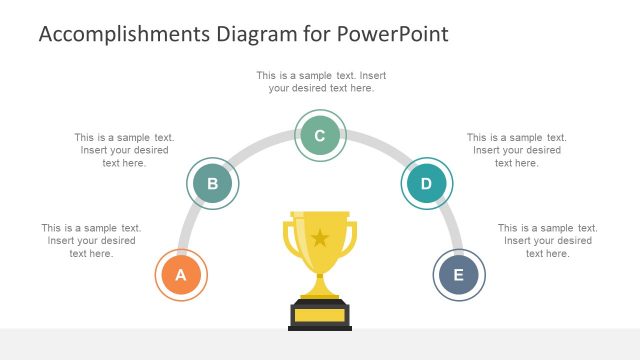
Customize our Yearly Achievements PowerPoint Template to present the accomplishments of the past year and compilation of projects in your executive meetings. It is essential to communicate the project outcomes and business achievements to stakeholders, including sales, revenue, employee retention, improved market position, brand development, or any other relevant metric. We have created this template to help you craft a quick overview of your team’s performance in the yearly projects. You can also use this template in employee appreciation sessions and edit the design with Google Slides or Keynote. The achievements overview enables stakeholders and business leaders to develop more effective strategies for the company.
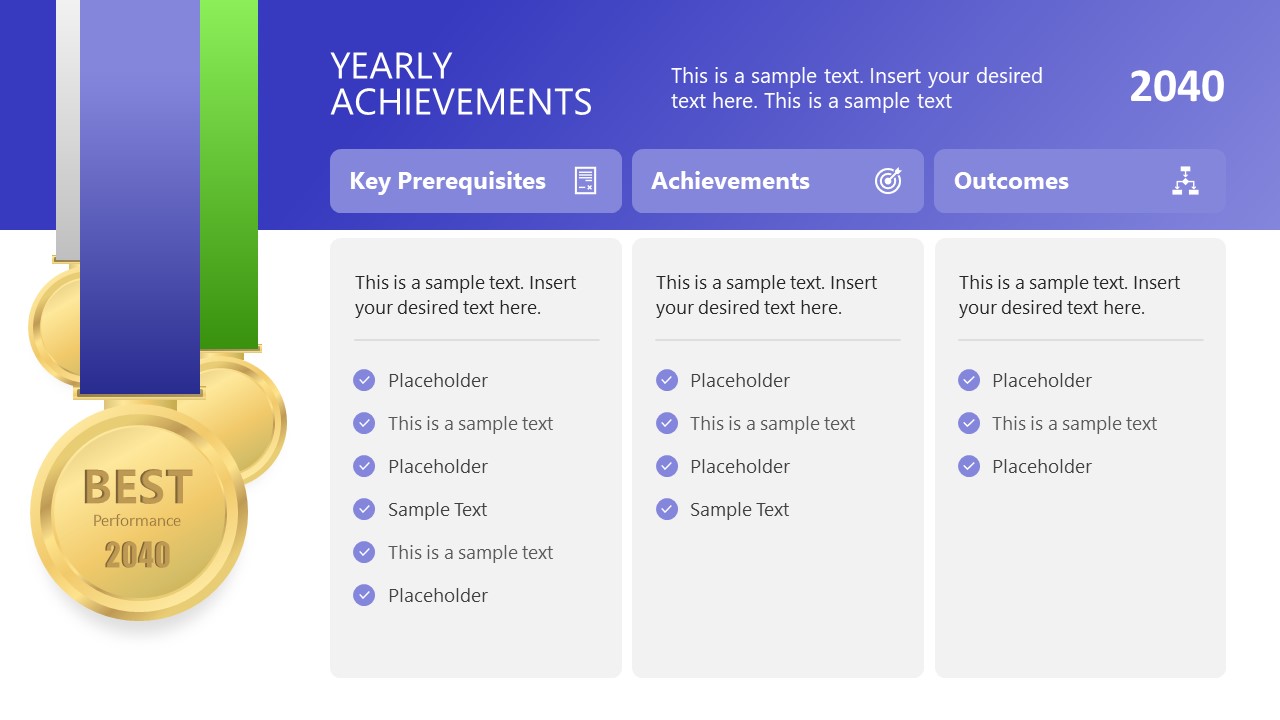
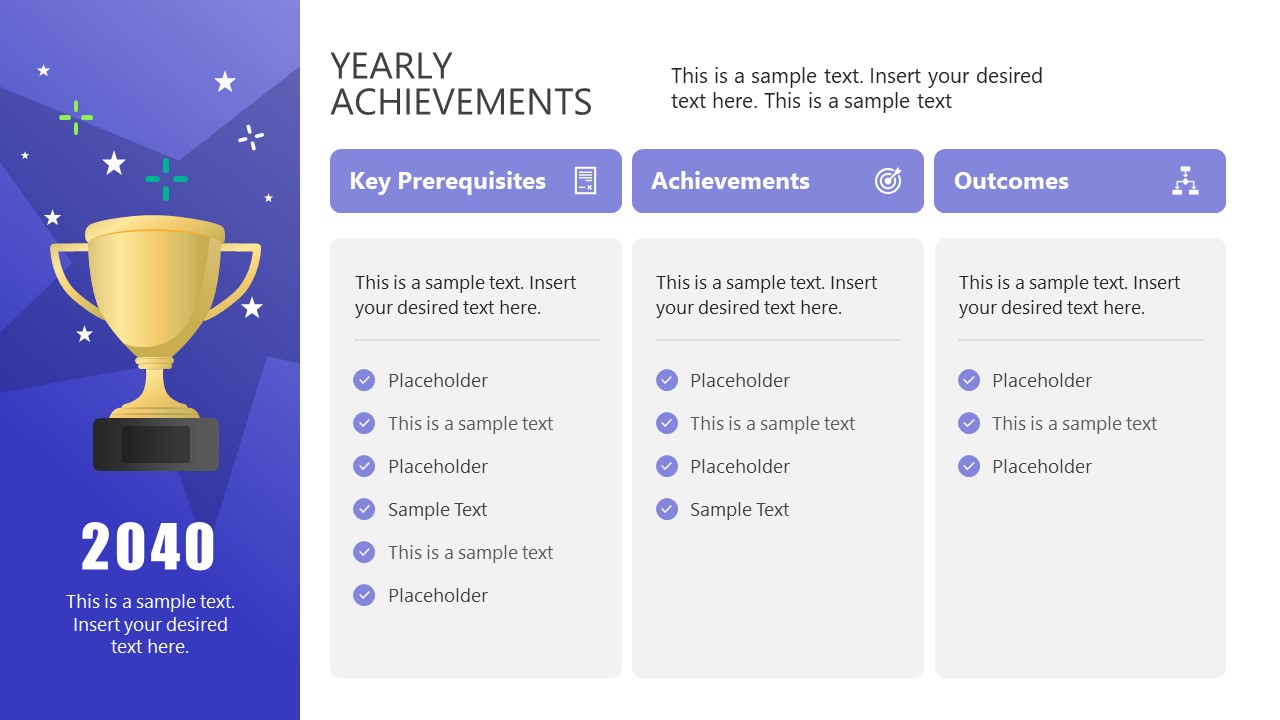
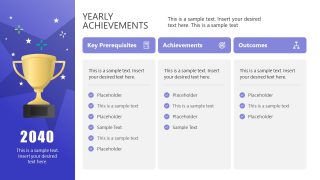
The Yearly Achievements PowerPoint Template features a visually appealing design that conveys a sense of success. The first slide has a top blue bar with the title text, a descriptive line, and a year number. Below are three tags, which are the headings of the columns in the lower section: Prerequisites, Achievements, and Outcomes. In the three columns with multiple rows below the headings, professionals can clearly explain the relevant points and key achievements. In the left section, we have illustrated medals with ribbons, indicating the successful accomplishment of business goals and objectives. The second slide features a left blue segment with a bright trophy illustration, indicating success in a particular year. The right section has a white background with the same three columns. The template layout also features infographic icons to demonstrate the points discussed in the meetings visually.
In personal development sessions, this template can be repurposed to showcase career achievements to friends and colleagues. Moreover, you can edit the template from Slidemaster and apply your desired changes within a few clicks. Users can change the colors to match their brand elements accurately. Download the achievement PPT template from our collection and appreciate your employees today!
What’s inside this template
Example presentation scenarios
- An HR leader can use the medal summary slide to recognize top employee or team performance while explaining the prerequisites, achievements, and outcomes behind the recognition.
- A project manager can use the three-column matrix to brief executives on what conditions enabled success, which milestones were completed, and what business results followed.
- A sales manager can use the trophy sidebar layout to present annual wins, performance highlights, and short outcome notes during a year-end business review.
- A department head can use the checklist rows and icons to compare planned initiatives against delivered achievements in a concise leadership update.
Features
- 100% editable presentation template
- Compatible with Microsoft PowerPoint and Google Slides
- 16:9 aspect ratio slides
- Scalable vector shapes, icons and illustrations
- AI-Ready for Microsoft Copilot and Claude
- Instant access and download
Frequently asked questions
Q: How should a presenter structure the message with this yearly achievements template?
A: Start by naming the year and the achievement theme, then use the three columns as a logic chain: prerequisites, achievements, and outcomes. Keep each row short so the audience can see cause and result quickly. The medal or trophy visual should frame the recognition, while the checklist rows carry the evidence.
Q: Who is this template best suited for in a business setting?
A: This template fits managers, HR leaders, and project owners who need a brief recognition or annual performance recap rather than a detailed data report. It works well when the goal is to show what enabled success, what was achieved, and why those achievements mattered to leadership or employees.
Q: Why do the medal and trophy metaphors help communicate yearly results?
A: The medal and trophy visuals immediately signal success, recognition, and completion, which helps set the tone before the audience reads the details. Pairing those metaphors with a structured three-column matrix prevents the slide from becoming only celebratory; it also explains the business path from inputs to results.
Yearly Achievements PowerPoint Template
2-slide presentation template for yearly achievements, medal summaries, and trophy performance reviews
Yearly Achievements PowerPoint Template is a 2-slide deck for summarizing annual performance in Microsoft PowerPoint and Google Slides. It includes a three-column achievement matrix, medal-themed summary slide, trophy sidebar layout, and checklist rows for prerequisites, accomplishments, and outcomes. It fits managers, HR teams, and project leaders.
- Category
- Multi-purpose
- Rating

 Loading...
- Aspect ratio
- 16:9
- Item ID
- 23120-01
- Colors
 Microsoft PowerPoint
 Microsoft Copilot
 Claude for PowerPoint
Other formats supported
Subscribe today and get immediate
access to download our PowerPoint templates.