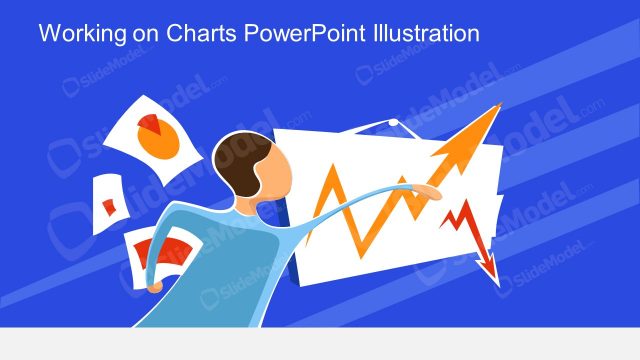
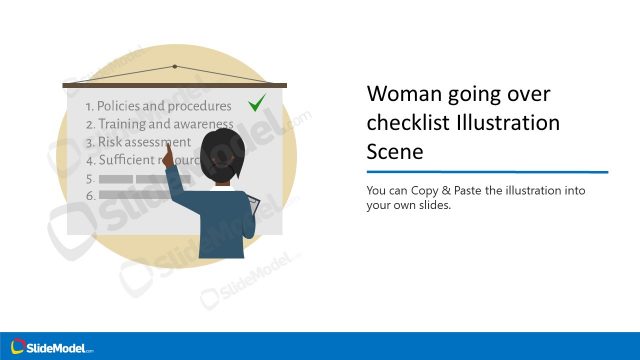
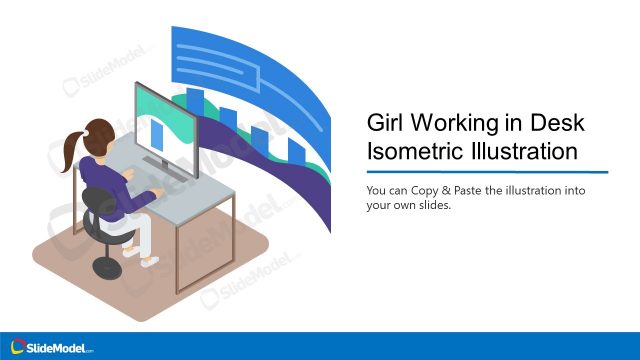
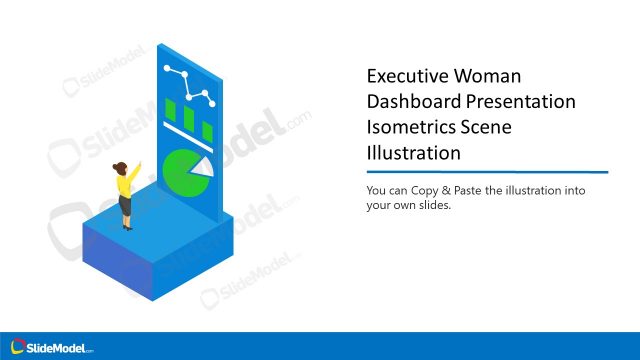
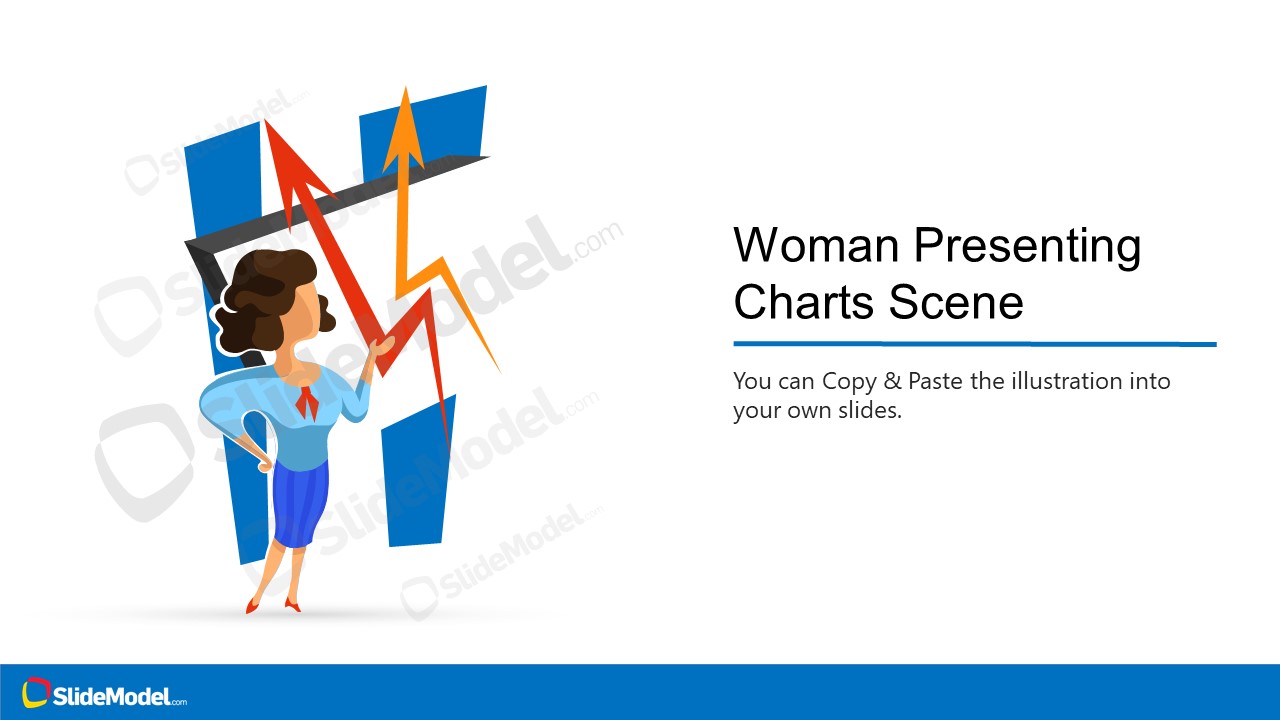
The Woman Working on Charts Illustration Scene is a display board layout of a business casual woman. A 3-slide template showcase woman executive to discuss topics of public speaking. The cartoon of a woman is a vector image with a display board of rising stocks. The editable vectors are easy to personalize using colors and shape formatting properties in PowerPoint.
What’s inside this template
Example presentation scenarios
- A sales manager can open a quarterly performance update with the title-and-illustration cover to frame growth results through the woman presenter and rising chart arrows.
- A consultant can use the icon callout layout to explain how a visual asset can be resized, recolored, and adjusted before inserting it into a client report.
- A trainer can use the copy-paste and ungroup instruction slide to teach a team how to adapt vector illustrations for recurring business presentations.
- A financial analyst can place the chart-board illustration into a market update to add a human presenter cue before moving into detailed numbers.
Features
- 100% editable presentation template
- Compatible with Microsoft PowerPoint and Google Slides
- 16:9 aspect ratio slides
- Scalable vector shapes, icons and illustrations
- AI-Ready for Microsoft Copilot and Claude
- Instant access and download
Frequently asked questions
Q: How should I use the woman presenter and chart arrows to communicate the message clearly?
A: Use the illustration as an opening or transition visual, not as the only evidence for performance. Let the woman presenter and rising arrows signal the topic, then add specific numbers, reasons, or actions on following slides. Keep the title direct so the audience understands whether the arrows represent growth, trends, goals, or a lesson.
Q: Who is this illustration scene best suited for?
A: This template works best for presenters who need a business-friendly human figure to introduce chart-related content. Sales managers, consultants, trainers, and analysts can use it for growth updates, presentation skills sessions, or visual introductions to reporting topics. It is less suited to dense financial reporting where the audience expects detailed tables first.
Q: Why does the design use a cartoon presenter beside oversized chart arrows?
A: The visual metaphor makes the speaker the guide and the chart movement the subject. Oversized arrows create quick recognition of progress or movement, while the character adds context and approachability. The two instructional slides then shift attention from message delivery to practical reuse, showing how the illustration can be adapted.



Woman Working on Charts Illustration Scene
3-slide presentation template with a woman presenter illustration, board graphic, and chart arrows
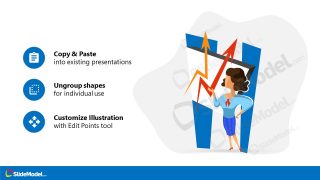
Woman Working on Charts Illustration Scene is a 3-slide illustration presentation template for Microsoft PowerPoint and Google Slides. It contains a woman presenter beside a display board with rising arrows, a title-and-illustration cover, an icon callout layout, and an instruction slide for copy, paste, ungroup, and customize actions.
- Category
- People & Silhouettes
- Rating

 Loading...
- Aspect ratio
- 16:9
- Item ID
- 970010-01
- Colors
 Microsoft PowerPoint
  Microsoft Copilot
  Claude for PowerPoint
 Other formats supported
Subscribe today and get immediate
access to download our PowerPoint templates.