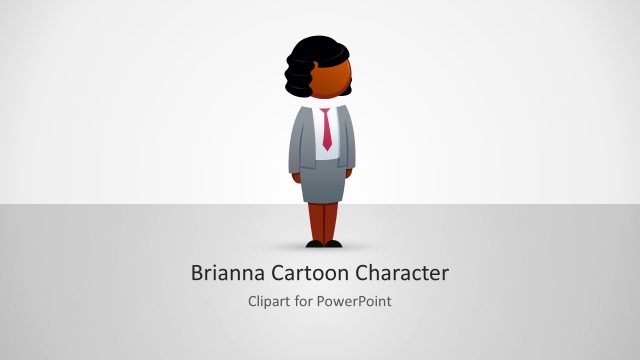
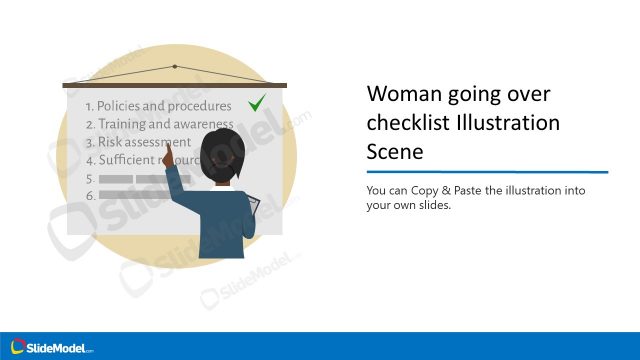
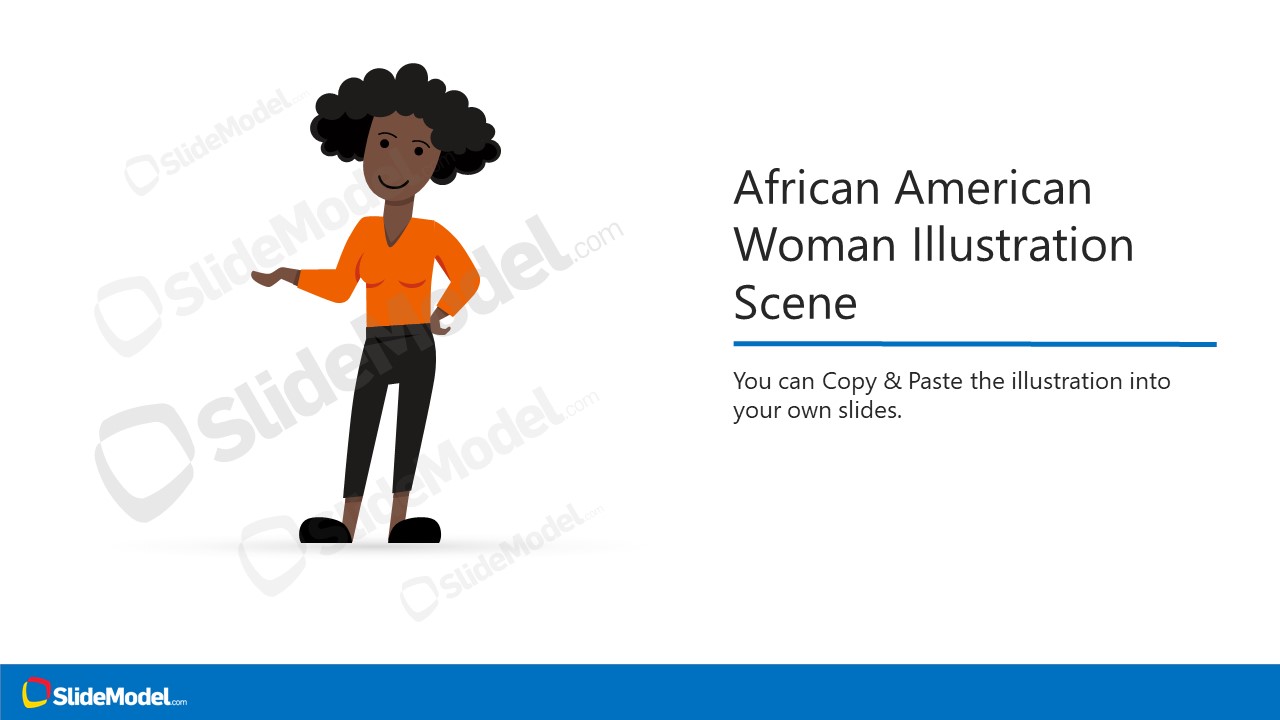
African American Woman Illustration Scene is a vector image for professional presentations. A female entrepreneur avatar in PowerPoint can be used for many industry presentations. There are three slides of Afro-American woman in casual wear. These slides provide options on how to use graphics to your advantage. Users can change the colors of clothes to make cartoon woman avatar more relatable.
What’s inside this template
Example presentation scenarios
- An HR presenter can use the woman character as an employee persona and support onboarding or inclusion content with the title scene and editable illustration.
- A training designer can introduce a course character, then use the icon callout instruction slide to explain how the visual can be resized and recolored for lesson slides.
- A consultant can place the entrepreneur illustration into a client presentation to humanize a business scenario and use the copy-paste and ungroup guide to adapt it quickly.
- An educator can use the character scene to represent a learner, founder, or speaker while keeping the slide simple with the white background and blue accent icons.
Features
- 100% editable presentation template
- Compatible with Microsoft PowerPoint and Google Slides
- 16:9 aspect ratio slides
- Scalable vector shapes, icons and illustrations
- AI-Ready for Microsoft Copilot and Claude
- Instant access and download
Frequently asked questions
Q: How should a presenter use this illustration without making the slide feel decorative?
A: Tie the character to a clear role in the message, such as customer, employee, learner, or entrepreneur. Use Slide 1 for introduction, then copy the figure into the target deck only where a human viewpoint matters. Keep nearby text short so the illustration supports the point instead of competing with it.
Q: Who is this template best suited for in a business presentation?
A: It fits presenters who need a friendly human figure to represent a persona, staff member, founder, learner, or service user. HR teams, trainers, educators, and consultants can use the African American woman illustration to make abstract topics more relatable, especially in decks about people, behavior, service, or entrepreneurship.
Q: Why do the instruction callouts improve communication around the illustration?
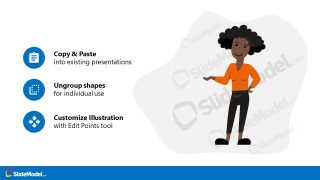
A: The icon callouts separate the character from the editing guidance, so the audience can see both the final visual and the practical customization steps. Slide 2 focuses on resizing, colors, strokes, and effects, while Slide 3 explains copying, ungrouping, and edit points. That split keeps the guidance easy to scan.



African American Woman Illustration Scene
3-slide presentation template with editable African American woman vector illustration and customization icon callouts
African American Woman Illustration Scene is a 3-slide presentation template for presenters adding an editable female entrepreneur character to Microsoft PowerPoint or Google Slides. It includes a title scene, an icon callout instruction slide, and a copy-paste and ungroup guide. The illustration uses editable PowerPoint shapes and vector graphics for resizing and recoloring.
- Category
- People & Silhouettes
- Rating

 Loading...
- Aspect ratio
- 16:9
- Item ID
- 970032-01
- Colors
 Microsoft PowerPoint
  Microsoft Copilot
  Claude for PowerPoint
 Other formats supported
Subscribe today and get immediate
access to download our PowerPoint templates.