Slide 3 of 3 from Wedding Timeline Template for PowerPoint
Slide with Infographics – Wedding Timeline Template
Wedding Icons for PowerPoint Presentation
- Media Layout
- Other
- Context Slide
- 16:9
- 100% Editable
The Useful Wedding Icons slide from the Wedding Timeline Template for PowerPoint offers a clean, visual set of editable shapes ideal for wedding planning presentations. Featuring vector icons like wedding rings and champagne glasses, this slide enhances corporate presentations and event management discussions by providing clear, thematic imagery within a professional slide deck.
What’s on This Slide
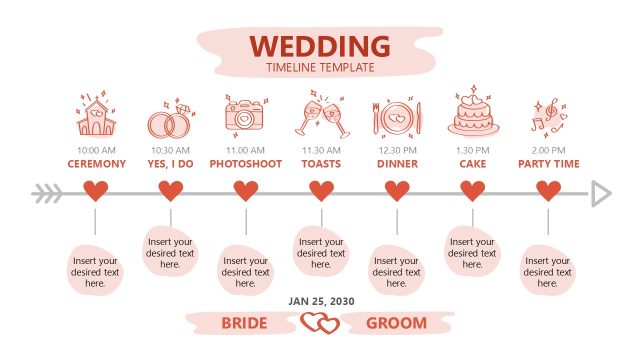
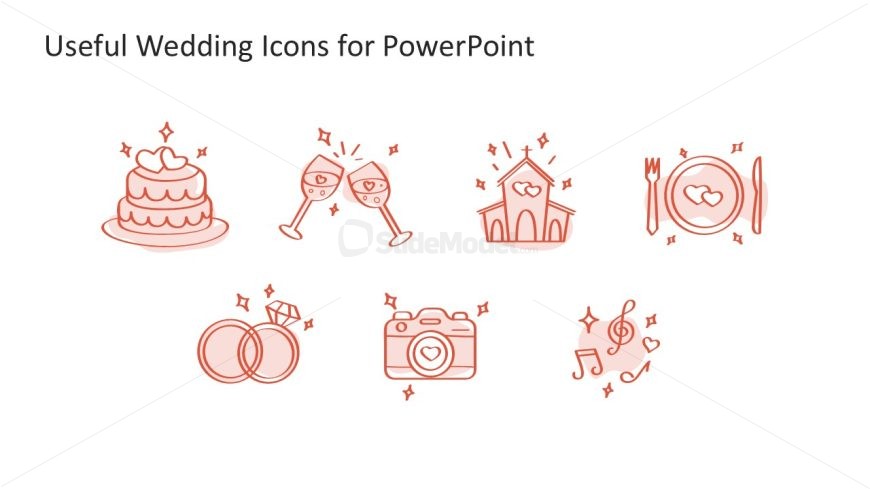
The layout features a horizontal arrangement of seven wedding-themed icons. Each icon is centered within its own space, with a consistent visual style. The icons include a wedding cake, champagne glasses, a church, wedding rings, a camera, a plate with utensils, and musical notes. They are outlined in a soft red color against a plain white background. The title is positioned at the top, left-aligned, and is larger than the icons. There are no text placeholders present, and the overall composition is balanced and straightforward.
How to Use It
This layout serves as a visual reference for wedding-related icons, suitable for enhancing presentations about wedding planning or events. It fits well at the end of a timeline presentation, summarizing key elements visually. This slide can be used in various contexts, such as event management, wedding planning, or marketing materials for wedding services. It effectively communicates essential wedding symbols without overwhelming text, making it ideal for quick visual reference.
Text Placeholders & Capacity
Keep your copy within these limits so it fits without resizing. The title slot can hold about 5-7 words comfortably.
| Placeholder | Count | Max characters (approx.) |
|---|---|---|
| Slide title | 1 | 30 |
Slide Keywords
Download unlimited PowerPoint templates, charts and graphics for your presentations with our annual plan.
DOWNLOADReturn to Wedding Timeline Template for PowerPoint.