The Turtle Diagram PowerPoint Template is a hub-style process flow design. It is a data visualization tool to display characteristics of any process. This diagram depicts a turtle with legs, head, tail, and shell in middle. The parts of turtle’s body illustrates inputs, outputs, criteria, and processes. In projects, execution of input data using different criteria within the processing section produces desired output. This diagram template will help visualize inputs, outputs, and processes in an organization structure. Here, the head depicts input, tail as output, shell is the processing unit, and legs are criteria. These criteria may include strategies, resources, expected results, required skills.
The PowerPoint templates of Turtle diagrams could be used for a range of business models. For example, discussing various inputs, outputs, tools, and techniques in project management phases. The turtle diagram will help presenters to create a mind map or plans for development stage. It gives an overview of the entire process by mapping different criteria. In thy way, you can effectively communicate the interrelated processes. Such as, describing the source of information and who will receive what output after processing.
The organizations benefit from turtle process diagrams by mapping interrelated processes for management and understanding workflow. It is often used to identify gaps in the organization structure in an easy-to-use turtle diagram.
The Turtle Diagram PowerPoint Template is a creative approach to display input and output processes. The presenters can take advantage of Turtle diagram for audit meetings. Because it gives a quick guide of processes and identifies direction in which audit will flow.
What’s inside this template
Example presentation scenarios
- A quality manager can use the central turtle diagram to prepare an audit discussion by naming the process, listing inputs, and showing expected outputs.
- An operations lead can use the six surrounding text boxes to clarify resources, responsibilities, methods, and measures for a workflow review.
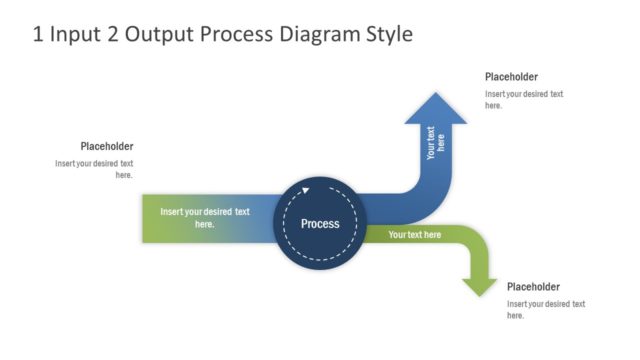
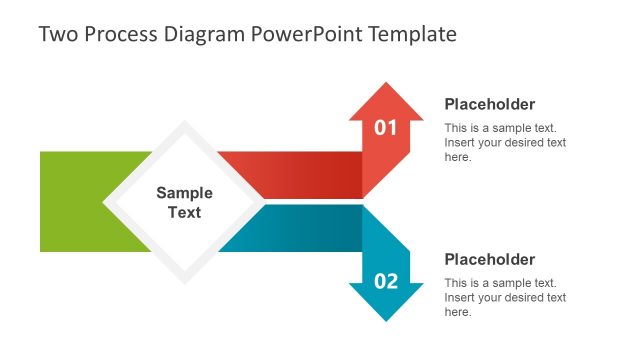
- A project manager can use the chevron callout layout to explain how inputs move through a delivery process and become project outputs.
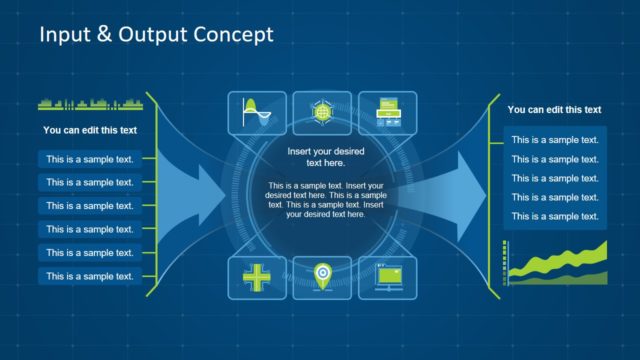
- A process owner can use the dark-background variants for an executive review where the goal is to show the main process relationships on one slide.
Features
- 100% editable presentation template
- Compatible with Microsoft PowerPoint and Google Slides
- 16:9 aspect ratio slides
- Scalable vector shapes, icons and illustrations
- AI-Ready for Microsoft Copilot and Claude
- Instant access and download
Frequently asked questions
Q: How should a presenter explain the process without making the turtle diagram feel crowded?
A: Start with the central process name, then move clockwise through the surrounding boxes so the audience can follow one relationship at a time. Keep each placeholder to a short noun phrase, such as inputs, resources, methods, measures, owners, or outputs. Use the arrows as speaking cues rather than filling every box with detailed text.
Q: When is this turtle diagram a better choice than a standard process flowchart?
A: Use it when the audience needs a one-page view of what surrounds a process, not every step inside it. The turtle structure is useful for audit reviews, quality planning, and process definition because it connects inputs, outputs, resources, controls, and criteria around a single process name.
Q: Why does the turtle metaphor help communicate process design?
A: The body metaphor separates the central process from the factors that support it. The head and tail suggest input and output direction, while the surrounding legs can represent resources, skills, measures, or controls. This makes the diagram easier to scan than a dense table of process attributes.


Turtle Diagram PowerPoint Template
7-slide presentation template for turtle process diagrams, input-output mapping, and workflow criteria
The Turtle Diagram PowerPoint Template is a 7-slide diagram template for mapping a process around inputs, outputs, criteria, resources, and measures. It includes turtle body diagrams, six-node input-output layouts, arrow callouts, and light or dark background variants for process owners, auditors, quality teams, and operations presenters in Microsoft PowerPoint and Google Slides.
- Category
- Diagrams
- Rating


 Loading...
- Aspect ratio
- 16:9
- Item ID
- 20659-01
- Colors
 Microsoft PowerPoint
 Microsoft Copilot
 Claude for PowerPoint
Other formats supported
Subscribe today and get immediate
access to download our PowerPoint templates.