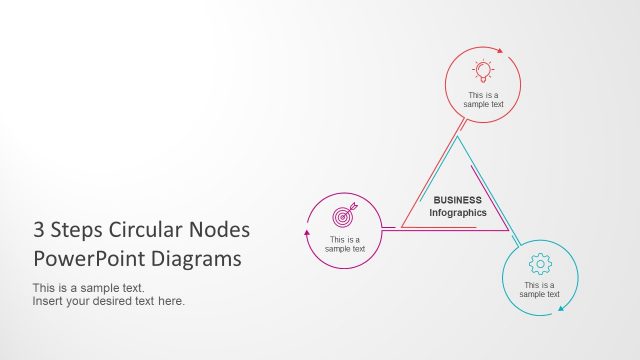
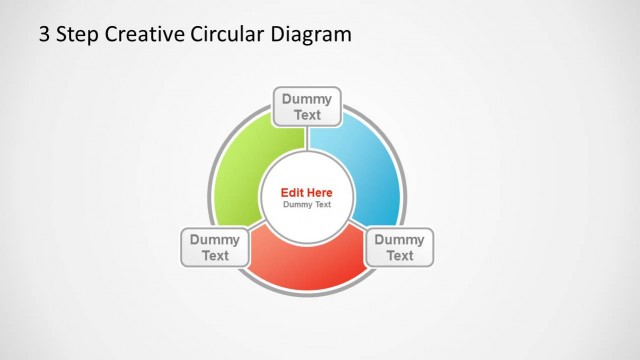
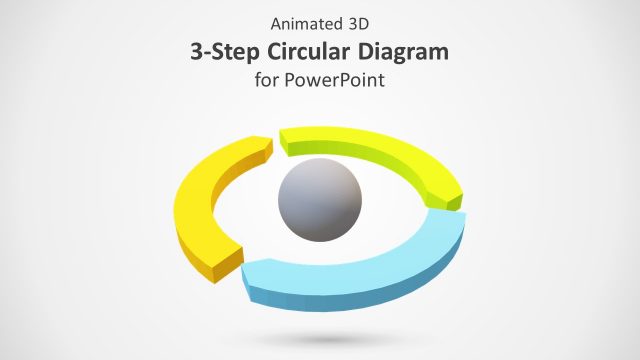
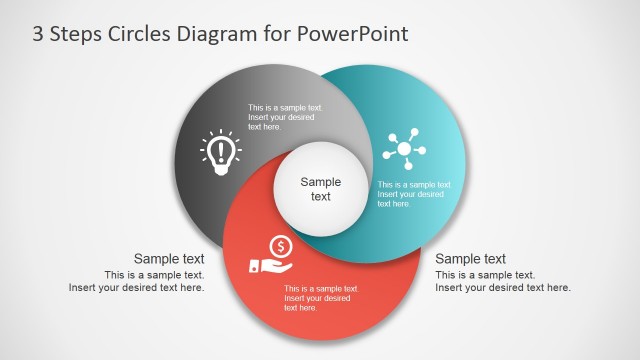
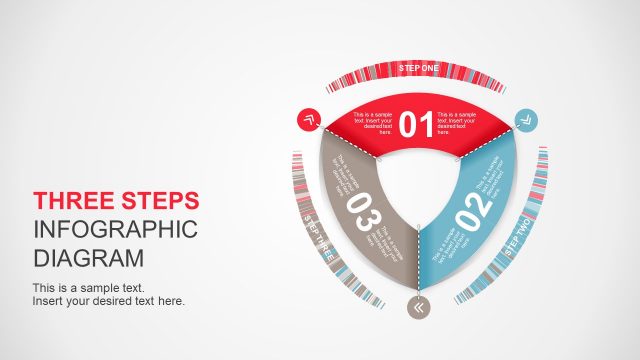
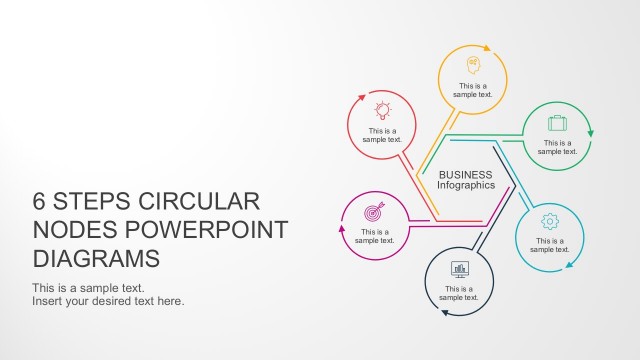
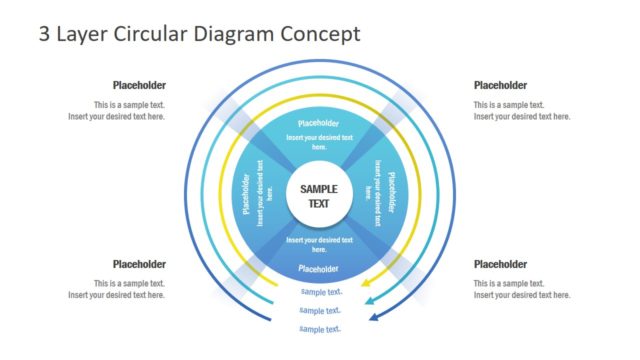
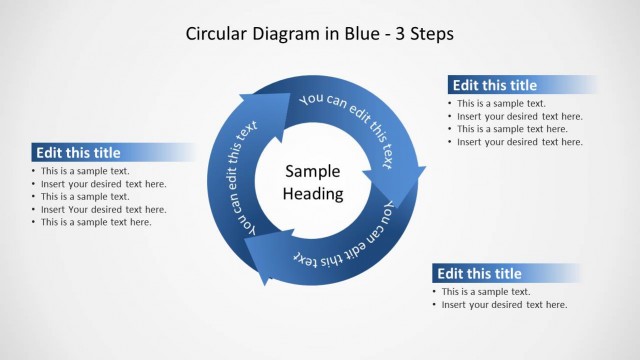
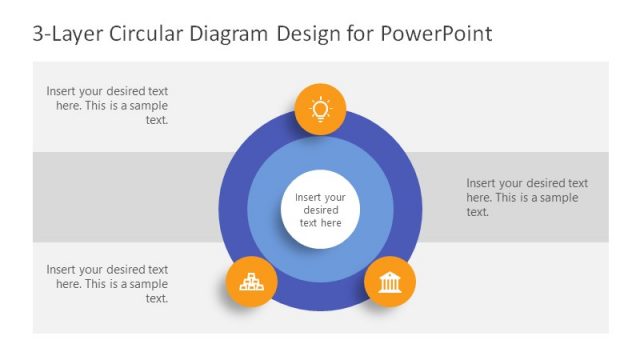
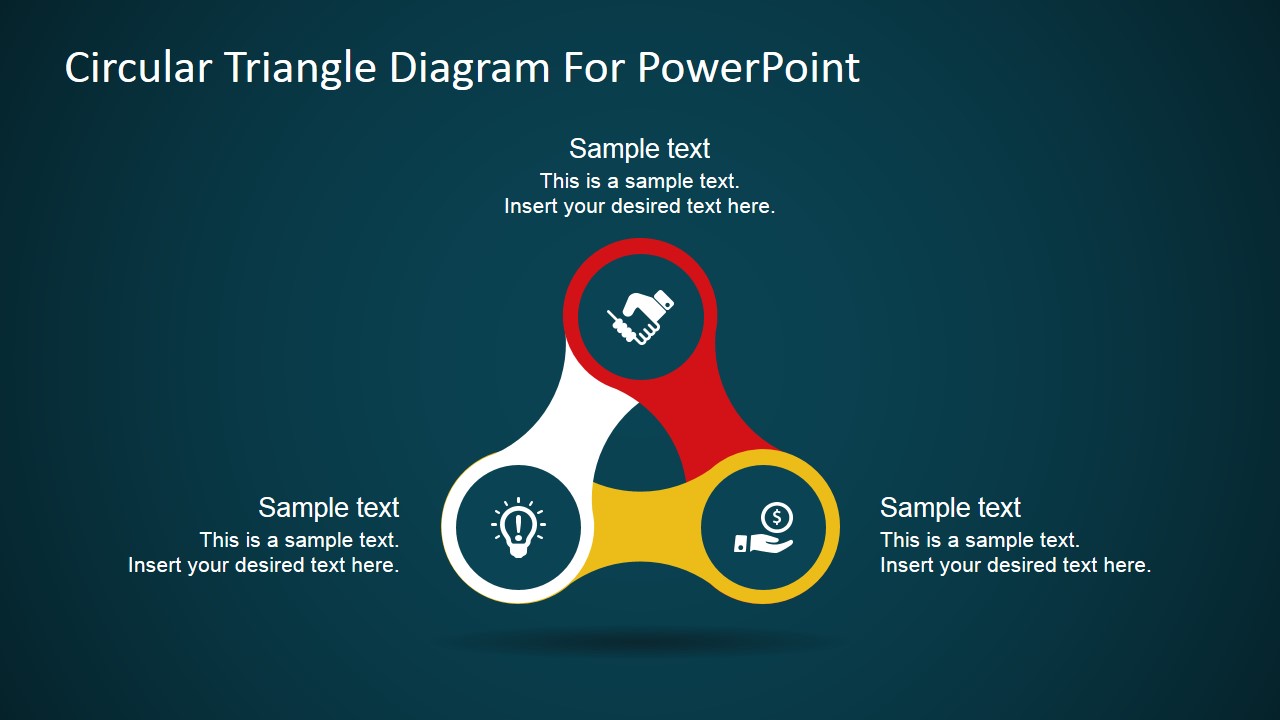
Triangle Circular Nodes Diagram for PowerPoint is a creative three-noded presentation template featuring a spinner illustration to represent three ideas, concepts, or topics. Create simple and appealing presentations with high-quality PowerPoint shapes and effectively convey a message to an audience.
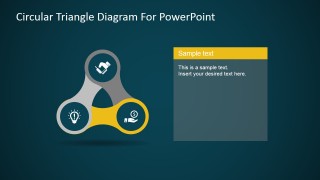
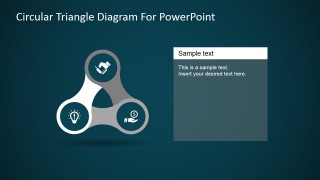
With this 3-node spinner presentation template, you can describe recurring processes with three steps. Each diagram node contains a PowerPoint icon to map the topic as a metaphor.
The Spinner PowerPoint Template Diagram with 3 Nodes is the perfect way to visually represent three ideas or concepts in a fun and engaging way. Ideal for presentations, this spinner template with circular nodes diagram features a spinner illustration with three circular nodes. Each node contains a PowerPoint icon representing a different topic, making it easy for your audience to understand and follow along. You can use this diagram to describe recurring processes with three steps or to map out any other type of information that would benefit from a visual representation and metaphors. With high-quality PowerPoint shapes and a professional tone of voice, this spinner slide template will help you create an appealing and persuasive presentation that effectively communicates your message.
What’s inside this template
Example presentation scenarios
- A consultant can use the three-node spinner overview to introduce a client framework with three equal pillars, then use the highlighted node slides to explain each pillar one at a time.
- A product manager can present three product priorities by placing a feature, customer, or revenue icon in each node and using the right-side text panel for the supporting rationale.
- A training facilitator can map a simple three-step learning cycle with the circular triangle diagram so participants see the relationship between concepts before discussing each step.
- A sales presenter can compare three value drivers with the icon nodes and use the color-highlighted focus slides to keep attention on the current point.
Features
- 100% editable presentation template
- Compatible with Microsoft PowerPoint and Google Slides
- 16:9 aspect ratio slides
- Scalable vector shapes, icons and illustrations
- AI-Ready for Microsoft Copilot and Claude
- Instant access and download
Frequently asked questions
Q: How should a presenter structure a message with this three-node spinner diagram?
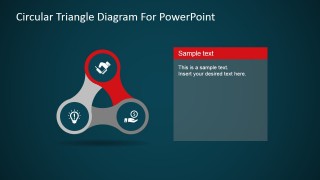
A: Start with the overview slide to name the three ideas and define why they belong together. Then move through the focus slides in the same order every time, using the colored segment and right-side text panel to explain one point only. Keep each node label short so the circular relationship remains easy to read.
Q: Who is this template best suited for?
A: This template fits presenters who need to explain a three-part framework, cycle, or comparison without showing detailed data. Consultants, product teams, trainers, and sales teams can use the icon nodes to anchor abstract ideas such as priorities, benefits, responsibilities, or service components for a business audience.
Q: Why does the spinner metaphor help communication?
A: The spinner shape makes the three nodes feel connected and balanced, rather than listed as separate bullets. The icons add quick meaning, while the color-highlighted variations create a natural zoom-in effect. This supports a presenter who wants to move from a shared overview to focused explanation.


Triangle Circular Nodes Diagram for PowerPoint
4-slide diagram presentation template for three-step spinner nodes, icons, and circular process explanations
Triangle Circular Nodes Diagram for PowerPoint is a 4-slide diagram presentation template for explaining three related ideas or a recurring process. It includes a three-node spinner diagram, icon callouts, a single highlighted node view, and text-panel variations for presenters in Microsoft PowerPoint and Google Slides. The shapes and vector icons can be recolored or resized.
- Category
- Diagrams
- Rating


 Loading...
- Aspect ratio
- 16:9, 4:3
- Item ID
- 7166-01
- Colors
 Microsoft PowerPoint
  Microsoft Copilot
  Claude for PowerPoint
 Other formats supported
Subscribe today and get immediate
access to download our PowerPoint templates.