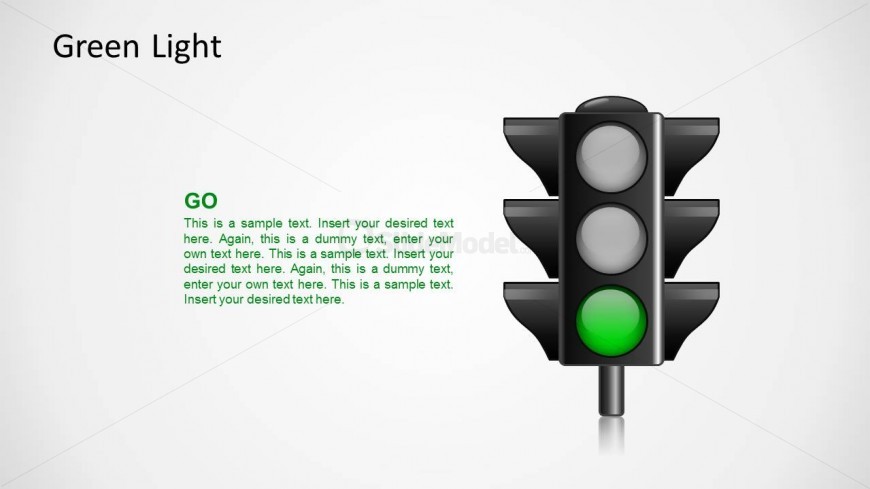
Slide 4 of 5 from Traffic Lights Shape for PowerPoint
Traffic Lights for PowerPoint Go Green Light
Green Light Traffic Signal Slide
- Shape Object
- Other
- Process Slide
- 16:9
- 100% Editable
The Green Light Signal slide from the Traffic Lights Shape for PowerPoint template visually represents process initiation and project approval using editable shapes and vector icons. Ideal for business presentations, this slide layout highlights decision-making and marketing launch stages with clear visual cues, enhancing communication in corporate slide decks and pitch deck templates.
What’s on This Slide
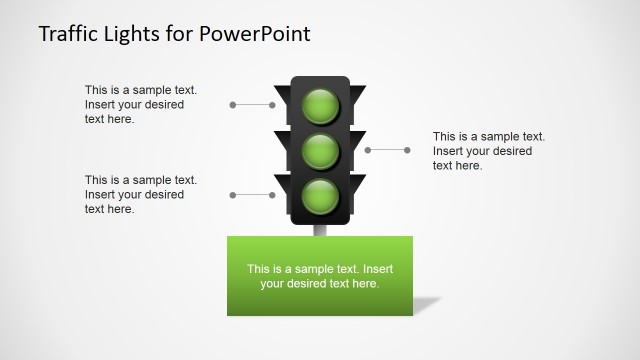
The slide features a vertical traffic light graphic positioned on the right side. The traffic light displays three circular lights: the top two are gray, and the bottom light is green, indicating 'GO.' To the left, there is a text placeholder for the title, aligned at the top, and another placeholder for the body text below it. The body text is green and contains multiple lines of dummy text. The background is a light gradient, enhancing the visibility of the traffic light. The overall layout emphasizes the signal's importance.
How to Use It
This layout serves as a visual representation of a traffic signal, specifically focusing on the green light. It fits well in presentations discussing processes, approvals, or go-ahead signals in business contexts. This slide can be used in project management to indicate readiness or in marketing to signal a launch. It is effective for illustrating concepts that require a clear visual cue for action or progression.
Text Placeholders & Capacity
Keep your copy within these limits so it fits without resizing. Body text slots can hold approximately 50-60 words each.
| Placeholder | Count | Max characters (approx.) |
|---|---|---|
| Slide title | 1 | 20 |
| Item body | 1 | 300 |
Slide Keywords
Download unlimited PowerPoint templates, charts and graphics for your presentations with our annual plan.
DOWNLOADReturn to Traffic Lights Shape for PowerPoint.