Slide 5 of 5 from Traffic Lights Shape for PowerPoint
3 Traffic Light Illustration Shape for PowerPoint
Traffic Light Shape for PowerPoint Slide
- Shape Object
- Other
- Concept Explanation Slide
- 16:9
- 100% Editable
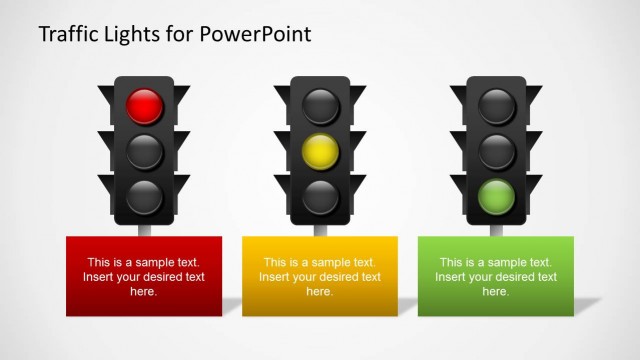
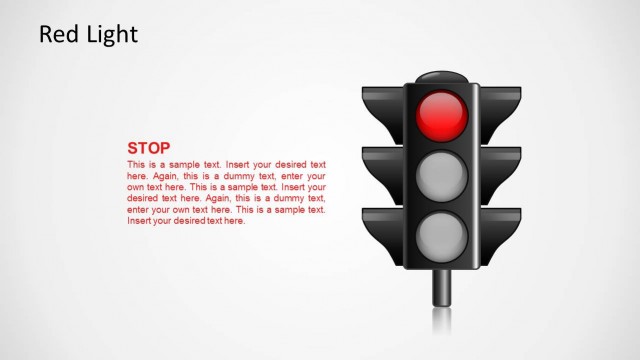
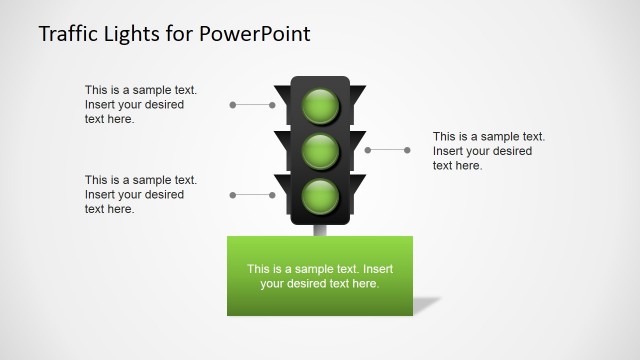
The Traffic Light Shape with Text slide from the Traffic Lights Shape for PowerPoint template offers a clear visual tool for project status updates and decision-making frameworks. This slide layout uses editable shapes and color-coded signals to represent stop, wait, and go stages, making it suitable for risk assessment presentations within corporate slide decks.
What’s on This Slide
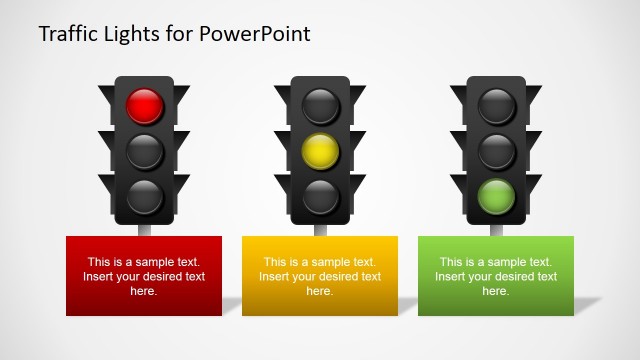
The slide features a vertical traffic light shape positioned centrally. It contains three circular lights colored red, yellow, and green, stacked vertically. Each light has a corresponding text placeholder aligned to the right, with the red light's text at the top, yellow in the middle, and green at the bottom. The text placeholders are organized in a linear fashion, with varying colors for each section: red, orange, and green. The background is a light gradient, enhancing the visibility of the traffic light and text elements.
How to Use It
This layout serves as a visual representation of a traffic light, ideal for illustrating concepts of stop, wait, and go in various contexts. It fits well in presentations discussing decision-making processes, project phases, or status updates. The slide can be effectively used in business scenarios such as project management, risk assessment, or any situation requiring a clear, visual signal for actions or statuses.
Text Placeholders & Capacity
Keep your copy within these limits so it fits without resizing. Each text slot can accommodate around 15-20 words comfortably.
| Placeholder | Count | Max characters (approx.) |
|---|---|---|
| Item body | 3 | 100 |
Slide Keywords
Download unlimited PowerPoint templates, charts and graphics for your presentations with our annual plan.
DOWNLOADReturn to Traffic Lights Shape for PowerPoint.